LaunchPad
https://www.ketron.it/images/ketron/Manuali_HTML/SD9/english/78_launchpad.html[12/05/2020 16:24:01]
-LAUNCH PAD-
Introduction
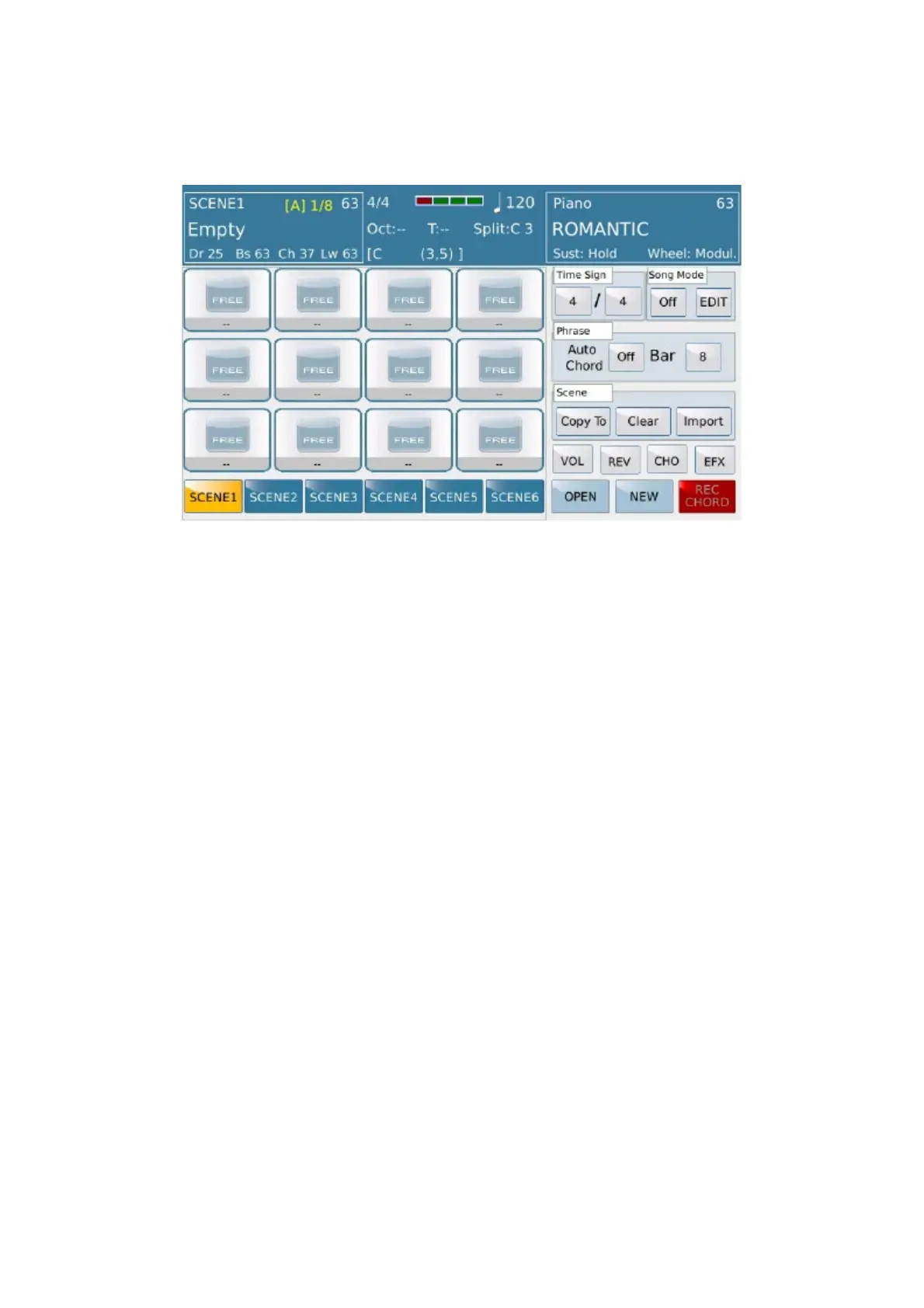
LAUNCH PAD environment is absolutely 'something new' by Ketron which introduced for the first time in the SD
9keyboard. Is a structure where you can build sequences of various types using different formats (audio and Midi)
where the only limit will be ”your imagination”. In detail this work surface can manage audio loops, instrumental
phrases created by you or imported by the huge internal archive made available by Ketron. Just to give you few
examples, you can create something with same way used in Arranger Section with all midi resources and therefore
controllable in terms Time and Tune but outside the harmonics conflicts that unfortunately the arranger sometimes
imposes. Unlike with the audio you can achieve harmonic and / or rhythmic structures where re invent your way of
make entertainment. Figure out to cut audio part ( or slice ) from your favorite Hit (Intro / Chorus, Special, etc.
Etc.) Put any of these components in dedicated PAD or its SCENE. At this point your Hit can be played in your way
as you want it in real time, while enriching performances from time to time by adding tools, Riff, EFX and what
your musical imagination will suggest, re design the song structure as you will want ..... all LIVE just in real time
!!
LAUNCH PAD environment based on 12 pads for each one of 6 scenes for a total of 72 independent pads.
Figure each pad such a depot for sequences (tables, tracks) music that can be assigned:
1) Tables midi taken from the internal database (see Modeling), or midi tables recorded on instrument by the user or
programmed with a music editor on computer and then imported into the instrument (copy).
2) Audio Files in .wav format with sample rate 44100 /16 bit stereo format.
HOW TO
Accessed by pressing the LAUNCH PAD Panel button.
Exits available by pressing LAUNCH PAD again (if played will be stop ).
Press EXIT button to exit the menu. It do not turn off Menu ( LED on LAUNCH PAD is ON).
By pressing EXIT or LAUNCH PAD again Main menu is available yet.



 To Next Page