4 Voice Setting
https://www.ketron.it/images/ketron/Manuali_HTML/SD9/english/11_4%20voice%20set.html[12/05/2020 15:59:15]
4 Voice Setting
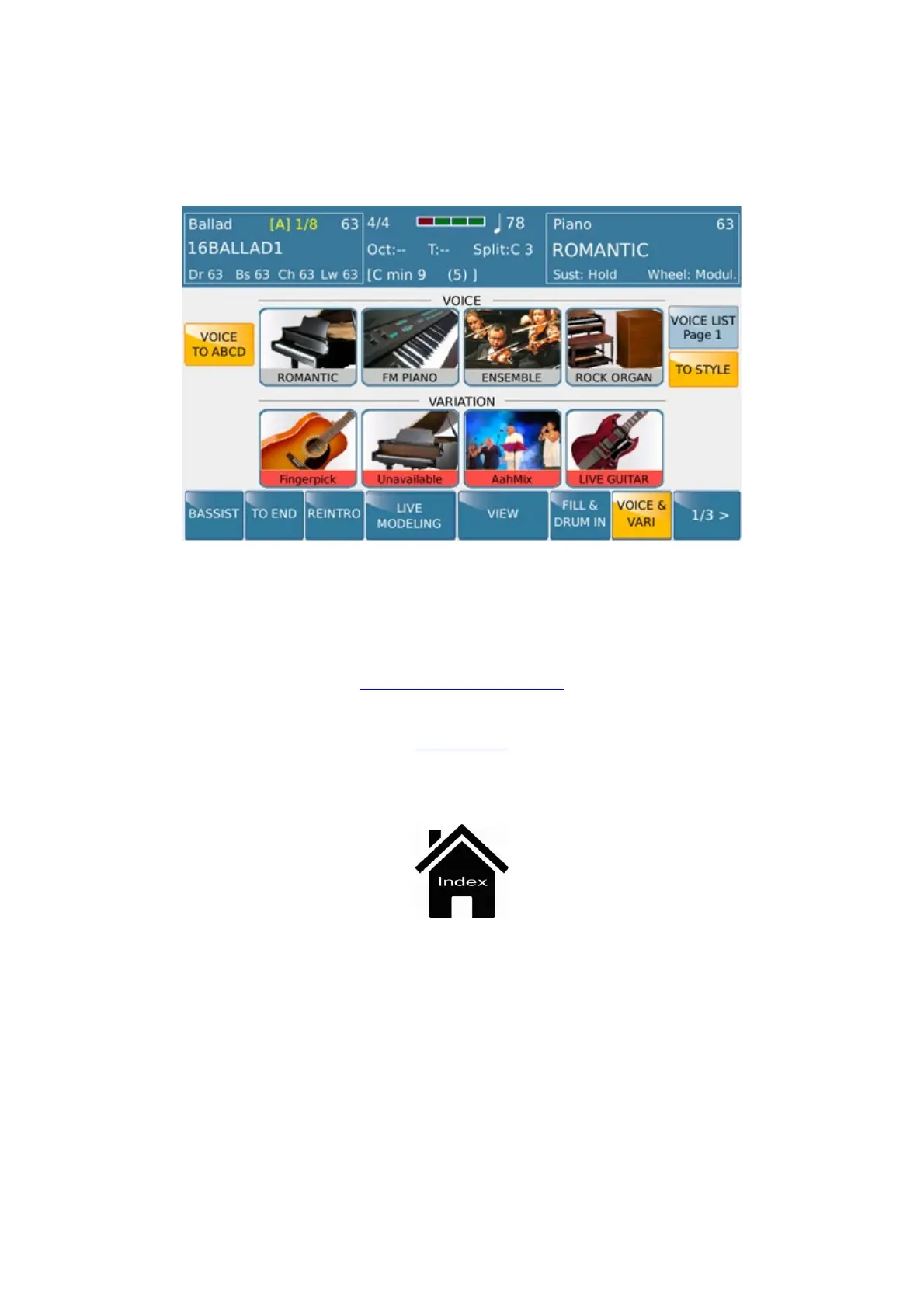
With the virtual VOICE & VARI key enabled, simply touch one of the icons of the 4 sounds or layers
assigned to the Upper section of the keyboard to open the following screen.
The sound categories are displayed on the top right hand side of the screen while the sounds available for the
category selected are displayed on the top left hand side of the screen. Select as usual by first selecting the category
and then the sound to assign to the layer selected. Press EXIT to return to the previous screen.
Arranger Setting
STYLE



 To Next Page