Tempo
https://www.ketron.it/images/ketron/Manuali_HTML/SD9/english/50_tempo.html[12/05/2020 16:16:35]
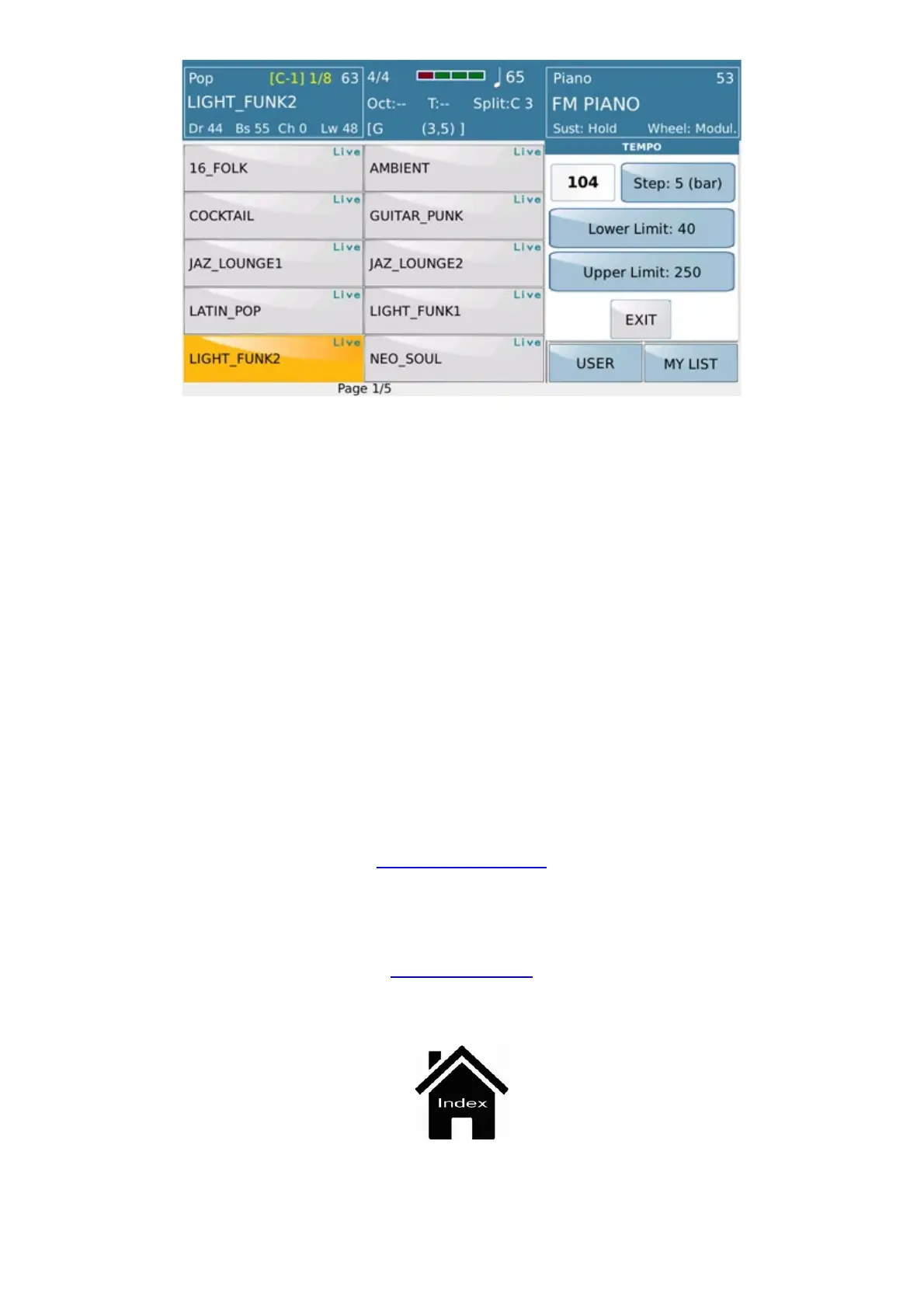
Lower Limit.
Establishes the lower value of the time in the case of / Ritardando.
In any case, the min. Range has priority. set the style in VIEW-> DRUM
Upper Limit.
Establishes the upper value of time in the case of Accellerando.
In any case, the maximum set range of the style in VIEW → DRUM has priority
The default values are Step = 5 (bar), Lower Limit = 40, Upper Limit = 250
In CUSTOM STARTUP the set values can be saved.
The values set by Accellerando / Ritardando can also be saved in any style for which the values saved in the Custom
Startup (or Default) apply, unless a style has the saved values inside it.
-
TAP: (Available only in the mode 'STYLE) (Tapping): To synchronize the time with the "drumming" of fingers.
PLAYER GM
Front Panel



 To Next Page