Tempo
https://www.ketron.it/images/ketron/Manuali_HTML/SD9/english/50_tempo.html[12/05/2020 16:16:35]
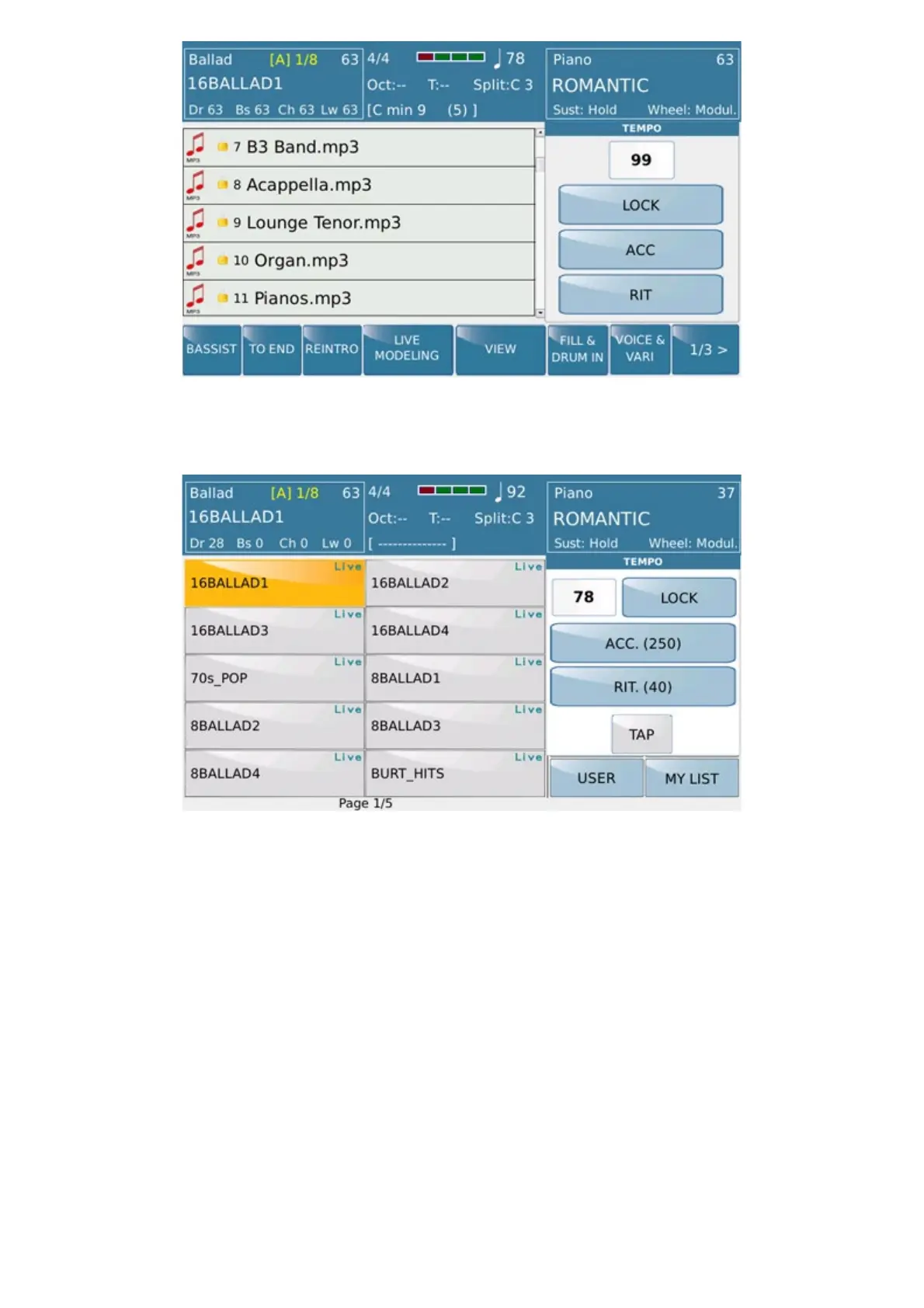
Here as displayed from STYLE menu:
STYLE MENU
In both menus will be available the following functions:
-
LOCK: Locks the speed while you are playing a file and also between songs
- ACC: (Accelerating) Increases the speed of the file you are playing at intervals of 5 BMP
- RIT: (Delaying): Decreases the speed of the file you are playing at intervals of 5 BMP
In STYLE mode (led on).
Pressing the TEMPO- and TEMPO + buttons at the same time menu
of time functions is showed .
Pressing and holding down the ACC box. (When style is on Stop) You enter the edit of Accelerando and Ritardando.
Pressing EXIT in the menu or EXIT will return to Normal operation.
In edit mode we have the functions Step, Lower Limit, Upper Limit.
Step:
If selected, the Accellerando / Ritardando step can be changed
Range from 1 to 20 (bar) means that the time is adjusted to the amount set for each measurement.
Range from 1 to 20 (beat) means that the time is adjusted to the amount set each quarter.



 To Next Page