LaunchPad
https://www.ketron.it/images/ketron/Manuali_HTML/SD9/english/78_launchpad.html[12/05/2020 16:24:01]
: Sequence will stop automatically when it reaches the end. Pressing the pad it begins again.
- KEY MODE :Pressing and holding the pad Sequence continues to play, quit pad to Stop sequence. Use
this way to enter on Pad properties also.
- BEAT/BAR:Allows Sync between Pads when used on Play or Mute mode.
On Beat mode mute is disabled on any start measure.
On Bar mode mute is removed on any start measure.
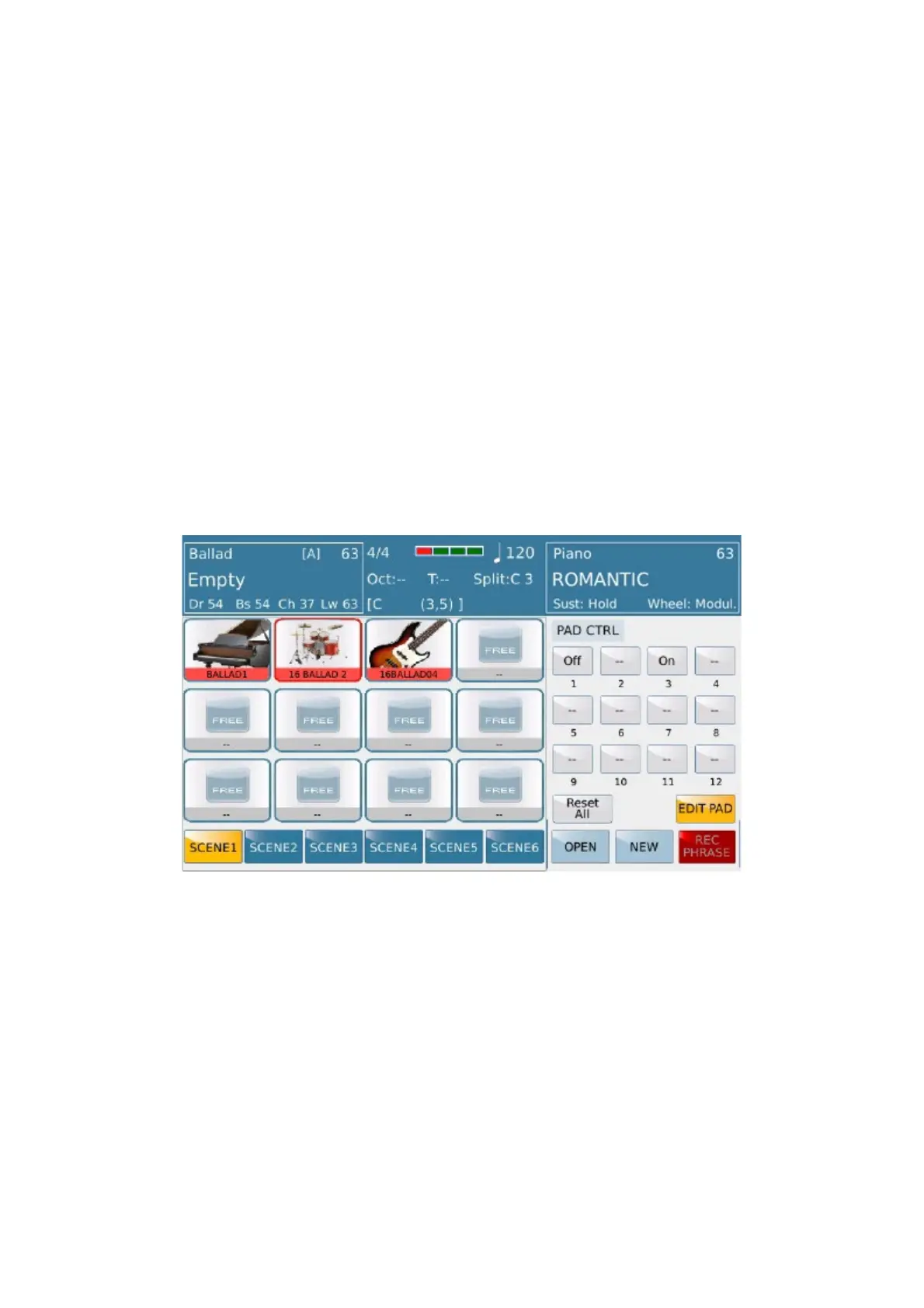
-PAD CONTROL: Press this button to opens a menu where you can choose how any pad can operate
among other pads.
Off: To Mute pads when it play
On: To enable Pads when it play..
Feature will be ignored if not assigned on pad. Reset All button restore default set “--” where pad will not operate
among other pads
CHORD MODE: Enabled for all tables except Groove, Drum kit, Audiodrum, Wave, Harmonic/Melodic.
-HARMONIC:Pad follows arrangements on the same way as played on keyboard style.
-MELODIC: Pad follows sequence as well is done without any kind of chord adaptation
Only on Melodic mode Root selection is allowed by Trnsp button
-PARALLEL/CLOSE:Only on Harmonic mode user can select Close or parallel Chord recognition
(see on Style section).



 To Next Page