Utility
https://www.ketron.it/images/ketron/Manuali_HTML/SD9/english/82_sample_editor.html[12/05/2020 16:30:30]
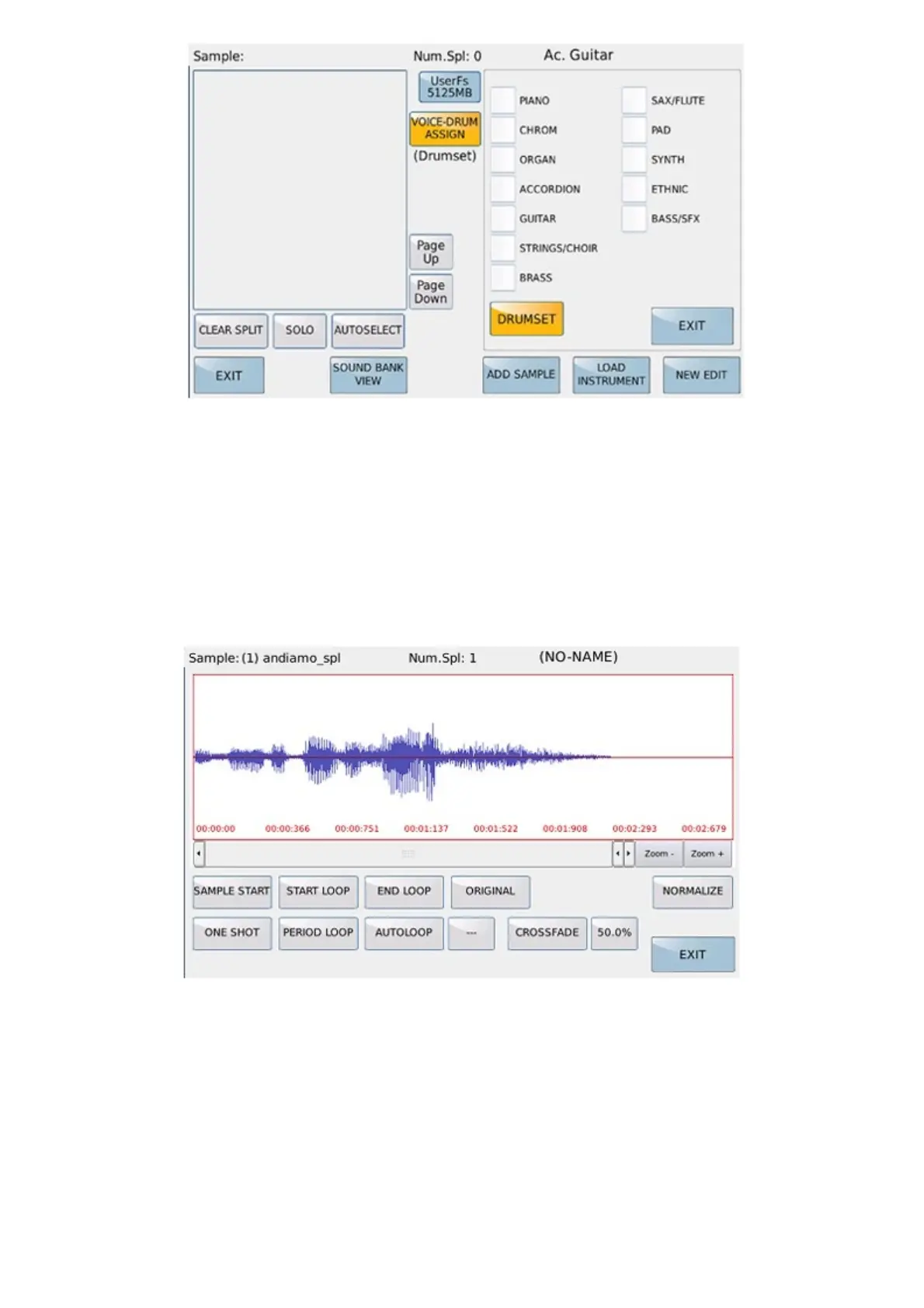
It allows to assign the family of the voices in which the instrument will be displayed once edited and saved, or
alternatively if the sound is a drum set. The instrument is a GM sound with bank = 100 and pch 0-30.
To access the selection of the family there must be at least one sample in the Sample editing list.
DRUMSET: Allows to assign the instrument to the drum set.
AUDIO EDIT
The AUDIO EDIT environment allows the display of the sample and some operations to create the loop.
LOCATORS:
SAMPLE START starting point of the sample
END LOOP conclusive point of the sample
START LOOP loop point.
Locators can be moved using the dial or touch at the desired point in the sample graph.
ORIGINAL
Resumes the original START, END, LOOP settings.



 To Next Page