Split
https://www.ketron.it/images/ketron/Manuali_HTML/SD9/english/58_split.html[12/05/2020 16:21:26]
Split
-
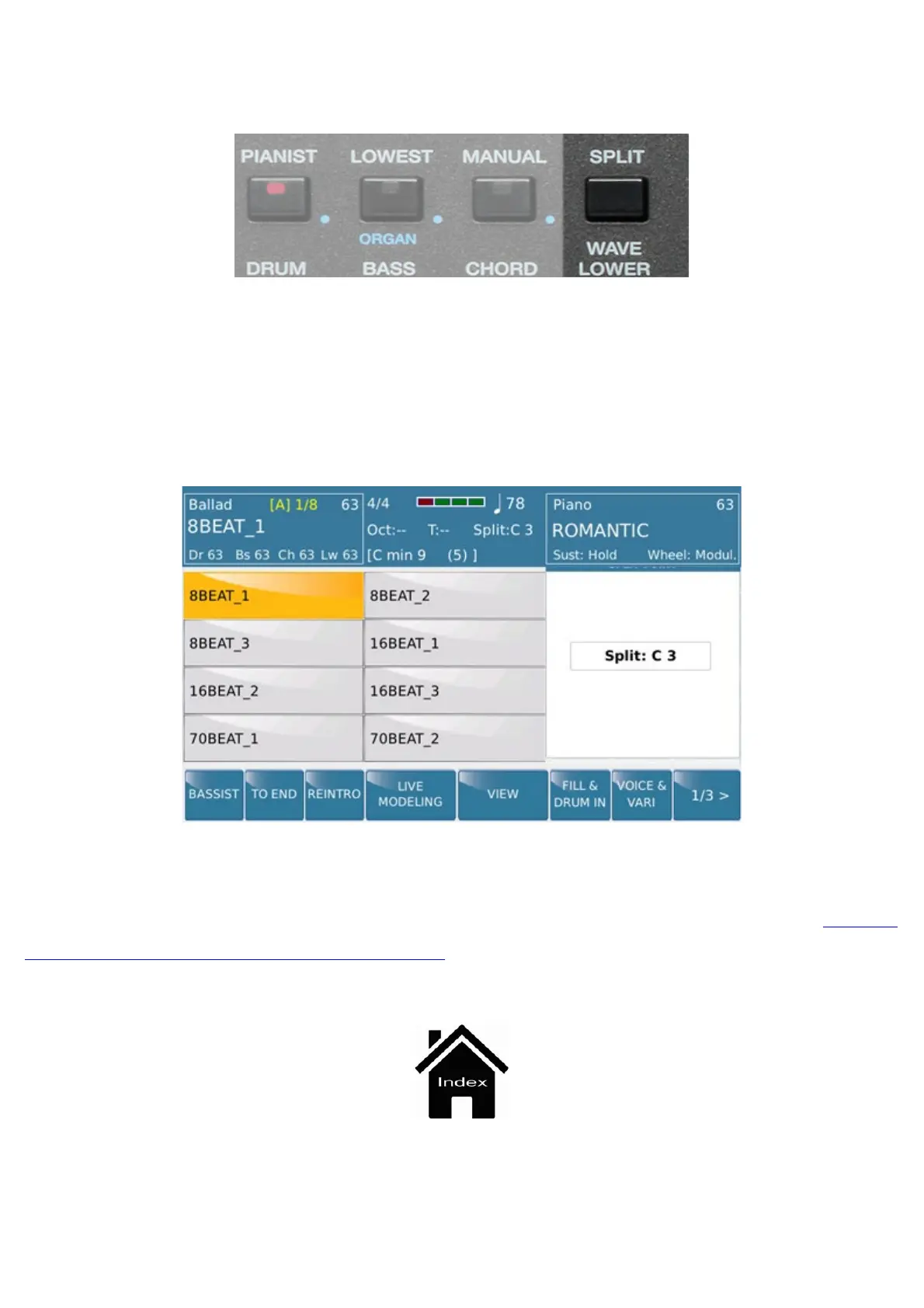
SPLIT: Selecting this tab and pressing a note on the keybed, Split area is determined from Lower section (left)
to the Upper (right) of the keyboard.
Here is the screen that appears when operating on this function:
After selecting desired Split Point release Split tab to return to the previous menu. The Split selection done will
remain available until the next power on of SD9. To store this setting it will be necessary using the
SAVE
CUSTOM / FACTORY STARTUP feature.



 To Next Page