Audio Recording
https://www.ketron.it/images/ketron/Manuali_HTML/SD9/english/57_audio_recording.html[12/05/2020 16:22:48]
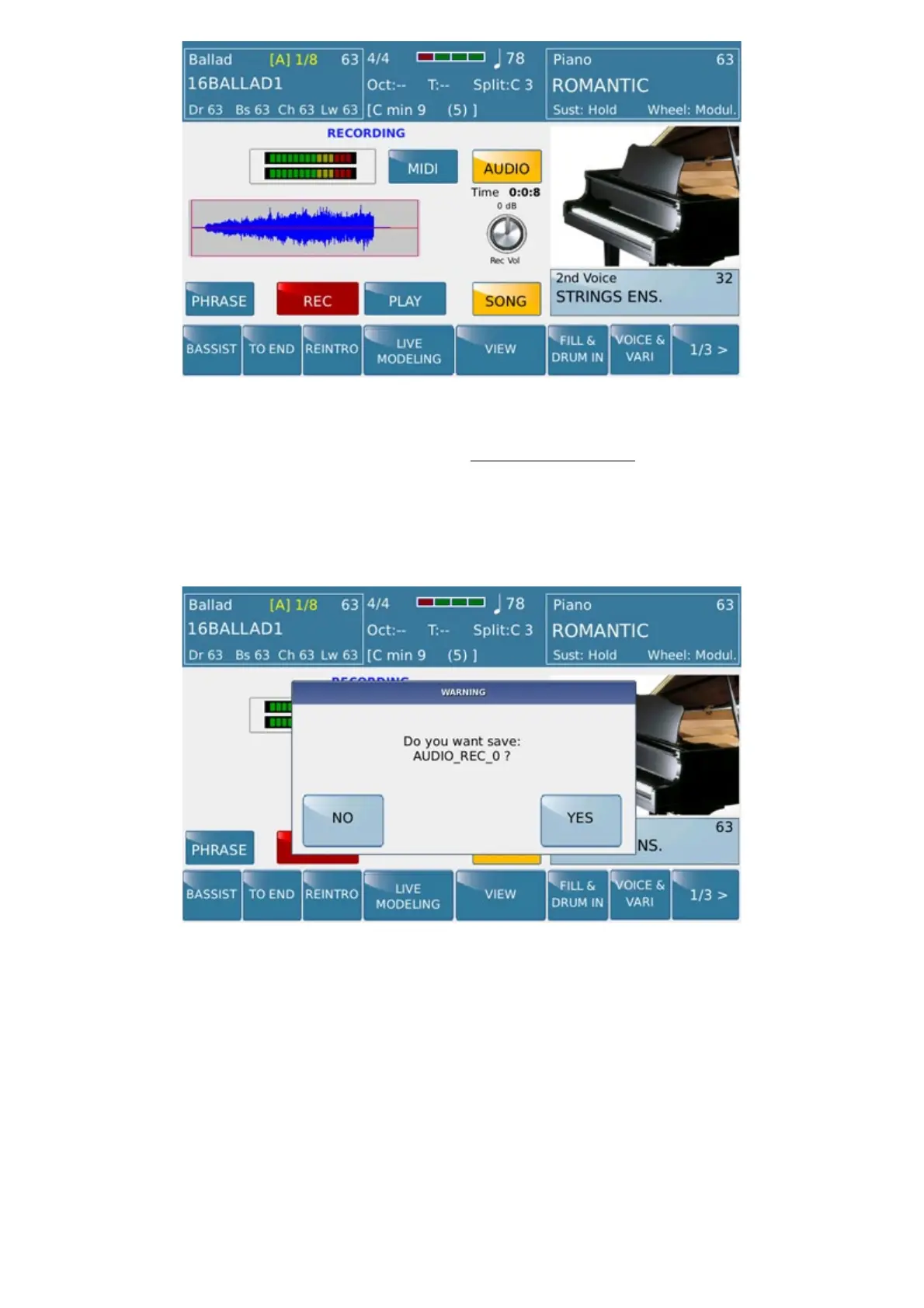
In case of a wrong recording User can back on Recording mode again from this view however.
Otherwise, pressing WAVEFORM icon you can access the
Audio Editor menu for further editing on
recorded track
Or saving SONG by pressing Save button on the right side of the display.
SD9 sets a default name (ordered chronologically ) after confirmation User can rename file and assign on SD9
memory.



 To Next Page