LaunchPad
https://www.ketron.it/images/ketron/Manuali_HTML/SD9/english/78_launchpad.html[12/05/2020 16:24:01]
SINGLE PAD ASSIGN
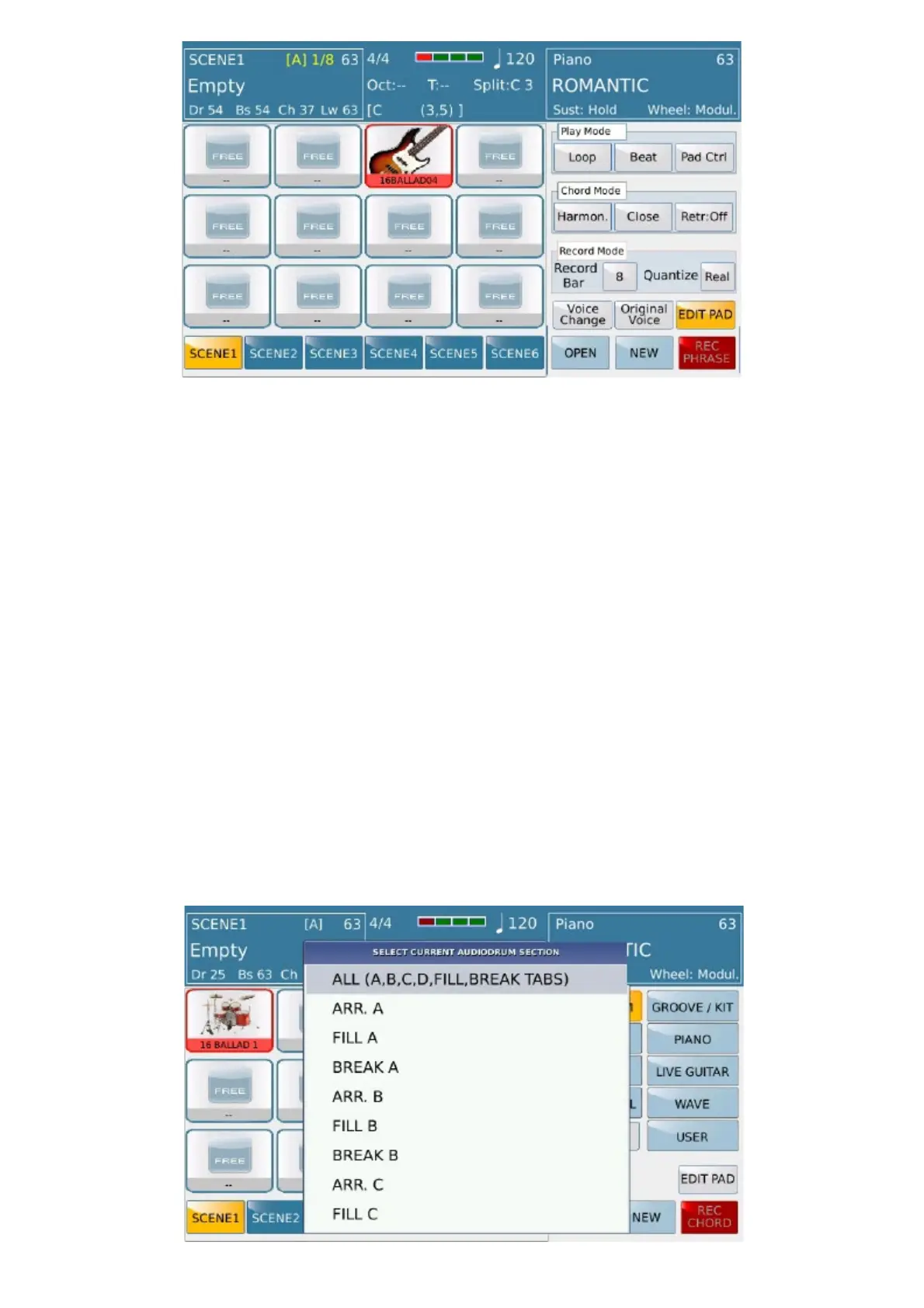
Pressing the inner area of a pad of any scene, it is surrounded by a red line and the right of the screen area will allow
you to select, both in Start mode (automatically putting them in play) or when in STOP , different types of sequences
:
1) Internal Audiodrum (Live Modeling) in .grv format and Livedrum / User Livedrum (Audya streaming format)
2) Internal Midi Groove tables (Live Modeling)
3) Drum kits (details will be explained later)
4) Bass, Piano, Guitar, Orchestral / Synth internal tables (Live Modeling and user Live Modeling).
5) Live Guitar (can be assigned to more than one pad but it will sounds one at a time)
6) User Tables recorded or saved by the user (0 midi file format, single channel, 480 ticks / quarter note resolution).
7) Wave Files (up to a maximum of 3 per scene).
All types of tables are divided into families based on the represented musical genres.
CLEAR button remove table assigned on pad.
.
Audiodrum:



 To Next Page