Utility
https://www.ketron.it/images/ketron/Manuali_HTML/SD9/english/82_sample_editor.html[12/05/2020 16:30:30]
How it works:
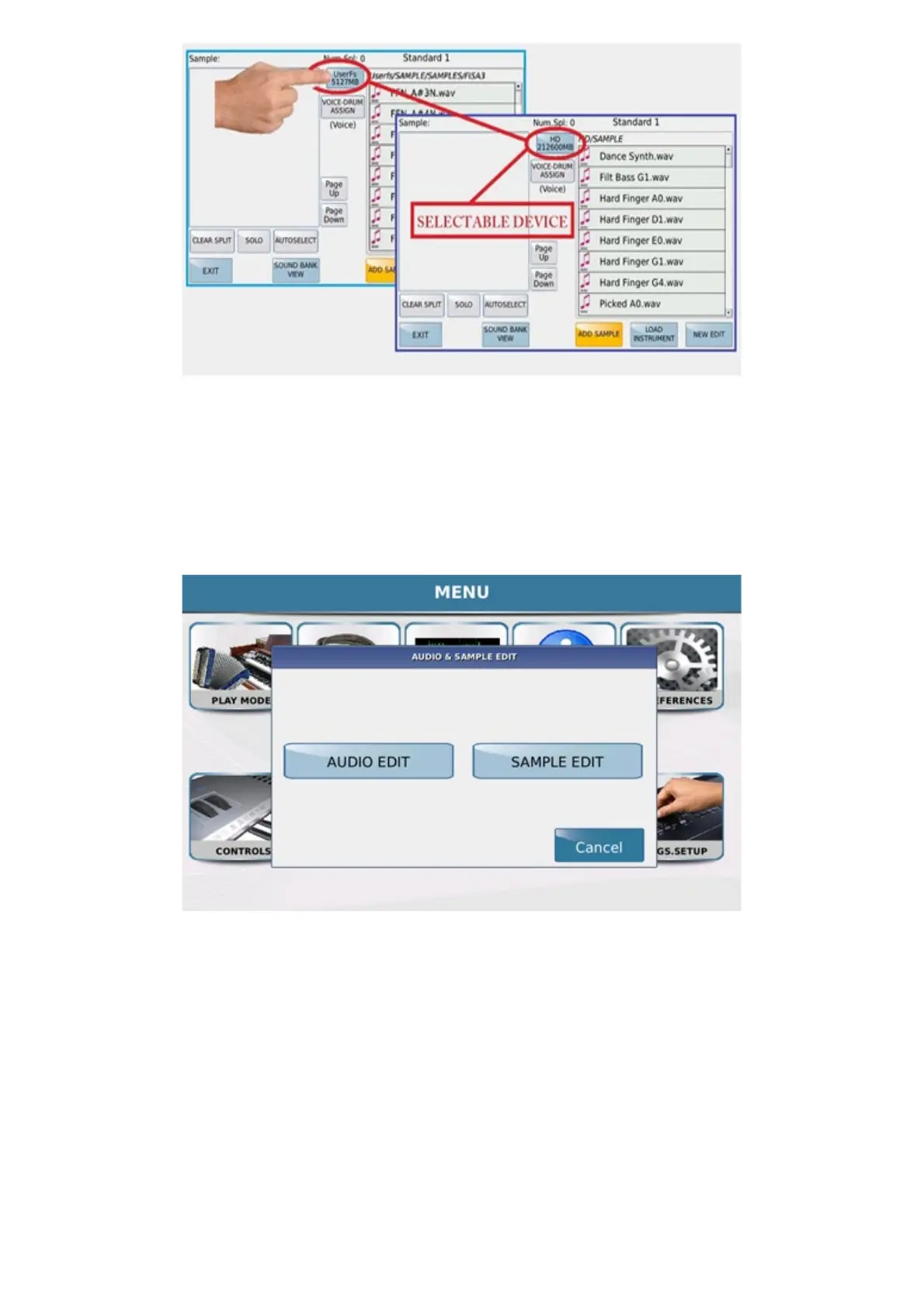
The Sample Edit is browsed from MENU → AUDIO / SAMPLE. In the pop up choose SAMPLE EDIT DIT
FIRST ACCESS (INITIALIZATION)
USER SOUND BANK WILL BE INITIALIZED FOR FIRST TIME.
The first time you access Sample Edit, you will be asked to initialize the sound bank in flash of the sounds.
Press CONTINUE to format



 To Next Page