Utility
https://www.ketron.it/images/ketron/Manuali_HTML/SD9/english/82_sample_editor.html[12/05/2020 16:30:30]
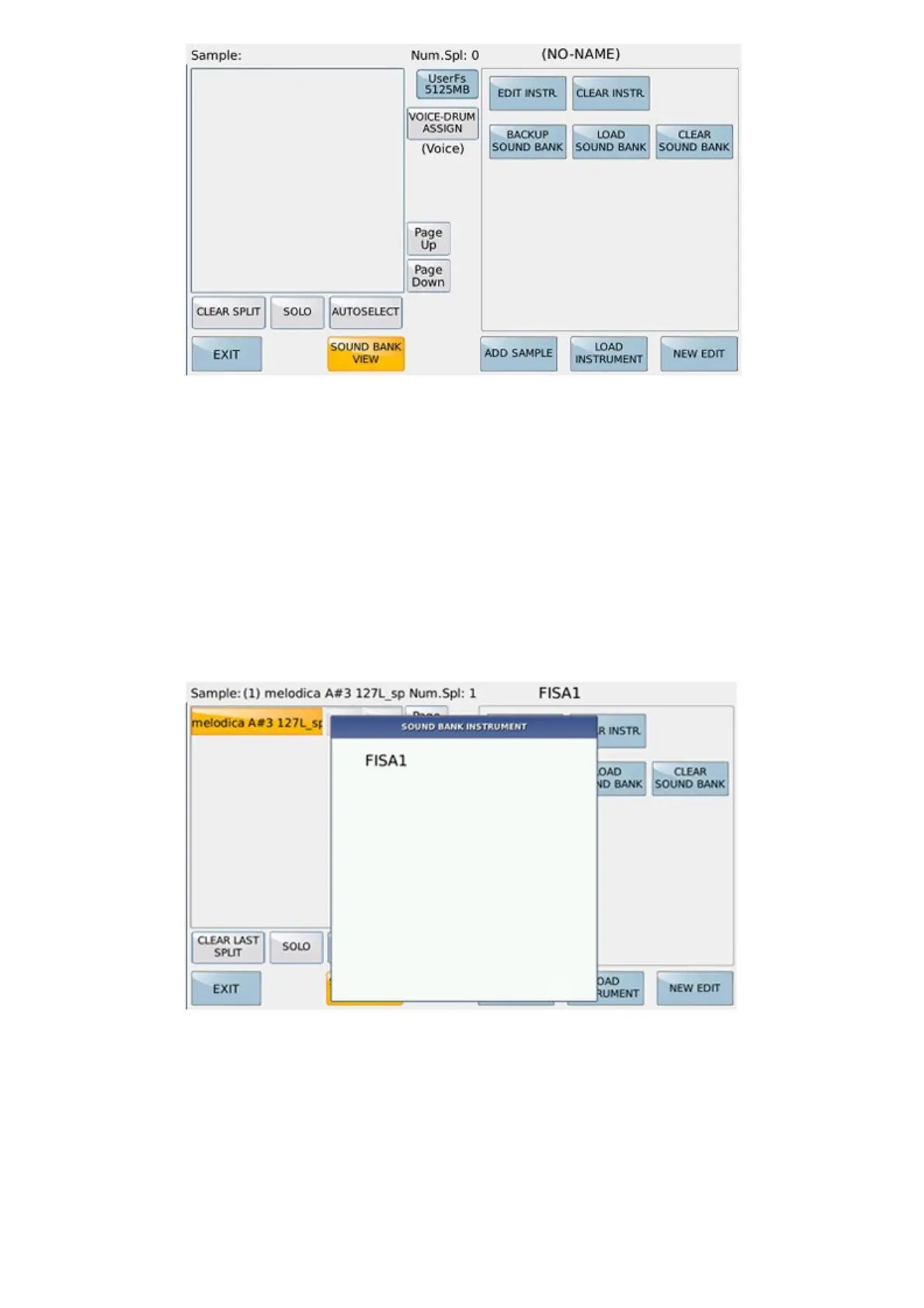
SOUND BANK VIEW button accesses the functions that can be performed directly in the flash of the sounds.
EDIT INSTRUMENT:
It allows to edit an instrument among those present in the Sound Bank in the Flash memory
A pop-up opens in which all the instruments present in the sound bank are displayed
Selecting the sound will be loaded in the Edit area.it.
CLEAR INSTRUMENT:
It allows to delete an instrument present in the sound bank and in the Flash memory



 To Next Page