Live FX
https://www.ketron.it/images/ketron/Manuali_HTML/SD9/english/10_filter.html[12/05/2020 15:58:00]
Filter
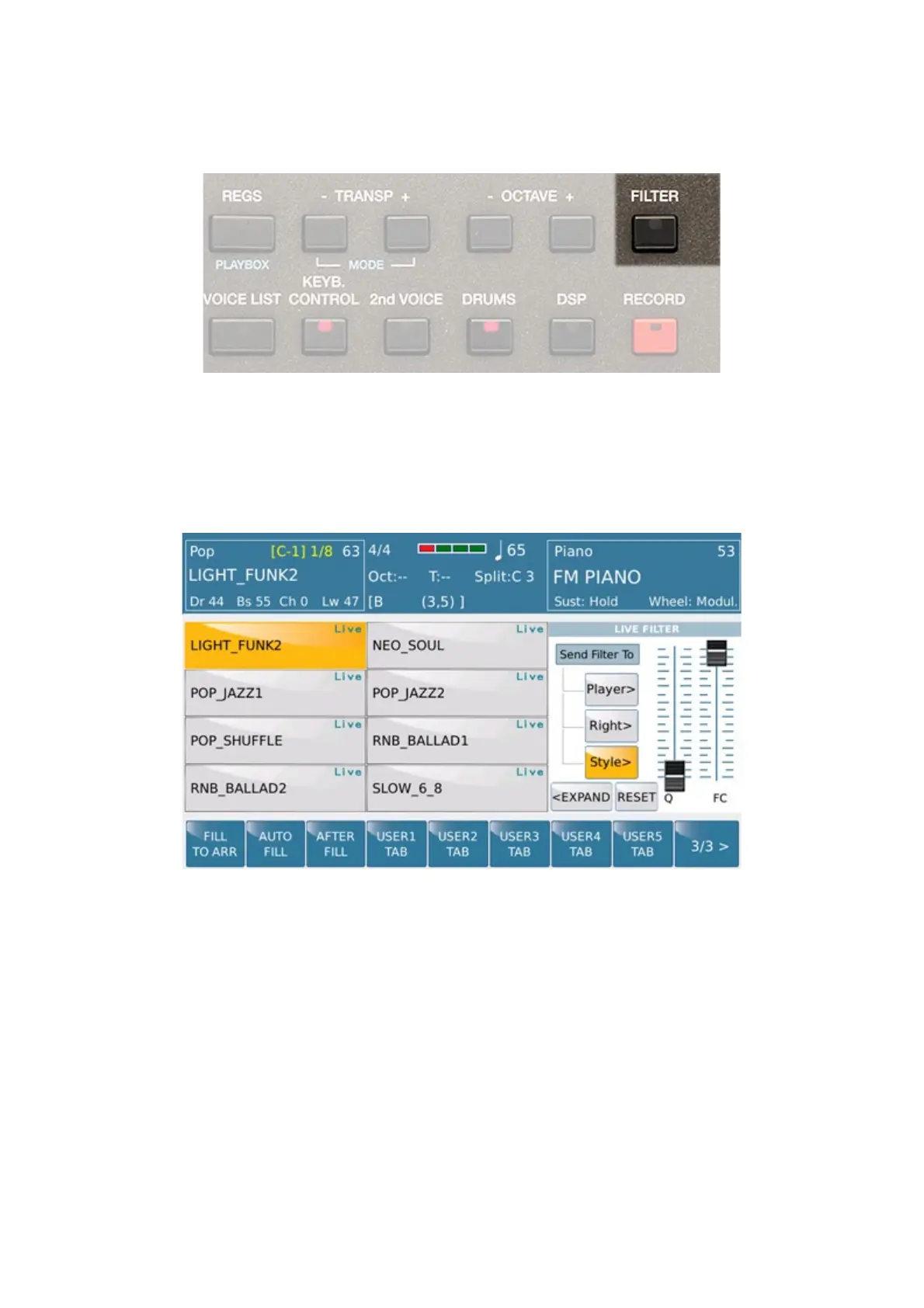
This menu allows the management in real time by slider dedicated to some special parameters suitable on selected
sections. The sliders are with ther placed on the right side of the SD9 display (Q, FC ). Press the FILTER tab to
enables the function (mode ON) .that appears on the main screen in the icon overlay which usually represents the
VOICE.
Here's how it looks:
The sections selected are represented by virtual box that are enabled via touch screen. Of course, these sections can
be enabled independently by the user.
Once section will be ( i.e we choose RIGHT section) User can modify in real time Voice assigned on RIGHT part
of SD9.
Features available are::
-
F C :This slider changes the cutoff frequency of the filter (Frequency Cut Off).
-Q :This slider changes the resonance level of the filter.
-PLAYER: If you are using Wave files or MP3 (on Player 1 or 2), the two sliders Q and FC, respectively,



 To Next Page