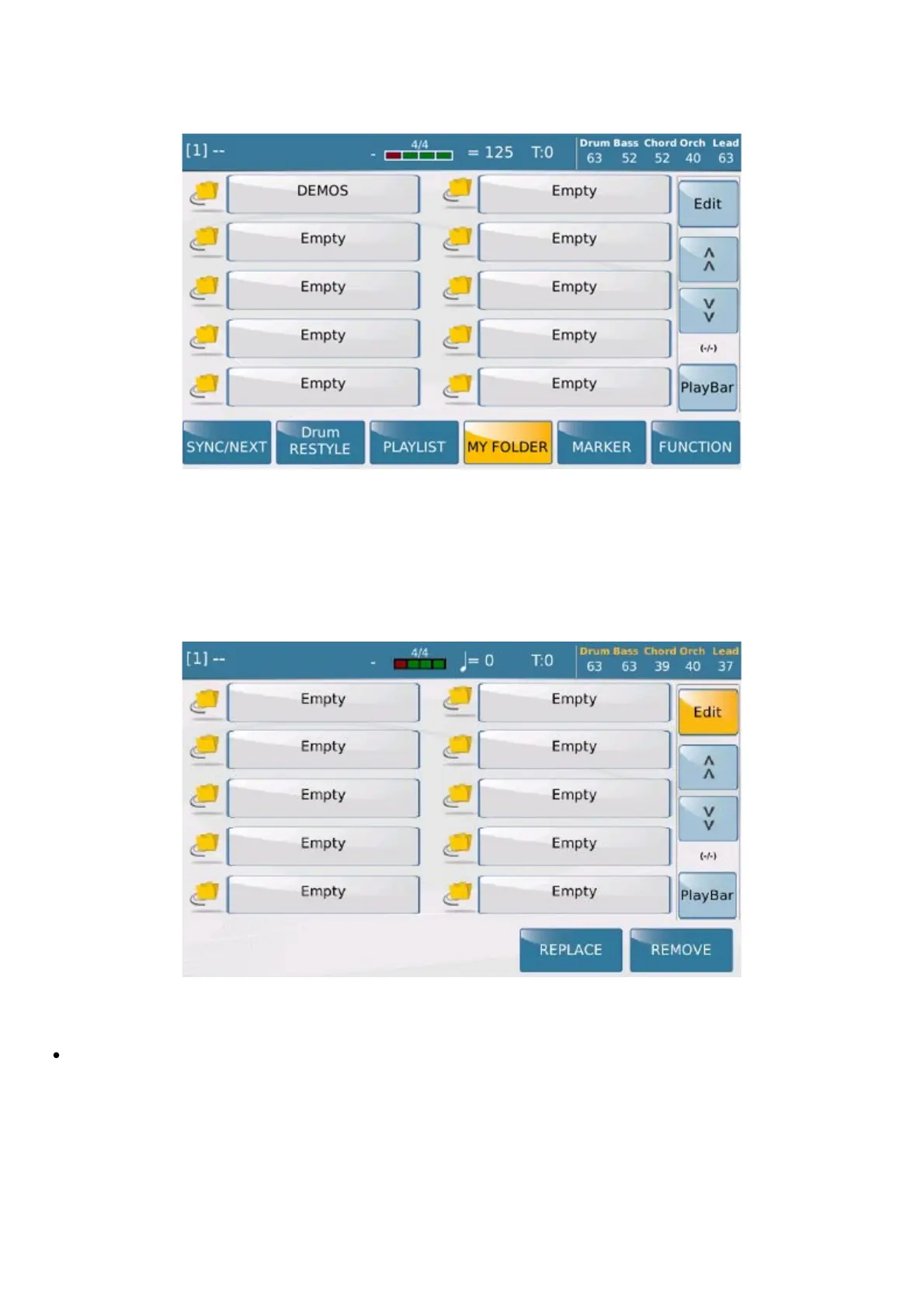
My Folder
https://www.ketron.it/images/ketron/Manuali_HTML/SD9/english/36_myfolder.html[12/05/2020 16:15:33]
My Folder
Myfolder is a shortcut to access your preferred directories. When you select this function, all the directors that have
been “labelled” myfolder (or preferred directories), will be displayed in the list of preferred directories. The function
therefore provides quick access without having to scroll through other directories and sub-directors...all you need to
do to open the directory you require is touch it.
You may manage your preferred folders by selecting
EDIT.
You may perform important activities on this page.
You may create a Myfolder directory by selecting EMPTY, and then hitting YES to confirm the
request displayed in the dialogue window.



 To Next Page