Target range
Display “TIME” – time setting
Time setting
• Enter values with “Plus” or “Minus” (e.g. 20)
Confirm with “SET”
Display: next menu
Energy consumption
• Enter values with “Plus” or “Minus” (e.g. 800)
Confirm with “SET”
Display: next menu
Distance setting
• Enter values with “Plus” or “Minus” (e.g. 7.5)
Confirm with “SET”
Display: next menu
Age
If already inputted under personal data, the age group is skip-
ped
• Enter values with “Plus” or “Minus” (e.g. 32)
Confirm with “SET”
Display: next menu
Maximum pulse
• Enter values with “Minus”
Confirm with “SET”
Display: next menu
Target pulse
• Choose by “Plus” or “Minus”.
• Fat combustion 65%, fitness 75% or manual - -
Confirm with “SET” (e.g. manual - -)
• Enter values with “Plus” or “Minus” (e.g. manual 85)
Confirm with “SET”
An overview of all setting possibilities in the pro-
grams is summarised in the tables (see page 26).
Performance
• Change performance with “Plus” or “Minus”.
Start of training
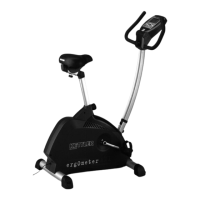
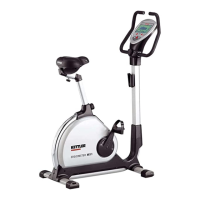
Ergometer MX1
19
GB





 To Next Page

