6) The fault or damage of the display is caused by the force majeure (e.g. fire, earthquake, etc,).
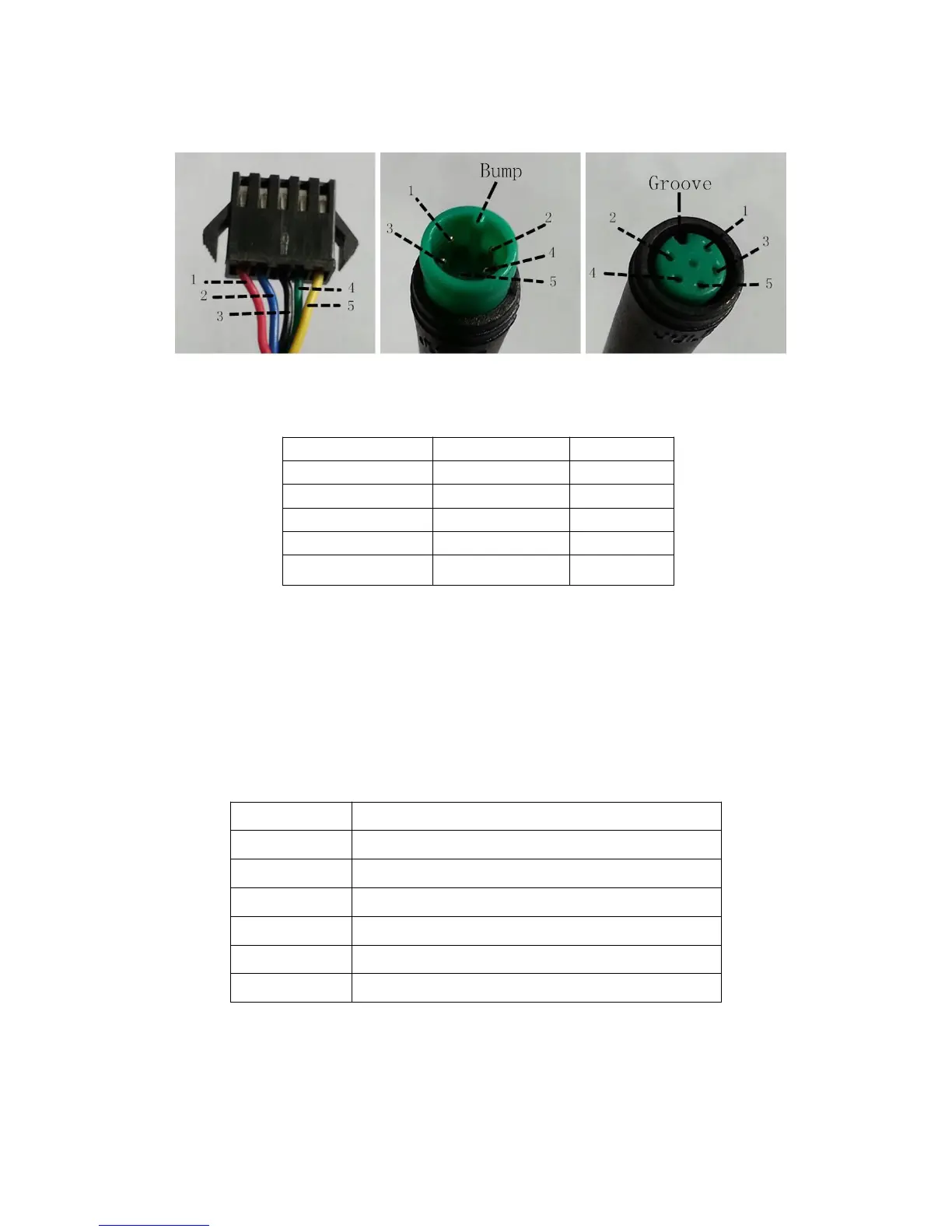
Connection layout
Connector line sequence
Display-side Connector Display-side adapter Switch
wiring
Line sequence table
■Some wire use the water-proof connector, users
are not able to see the inside color.
Operation Cautions
Be care of the safety use. Don’t attempt to release the connector when battery is on power.
◆Try to avoid hitting.
◆Do not modify system parameters to avoid parameters disorder
◆Make the display repaired when error code appears.
Attached list 1:Error code definition



 To Previous Page