◆
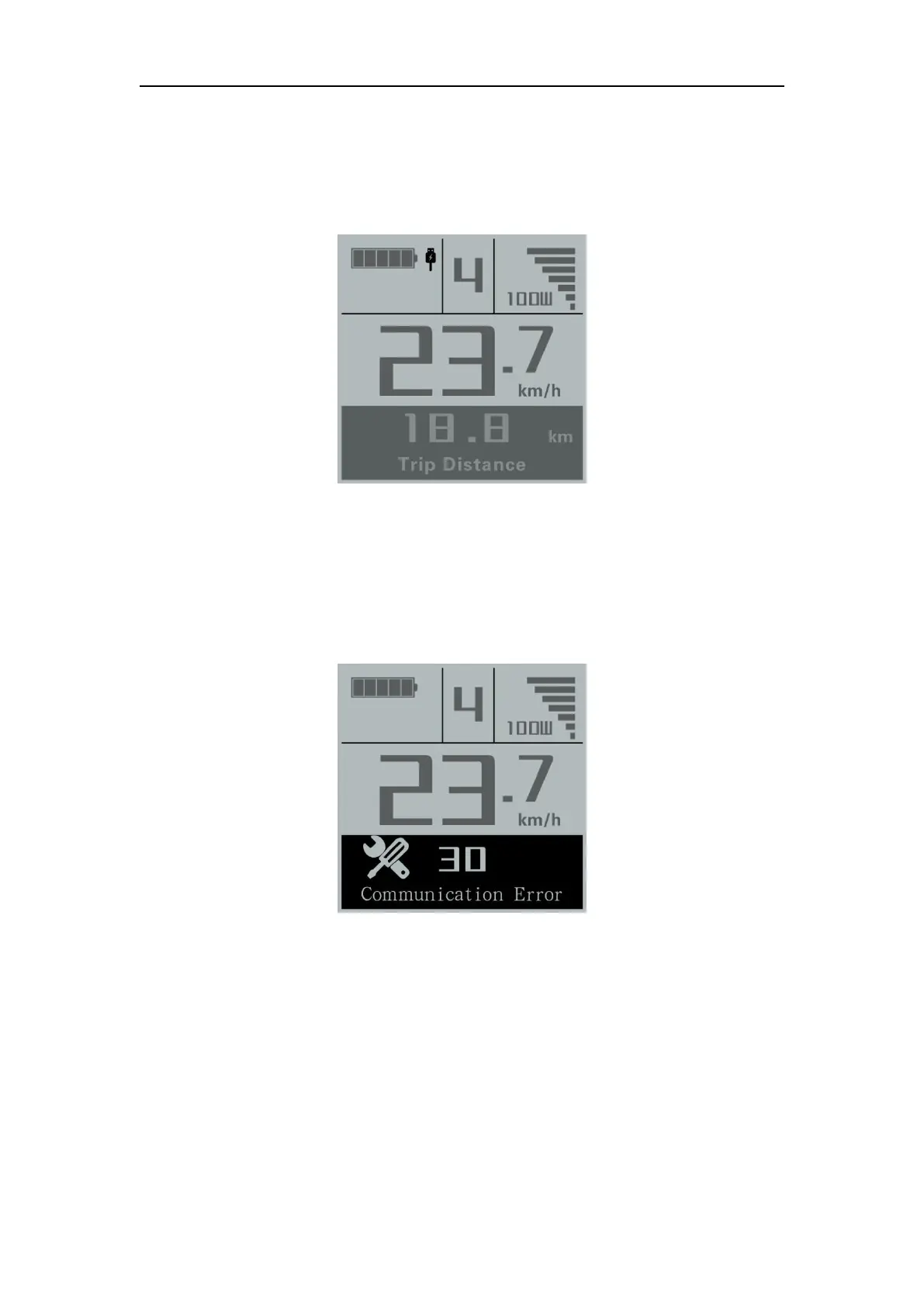
USB connection indication (optional)
When a USB external device is inserted into display, the USB connection indication
will be shown as follows:
USB Connection Indication Interface
◆
Error Code Indication
The components of the E-bike system are continuously and automatically monitored.
When an error is detected, the respective error code is indicated in text indication area.
Here is the detail message of the error code in Attached list 1.
Error Code Indication
■Make the display repaired when an error code appears. You are not able to ride the electric
bike normally.
General Settings
Press the power button to switch on the display
To access general settings menu, hold both the “+” button and the “-” button
simultaneously for 2s.



 To Next Page