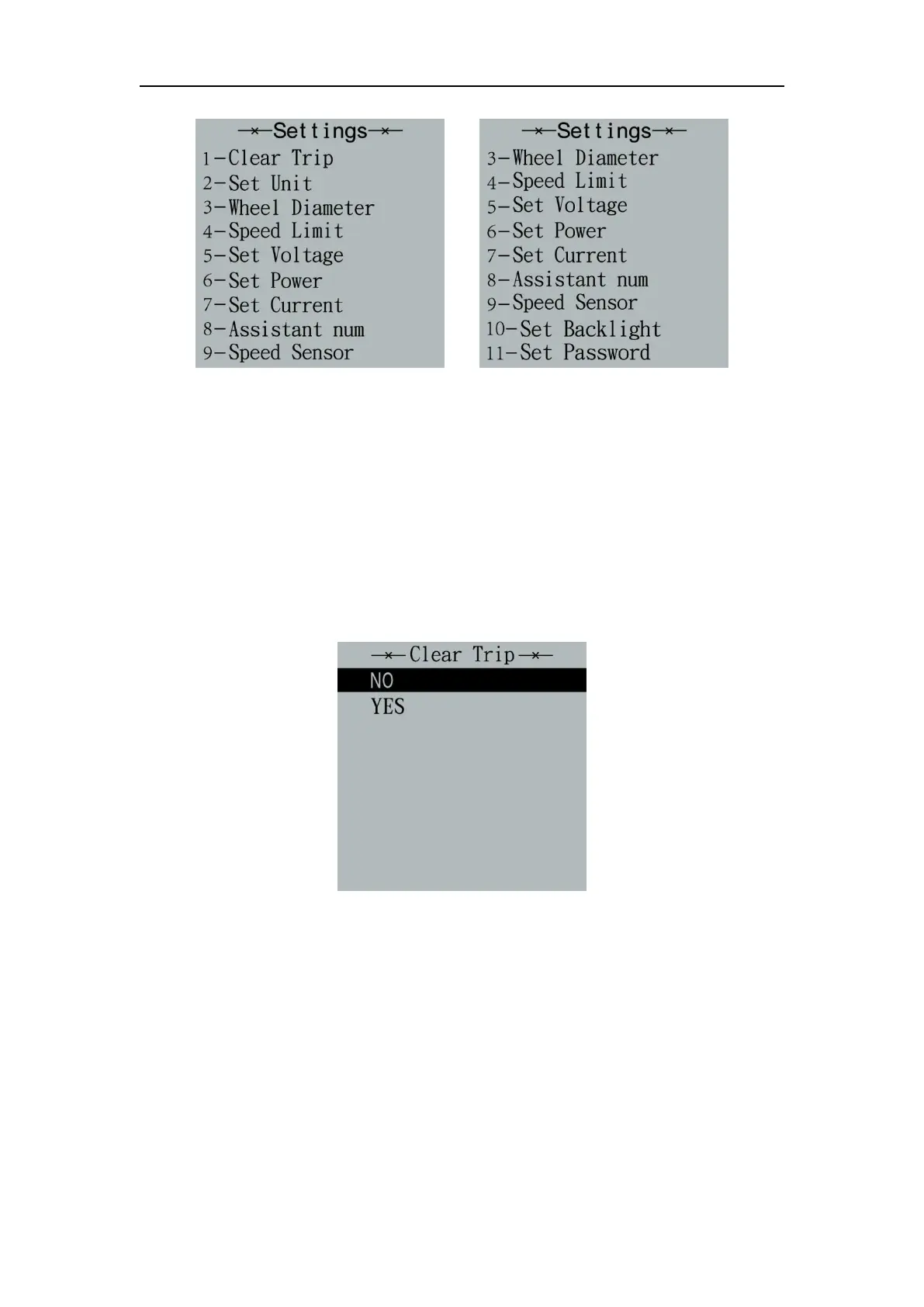
General settings interface
▉All the Settings are operated in the case of a parked bike
◆
Trip Distance Clearance
‘Clear Trip’ represents trip distance clearance setting.
To clear trip distance, press “+” button or “-” button to select the Yes or No. Yes
represents clearing a single ride distance. No represents not clearing a single ride
distance.
To store a changed setting, press the “i” button and then access General Settings
interface.
Trip Distance Clearance Settings Interface
◆
Unit km/mile Conversion
‘Set Unit’ represents unit settings.
To convert unit, press the “+” button or the “-” button to choose the desired setting
item, and then press the “i” button to confirm.
To store a changed setting, press the “i” button and then exit general settings.
The default value is “Metric (km)”.



 To Next Page