11
CDC mode *
(CD Changer version only)
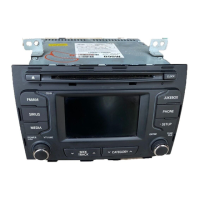
To load single disc: Press LOAD button.
To load all discs: Press and hold
LOAD button.
Insert the disc with printed side facing
up. CDC playback begins.
Ejecting a disc
To eject single disc: Press the but-
ton.
To eject all disc: Press and hold
button.
Remove the disc from the disc slot.
Starting/Stopping playback
Press CD button to start playback.
Playback start from the current disc
position in the magazine.
Direct disc access
Press button 1-6 to play the desired
CD.
The CDs in the CD changer are dis-
played as “CDC 1, 2, 3, 4, 5, 6” etc.
Previous/Next Track
Press the or buttons to
select previous or next song track OR
Rotary knob in clockwise
direction to go to next track and anti-
clockwise direction to previous track.
Fast Forward/Reverse
Press and hold or buttons to
for fast foward and reverse.
Random Track
Press and hold RND button to acti-
vate or deactivate random in the
tracks.
Repeat Track
Press and hold RPT button to activate
or deactivate repeat track.
Scan Track
Press the SCAN button to activate or
deactivate scan track.
CD plays the first 10 seconds of the
song.
When a last track of CD ends: scan-
ning continues with the first track of
current disc.
CDC


 To Next Page