2
General information
Notes on operating instructions
The following reading aids are used to simpli-
fy these operating instructions:
asks you to perform an action
shows the unit’s reaction
provides extra info
identifies a list
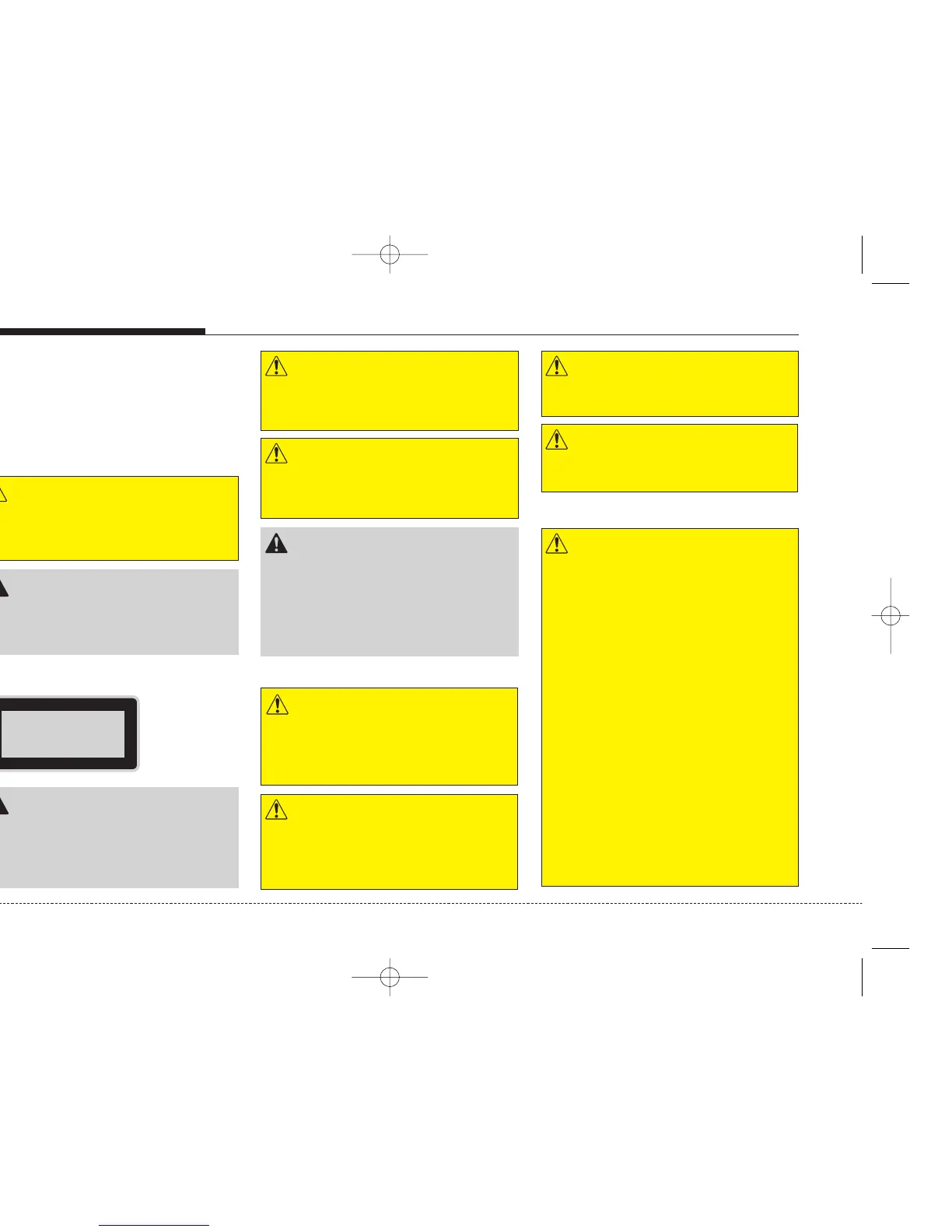
WARNING
A WARNING indicates a situation in which
harm, serious bodily injury or death could
result if the warning is ignored.
CAUTION
A CAUTION indicates a situation in which
damage to your vehicle could result if the cau-
tion is ignored.
CAUTION
• Any inappropriate use of the device may
expose the user to invisible laser rays
which exceed the limits for Class 1 laser
products.
WARNING
Don’t use a cellular phone when you are driv-
ing. You must stop at a safe place to use a cel-
luar phone.
WARNING
When driving you vehicle, be sure to keep the
volume of the unit set low enough to allow you
to hear sounds coming from the outside.
CAUTION
• Do not place beverages close to the audio
system. The audio system mechanism may
be damaged if you spill them.
• Do not strike or allow anything to impact the
audio system, damage to the system mecha-
nisms could occur.
Class 1 laser product
WARNING
Make all inputs via the remote control only
when the vehicle is stationary, or have the pas-
senger make them. Otherwise, you may endan-
ger the occupants and other road users.
Safety instructions
WARNING
Avoid inserting any foreign objects into the
slot of this player. Failure to observe this may
cause malfunction due to the precise mecha-
nism of this unit.
WARNING
Keep the volume level low enough to be aware
of road and traffic conditions.
WARNING
Do not open covers and do not repair yourself.
Refer servicing to qualified personnel.
Notes on USB stick (thumb drive)
WARNING
• We strongly recommend only using USB
sticks (thumb drives) of well-known manu-
facturers.
• On no account must other USB devices
such as hard discs or other digital equip-
ment or multi plug USB hub be connected to
the USB hub. Connecting other devices can
cause malfunction or even destroy the audio
equipment.
• Avoid using the USB memory when it might
hinder your safety driving.
• It is possible that noise is heard during play-
back when using the AUX-IN together with
the power outlet due to system-related not a
malfunction. If this happens, use the power
source of the AUX device.
• In rare cases it is possible that an USB stick
(thumb drive) is not recognized by the unit
or may cause a malfunction. Please only use
USB sticks that comply with the USB thumb
drive specifications.


 To Next Page