4
Operation
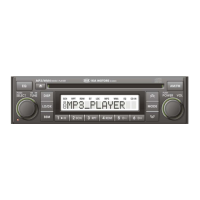
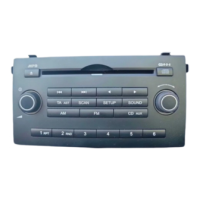
Control elements
2
3
1
4
5 6
7
8
9
10
11
12
13
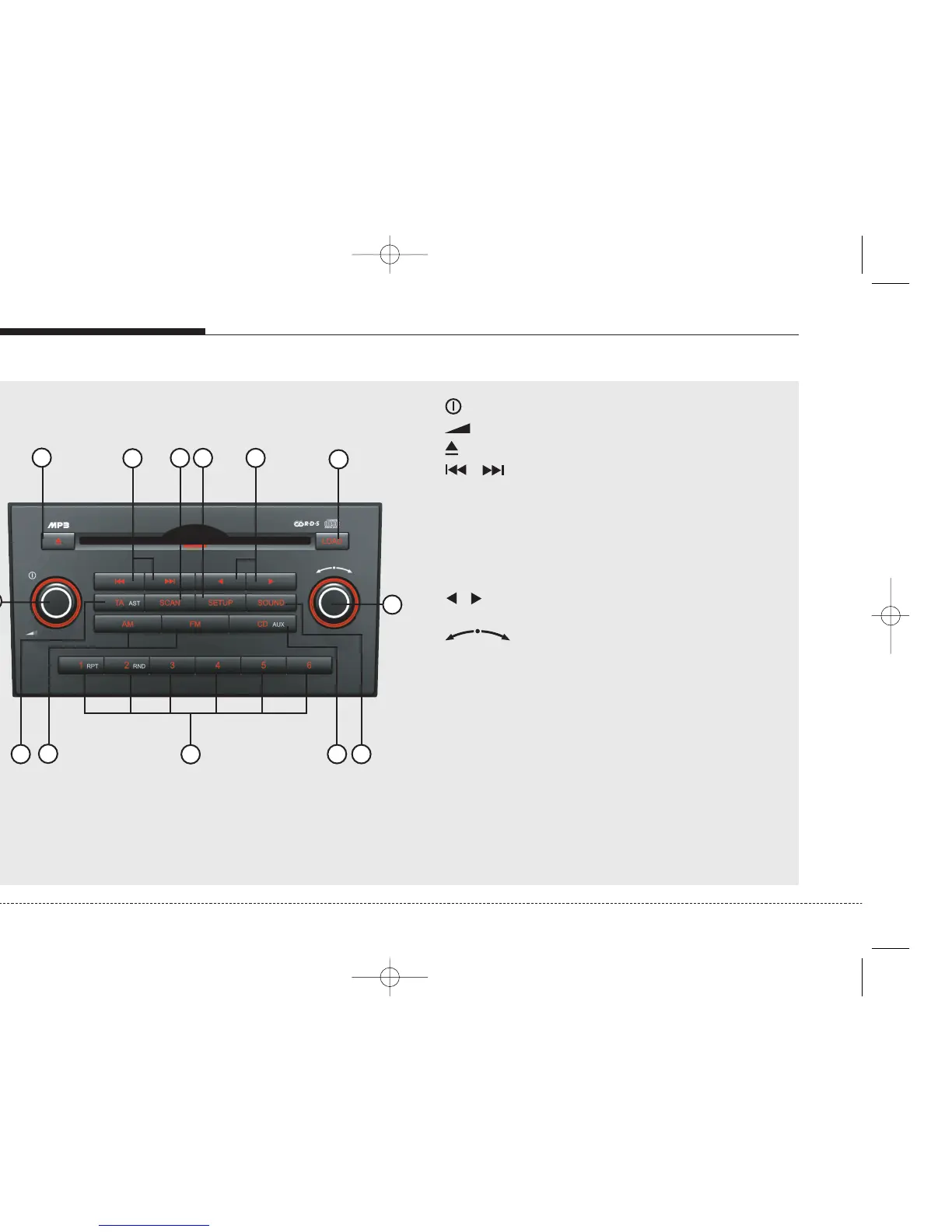
1 . . . . . . . . . Press: Switching on/ off
Turn: Volume control
2 . . . . . . . . . . CD eject button
3
/
. . . . FM: Previous or next station
CD: Previous or next track
CDC: Previous or next track
4 SCAN . . . . . . . . FM: Frequency scans
CD/CDC: Scan first 10 secs of each
track of the CDs.
5 SETUP . . . . . . . Opens the setup menu containing
setting at each feature.
6
/
. . . . . . . . . MP3 only: change the current playback folder.
7 LOAD* . . . . . . . CDC: Load CDs into the unit.
8 . . . FM/CD/CDC: Rotary knob to manually
seek up/down.
SETUP: To adjust settings.
9 SOUND . . . . . . Opens the menu for the sound settings.
10 CD (AUX) Short press: Change the current source to
CD mode or USB (if connected).
Long press: Auxiliary (if connected)
11 1 to 6 . . . . . . . . FM/CD/CDC: Press to tune to desired stored
station or to select desired disc in CDC.
RPT . . . . . . . . . CD/CDC: To activate repeat track
RND . . . . . . . . . CD/CDC: To activate random track
12 FM/AM . . . . . . . . Change current source to FM/AM mode.
13 TA (AST) . . . . . Short press: to activate TA.
Long press: to activate Autostore (Tuner)
* Depend on version


 To Next Page