12
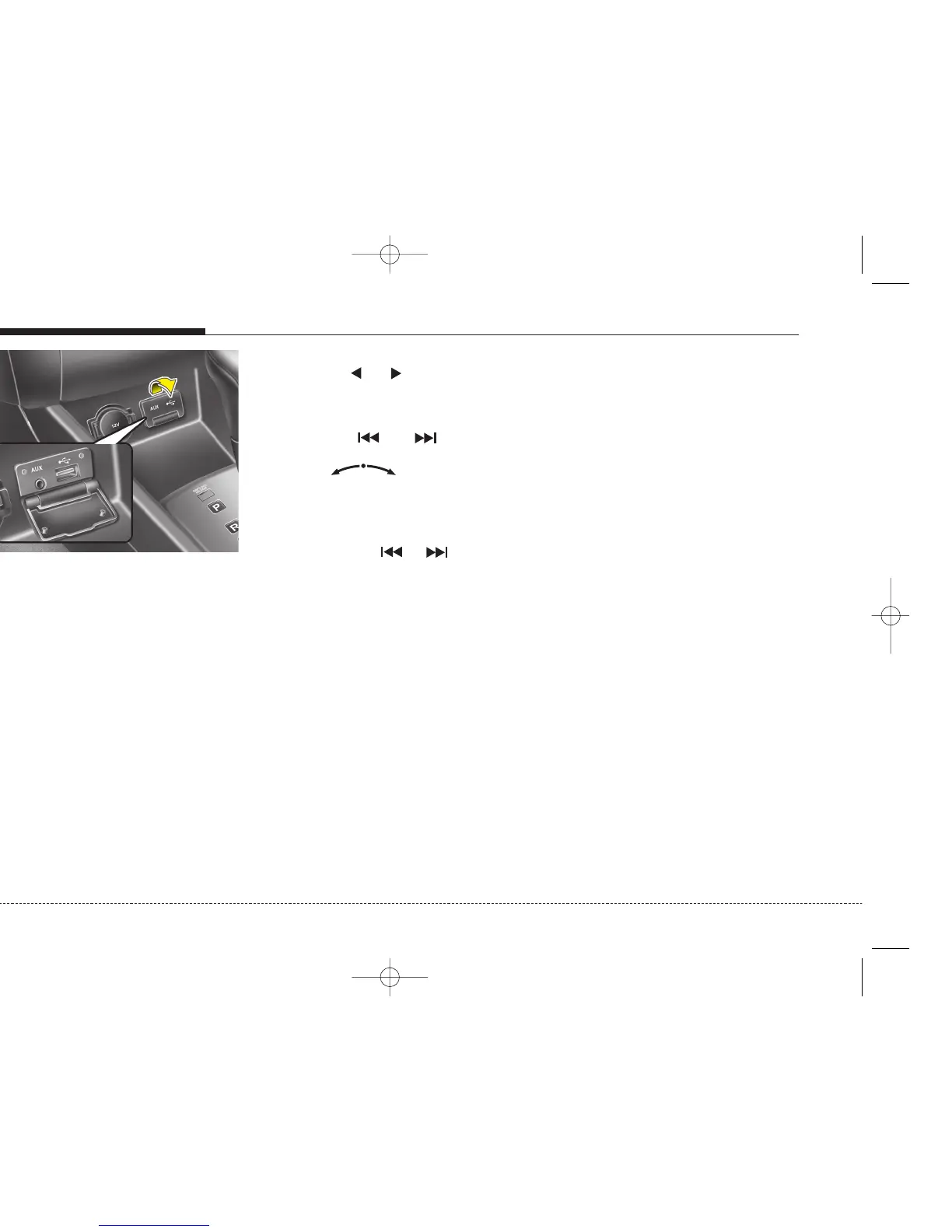
Lift to open the lid.
Please keep lid close when not in
use.
Notes of USB Hub
Due to constant changes of USB prod-
ucts in the market and their respective
Software, it can be possible that some of
the USB devices are not compatible with
this head unit.
It supports the formats of files:
MP3
WMA
OGG
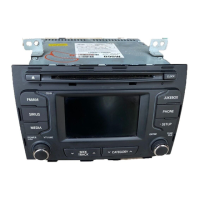
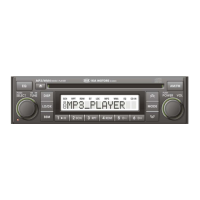
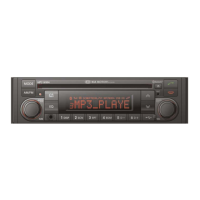
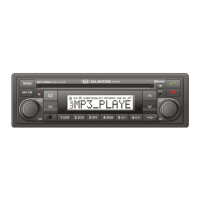
Press CD button to start playback.
Previous/Next Folder
Press the or buttons to select
previous or next folder.
Previous/Next File
Press the or buttons to
select previous or next song file OR
Rotary knob in clockwise
direction to go to next track and anti-
clockwise direction to previous file.
Fast Forward/Reverse
Press and hold or buttons to
for fast foward and reverse.
Random File
CDC*: Press and hold RND button to
activate or deactivate random in the
file.
CDP: Press RND button to activate or
deactivate random in the file.
Repeat File
CDC*: Press and hold RPT button to
activate or deactivate repeat file.
CDP: Press RPT button to activate or
deactivate repeat file.
Scan File
Press the SCAN button to activate or
deactivate scan file.
CD plays the first 10 seconds of the
song.
When a last track of CD ends: scan-
ning continues with the first track of
current disc.
Setting Text
To retrieves text information from the
MP3 files for display.
Press and hold SETUP button in
MP3 mode to set information in
available sequence
Filename/Playtime/Title/Artist/Album/
Directory Name.
Auxiliary In
You can input Aux in to this unit.
Press and hold CD button when an
auxiliary is connected.
Playback will stop when another
source becomes active.
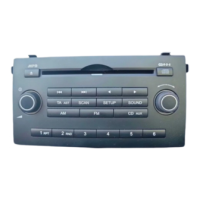
USB Hub & Auxiliary (If connected)


 To Next Page