6
Sound settings
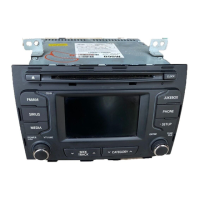
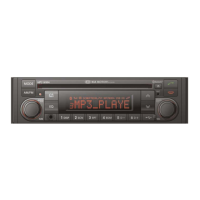
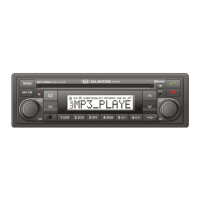
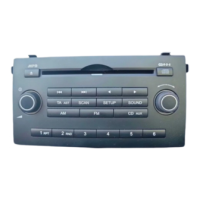
Press the SOUND button.
Press SOUND button repeatedly to
access the following submenus.
Turn the knob to select
desired settings.
To exit, press SETUP, CD, FM or AM
buttons.
The following options are available:
Bass
Set the required bass level setting
between -10 to +10.
Treble
Set the required treble level setting
between -10 to +10.
Balance
Set the required volume balance
between L10 to R10.
Fader
Set the required volume balance
between R10 to F10.
Fader level is only transmitted via the
front loudspeakers, the rear signals
are muted.
Volume settings
Adjusts the volume level between its
minimum and maximum. Settings: 0
... 35
Equalizer
Set the frequency response of the select-
ed sound sources with the 5-band equal-
izer (EQ OFF, JAZZ, POP, CLASSICAL,
ROCK)
Press and hold SOUND button.
Turn the knob to select
desired setting.


 To Next Page