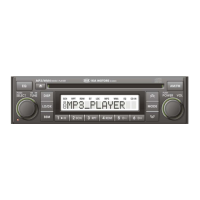
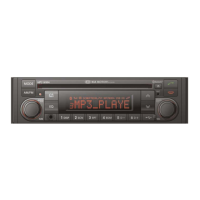
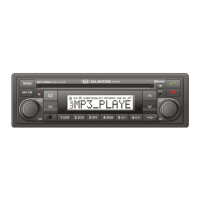
5
Inserting and removing CDs
Inserting a CD
Insert the CD into the drive (printed
side up).
For audio/ MP3 CDs, playback starts
automatically.
Removing a CD
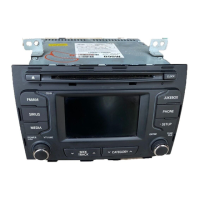
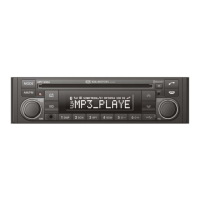
Press the button and carefully
remove the CD.
Switching on/ off
Press the button to switch the unit
on or off.
Switching on and off with the
ignition key
If the unit is switched on, it can be
switched off and on automatically by
removing or inserting and turning the
ignition key.
Automatic switch off
If the unit was turned on using the
button with the ignition off, it automatical-
ly switches itself off after a set time.
Volume
Turn the button to set the volume.
Menu operation
The central element for operating the
menus is the knob.
Turn the knob to select a
menu option.
Operation
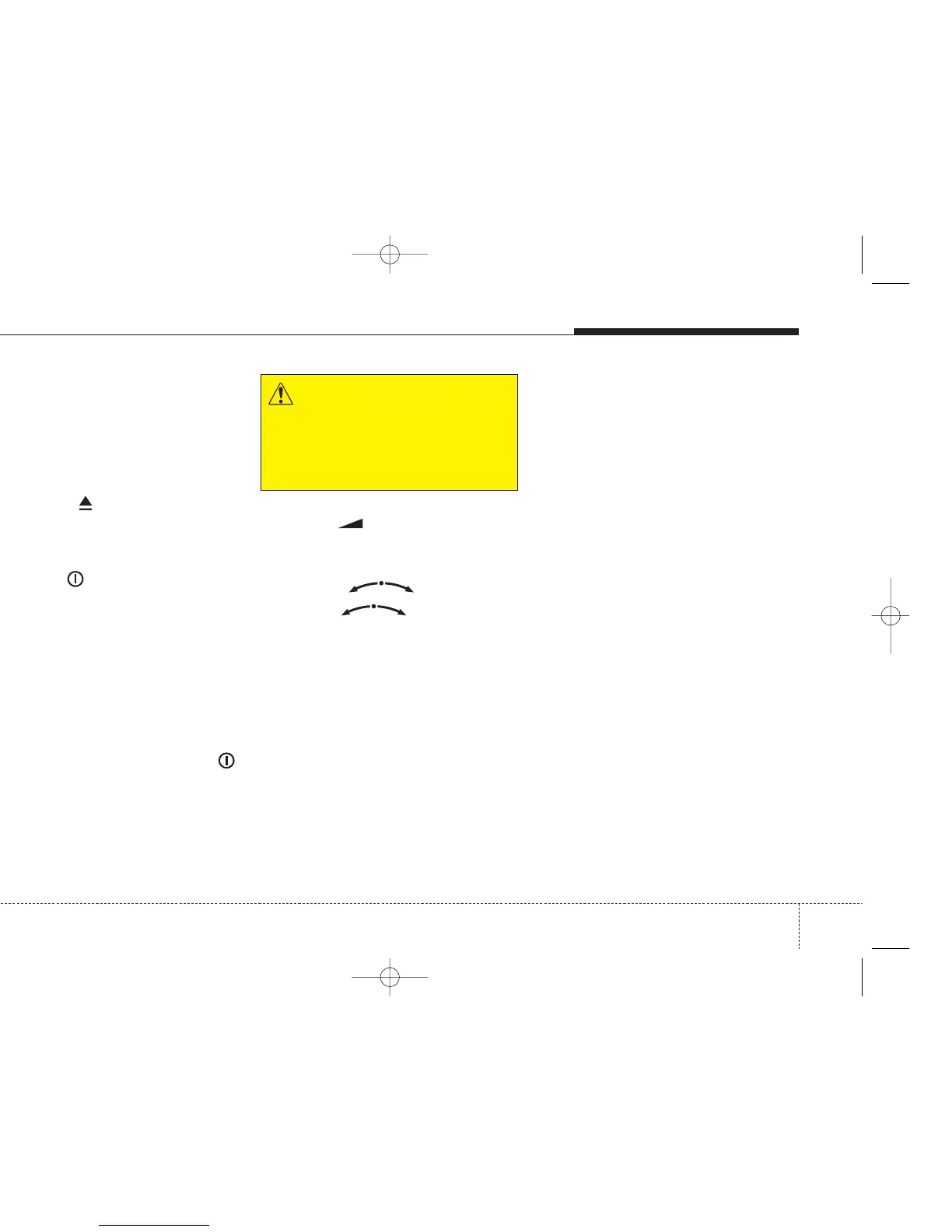
WARNING
When setting the volume, please
make sure that traffic noises (horns,
sirens, emergency vehicles, etc.) are
still audible.


 To Next Page