9
Listening to CD
Notes on CD
This CD player is suitable for 12cm
disc and 8cm disc with adaptor only
and can read both audio and MP3 for-
mat CD.
Please do not use irregular shaped
CD.
CD-Rs or CD-RWs can generally be
played. Due to varying quality of CDs,
surface condition of the disc, as well
as the performance and condition of
the CD writer, certain CD-R/CD-RW
CD may not operate normally on this
unit.
CD playback
Starting/Stopping a disc
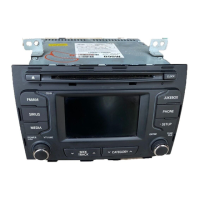
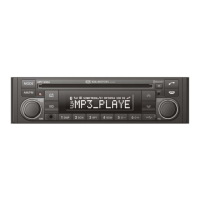
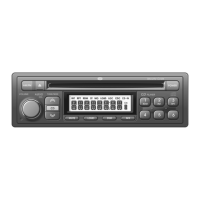
Press CD button to begin.
Playback will stop when another
source becomes active.
For CDP: ths disc will play back from the
beginning of the first file.
For CDC: the unit will play the next avail-
able disc if there is more than 1 discs.
Ejecting a disc
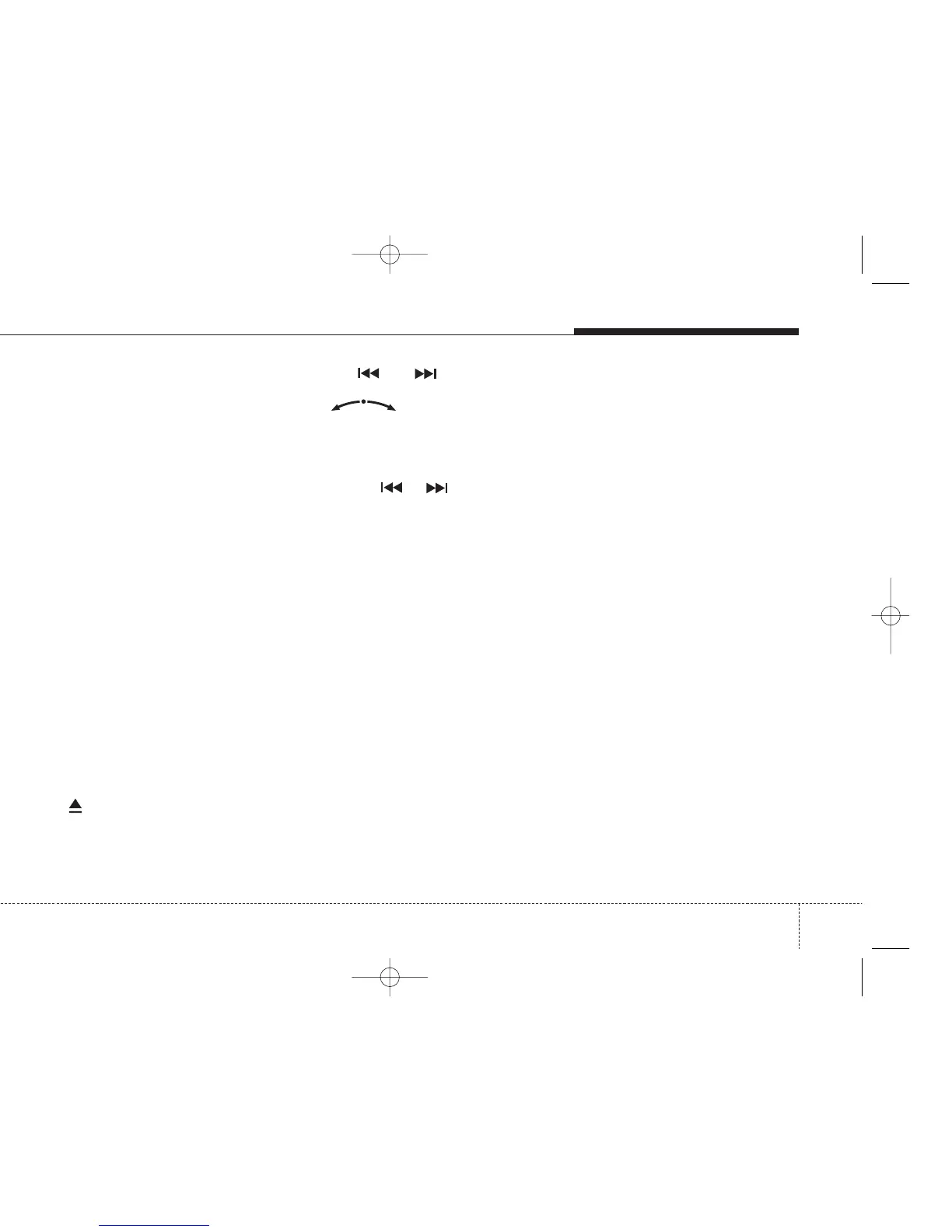
Press the button.
Remove the disc from the disc slot.
Previous/Next Track
Press the or buttons to
select previous or next song track OR
Rotary knob in clockwise
direction to seek up and anticlockwise
direction to seek down.
Fast Forward/Reverse
Press and hold or buttons to
for fast foward and reverse.
Random Track
Press RND button to activate/deacti-
vate track random.
Repeat Track
Press RPT button to activate/deacti-
vate track repeat.
Scan Track
Press SCAN button to activate/deac-
tivate track scan.
CD plays the first 10 seconds of the
song.
CD


 To Next Page