SPS Smart Profiler Hardware Guide PTG-330310-000 Rev. C
15
Using the Thermal Shield
The SPS Smart Profiler kit includes a thermal shield—a stainless steel enclosure that protects the profiler against
extreme heat during runs through a thermal process. Your shield may have a stainless outer surface, or Cool Touch –
a special heat insulating material that makes the shield more comfortable to handle after absorbing oven heat.
Caution: The SPS Smart Profiler’s maximum internal temperature is 85
C. ALWAYS use the thermal
shield to protect the SPS Smart Profiler from heat damage.
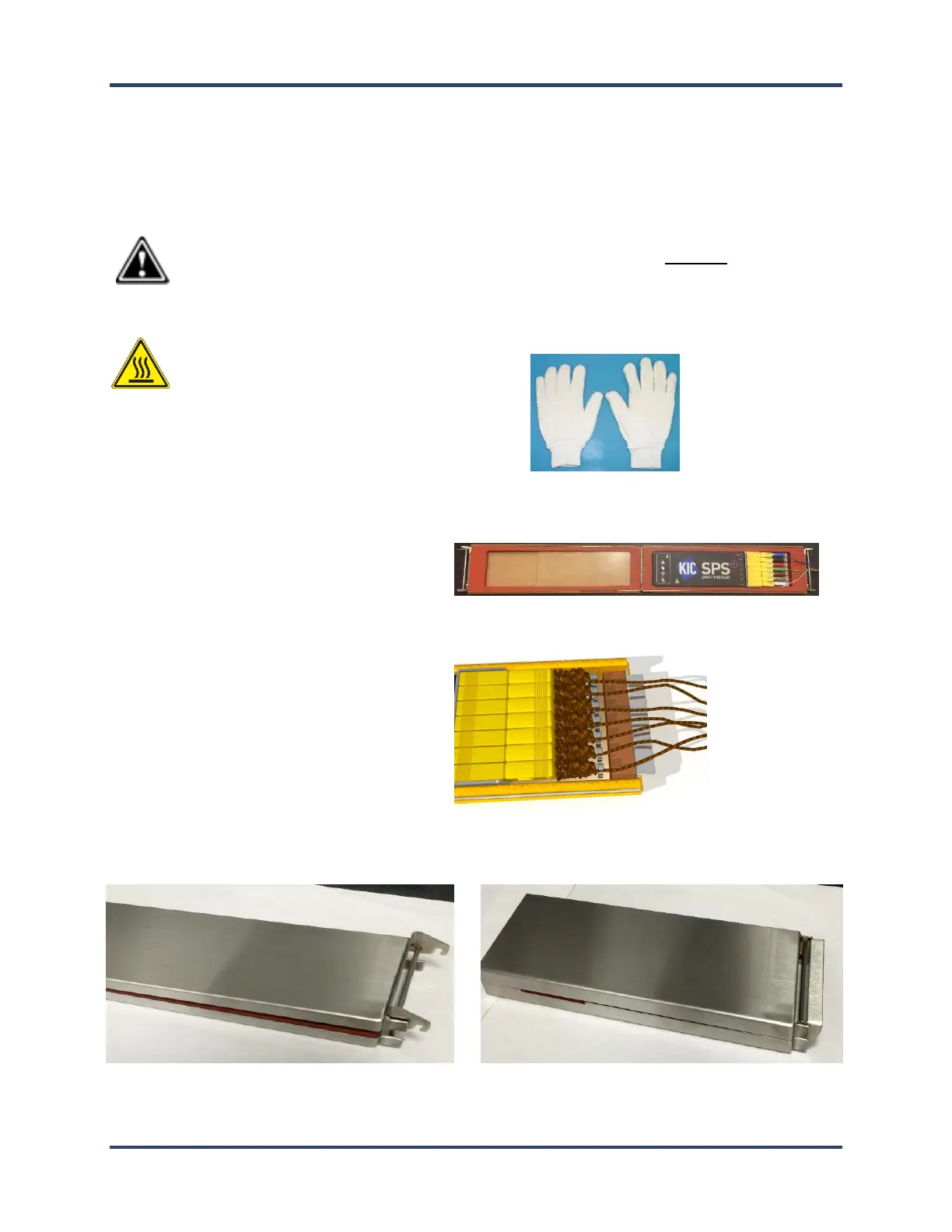
Note: Gloves are required when the profiler has just
emerged from the oven. Your profiler kit includes a
pair of specially selected safety gloves.
1. The top side of the shield has the latching tab
and hooks on it. Place the SPS Smart Profiler
into the bottom half of the shield.
2. Make sure the thermocouple wires clear the
sides and exit from the front of the shield.
3. Close the lid of the shield and rotate the latch downward to lock it in place, being careful not to damage exiting
wires.


 To Next Page