SPS Smart Profiler Hardware Guide PTG-330310-000 Rev. C
20
Calibrating the SPS Smart Profiler
To keep your profiler operating at proper factory specifications, KIC recommends calibrating the unit every 12
months. The procedure detailed below lets you calibrate the profiler to within +1.1°C (+1.9°F).
The calibration procedure follows a sequence of three parts:
1. Establishing hardware/software communication
2. Setting the Cold Junction Reference (CJREF) offset value
3. Adjusting temperature gain
The CJREF offset is the amount of temperature to add or subtract from the base profiler readings. KIC recommends
setting this value to the same temperature as the CJREF (Internal) temperature. You can view the CJREF (Internal)
temperature by clicking the Get Current TC button on the Calibration Log screen displayed during the procedure.
The Gain Adjust portion of the calibration procedure affects the accuracy of the profiler across its temperature
capability range. For maximum accuracy, set the Gain Adjust calibration value to the highest temperature you
expect to read for your thermal process.
Note: The maximum temperature setting is the highest temperature that the SPS is set to read. The highest
temperature that the profiler is capable of reading is 1050C (1922F). This profiler is factory preset at 1050C
(1922F), but you can change the setting to suit your needs.
Note: Only qualified persons should perform the calibration procedure. If you need assistance, training, or need to
arrange for KIC to calibrate your SPS Smart Profiler contact KIC Technical Support tech@kicmail.com,
asia.tech@kicmail.com, europe.tech@kicmail.com.
Before starting the procedure
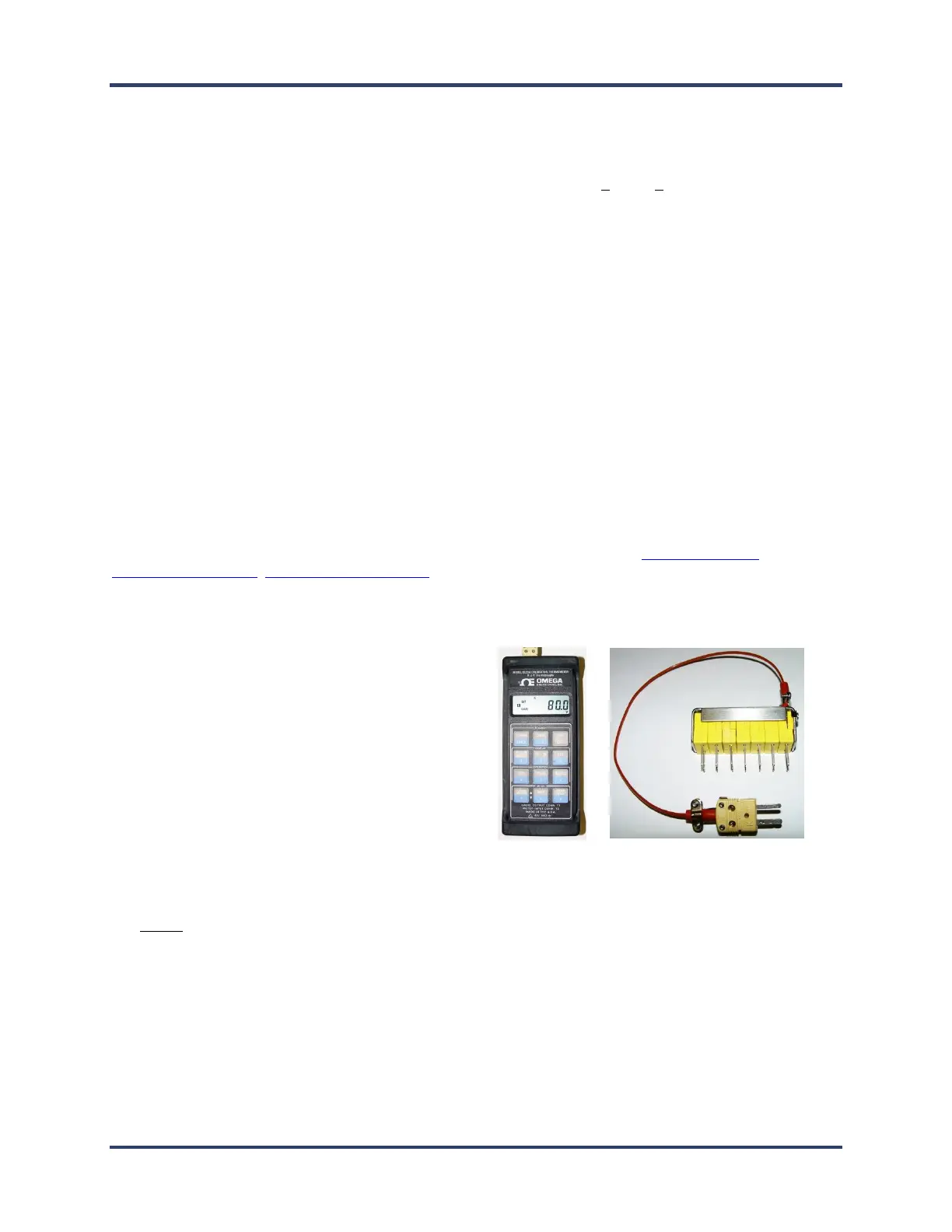
Assemble the following hardware:
o SPS Smart Profiler
o Micro USB communication cable
o Type K thermocouple simulator
o Calibration Adapter* (7, 9, or 12 channel)
*Contact KIC to acquire the correct
calibration adapter cable. sales@kicmail.com
Be prepared to run the Profiling Software 2G application and its Profiler Hardware Utility.
Do not attempt to calibrate the profiler with an ungrounded computer as this may produce inaccurate results.
Establish communication
1. Connect the profiler to the computer USB port.
2. Turn on the profiler power.
3. Connect the calibration adapter to the profiler, making sure to occupy all of the thermocouple inputs as
required.


 To Next Page