SPS Smart Profiler Hardware Guide PTG-330310-000 Rev. C
5
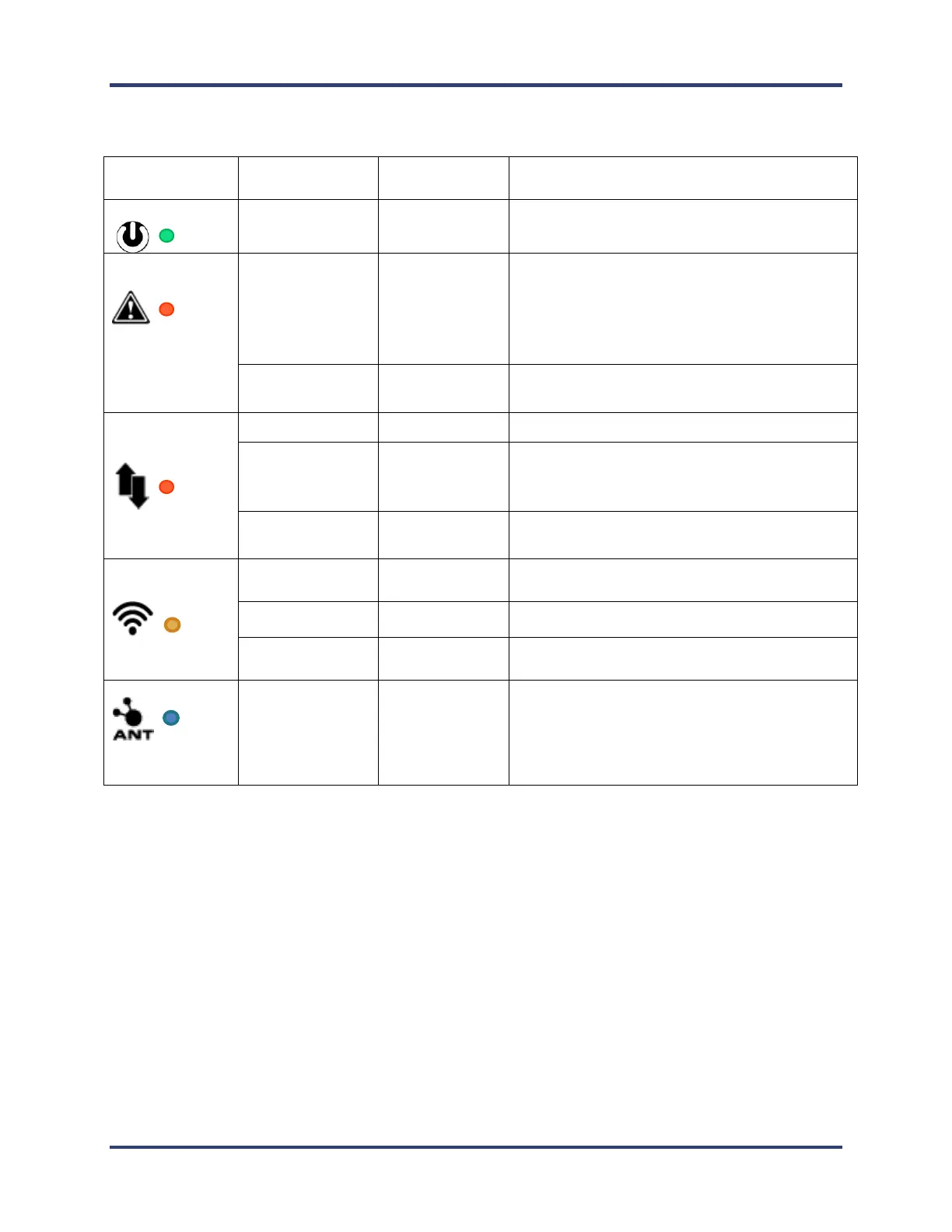
The Smart Dock LEDs
Power to Smart Dock from USB established
Cannot profile: due to TC 1 missing, TCs too
hot, SPS too hot, Battery too low, startup
failure, voltage too low to charge or memory
full. Plug into PC and software to identify alert.
Ready to begin profiling.
One or more profiles are complete and stored
in SPS memory.
No profiles stored in SPS memory.
Wi-Fi not in use or not available.
When profiling or downloading.
Flashing every 3 seconds when paired with
Smart Dock
Beacon mode starts when device is tapped.
LED flashes for 30 seconds waiting for
compatible device to pair. During this time
Smart Dock will automatically pair with a
compatible device within range.


 To Next Page