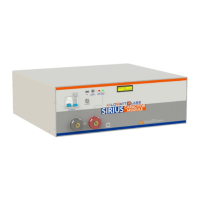
Sirius Capacitor Module – User Manual Model Number - 3550-48-B-1.7C-M-SD-A-G
This manual is subject to change without notice and at the sole discretion of Kilowatt Labs, Inc.
Kilowatt Labs, Inc. | www.kilowattlabs.com
21
9. Follow instructions and press Run button on interface. (Auto Pop-up dialogs).
10. When the connection between PC and Module is established successfully, INIT.LED will be
constantly turned ON.
11. For getting measurement, press RUN button.
12. If there is any problem during connection, check USB cable and ensure the Module is working
properly.
13. While getting measurement, MEASURING LED should blink every 1 second. If blinking has stopped,
it will represent measurement interrupt or technical issues.
14. While getting measurement, COMM LED on front panel of the Module will blink.


 To Next Page
 Loading...