EasyManua.ls Logo

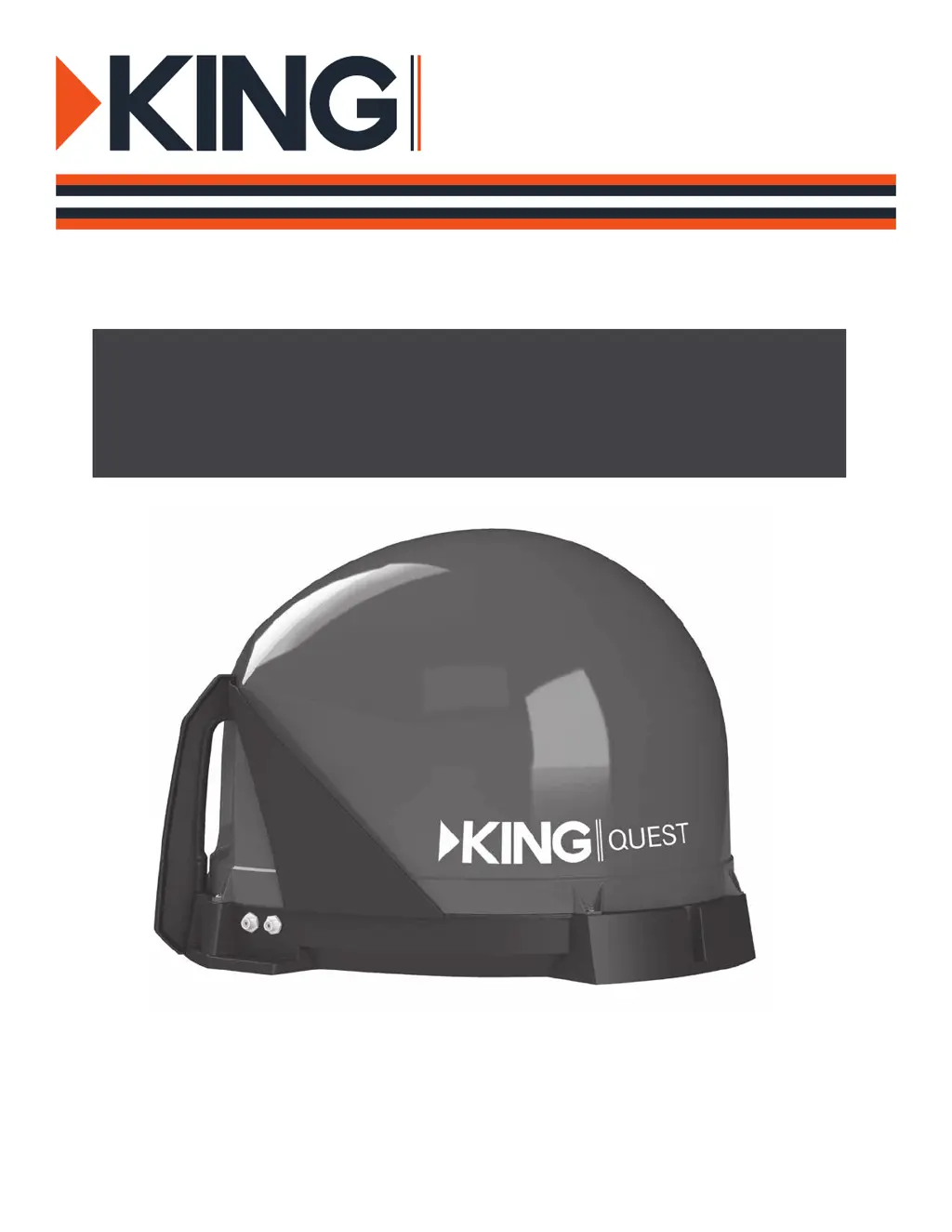
King Quest VQ4100 - User Manual

King Quest VQ4100
24 pages
Print Icon
To Next Page IconTo Next Page
Loading...
For use with DIRECTV
®
satellite programming
VQ4100 Owners Manual
This manual contains detailed information on your KING Quest.
To start using your KING Quest right away,
see the Quick Reference Guide.
QUEST
TM

Other manuals for King Quest VQ4100

Questions and Answers

  • D
    Debra NobleSep 8, 2025
    How to fix picture on TV that goes in and out with King Quest Antenna?
    • C
      carl04Sep 8, 2025
      If the picture on your TV is intermittently cutting in and out while using the King Quest Antenna, it could be due to a temporary signal obstruction. Heavy rain or snow can cause signal loss, but reception should improve as the weather clears. Also, check for any temporary obstructions blocking the view to the southern sky, such as tree branches swaying in the wind.
  • B
    Brian MillerSep 10, 2025
    How to troubleshoot King Quest VQ4100 unit that does not scan for satellites?
    • S
      sanchezcoltonSep 10, 2025
      If your King Quest antenna unit isn't scanning for satellites, the issue is likely a lack of power. Check that the antenna unit is correctly connected to the power injector and that the power injector is receiving power, indicated by a lit LED. If it's not lit, ensure the power injector is plugged in. Try pressing the RESET button on the power injector.
  • T
    Tara HernandezSep 12, 2025
    What to do if the picture on my King Quest TV Antenna goes in and out?
    • A
      amandahendersonSep 12, 2025
      If the picture on your TV goes in and out while using the King Quest TV Antenna, it might be due to a temporary obstruction of the signal or heavy rain or snow. Ensure nothing is blocking the view to the southern sky, such as tree branches blowing in the wind.
  • M
    Martin SchneiderSep 13, 2025
    Why does my King Quest TV Antenna scan but there's no picture on the TV?
    • L
      Linda DeanSep 13, 2025
      If your King Quest TV Antenna scans but you're not getting a picture on your TV, start by checking all connections. Ensure the antenna unit is connected to the power inserter, and the power inserter is plugged in. Also, verify that the powered receiver is connected to both the TV and the power inserter.
  • J
    Joshua RogersSep 15, 2025
    What to do if King Quest TV Antenna scans but doesn't find a satellite?
    • M
      Maria AvilaSep 15, 2025
      If your King Quest TV Antenna unit scans but doesn't acquire a satellite, it could be due to a line-of-sight obstruction. Try moving the antenna unit to a location with a clear view of the southern sky and then start a new scan.
  • M
    Maria RoySep 17, 2025
    How to troubleshoot King Quest TV Antenna not scanning for satellites?
    • T
      Thomas SmithSep 18, 2025
      If your King Quest TV Antenna unit isn't scanning for satellites, the issue might be a lack of power. Verify that the antenna unit is properly connected to the power inserter. Also, check that the power supply is plugged into a working power source and connected to the power inserter.

Summary

INTRODUCTION

UNBOX ANTENNA

APPLY RUBBER FEET

Details the process of unboxing the KING Quest and applying the rubber feet for stability.

POSITION ANTENNA

OBSERVE CAUTIONS WHEN CONNECTING ANTENNA

CONNECT ANTENNA BASED ON RECEIVER

RECEIVERS NOT H;HR25 OR HIGHER

Wiring diagram and instructions for connecting the KING Quest to older model DIRECTV receivers.

RECEIVERS H;HR25 OR HIGHER

CONFIGURE RECEIVER

SCAN FOR SATELLITES

Steps to configure the DIRECTV receiver and initiate the satellite scanning process.

ENABLE THE ALARM (OPTIONAL)

HOW THE ALARM WORKS

Explains how to enable the optional alarm feature and how it functions when active.

SECURE THE ANTENNA

TROUBLESHOOTING

Guidance on securing the antenna and a table of common issues and their solutions.

OPTIONAL ROOF-MOUNT

ANTENNA UNIT MOUNTING

COAX ROUTING

Procedures for physically mounting the antenna unit and routing the coaxial cables correctly.

ACCESSORIES

LIMITED WARRANTY

FCC GUIDELINES

King Quest VQ4100 Specifications

General IconGeneral
Gain3dBi
PolarizationVertical
Frequency Range698-2700 MHz
Impedance50 Ω
Operating Temperature-40°C to +70°C

Related product manuals