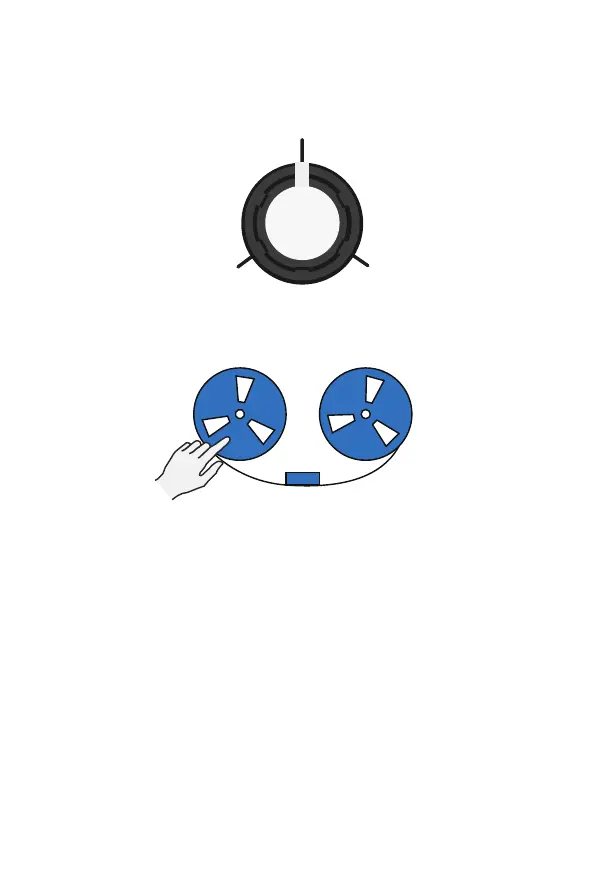
TAPE STOP
(dark blue LED)
Tape Stop does exactly what you might expect —
it slows down and drops the pitch in real-time. It
doesn’t just come to a complete stop in one go though;
it can be slowed slightly then picked back up mid-stop,
allowing for some creative use cases and pitch bending
eects.
T1 — Controls how long it takes for your audio to reach a
complete stop, ranging from 100 msecs to 10 seconds.
T2— Controls how long it takes to catch back up,
ranging from 100 msecs to 10 seconds.
MIN VOLUME
MAX VOLUME
MIN VOLUME
R
E
V
E
R
S
E
F
O
R
W
A
R
D
T2 —Controls the playback direction and volume of
the tape heads.
16



 To Next Page