Visual feedback
The page and parameter LEDs track which page you’re
on, and show you the value of your parameters.
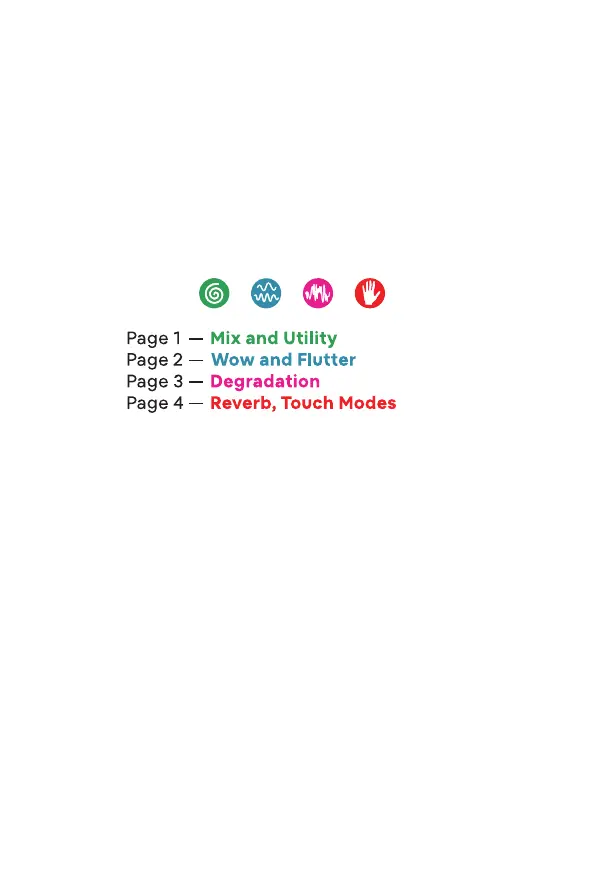
When you switch to a new page, the LED beneath the icon
lights up briey to indicate which page you’re on. Then,
all 4 LEDs settle to show you how your parameters are
currently set for that page.
Dotted lines illustrate how each knob connects with
an LED. As you turn a knob clockwise, the color intensity
changes from its base color to glowing white, with some
white introduced right at 12 noon.
The LEDs are a visual guide. By not only listening, but also
monitoring the intensity of the LEDs, you can easily track
your settings when jumping from page to page.
Tape Eects
When you power on Ribbons, its default mode allows you
to edit the tape eects, which broadly refers to the
dierent parameters abbreviated on the front panel.
4 knobs have unique controls across 4 pages.
Each page is color-coded with a thematic icon.
Press the push button to toggle between the pages.
4



 To Next Page