Chapter 2 Basic Operation 2-5
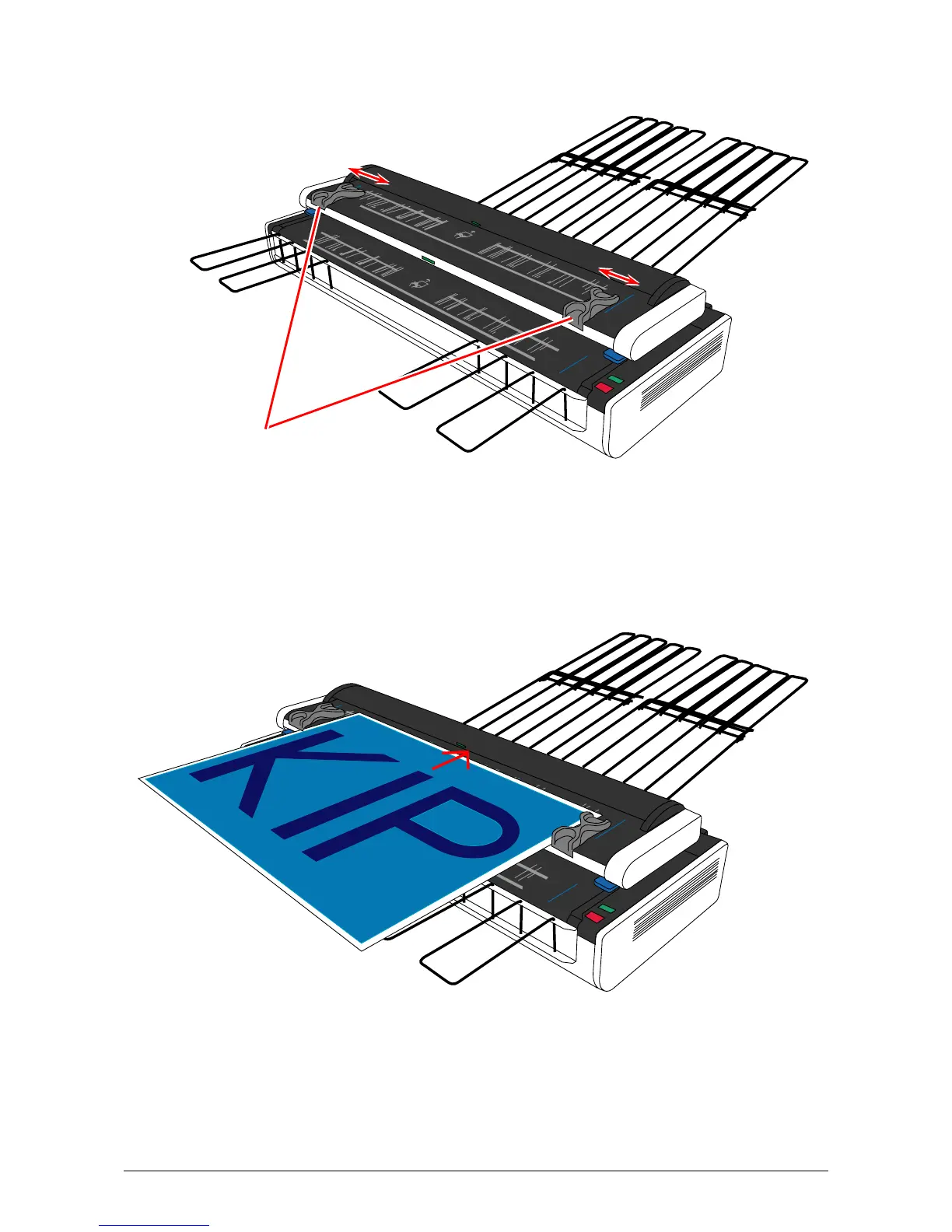
2. The Original Guides will prevent the original from skewing during scanning. Move them onto
the Upper Original Feeder (if on the Lower Original Feeder). Then according to the width of
scan original, align the inside edge of Original Guides to the concerning size lines on the table.
Original Guides
3. Confirm that the original is face up. Aligning both side edges with the Original Guides, insert
the scan original into the Upper Original Feeder until the leading hits the feeding roller. Wait a
few seconds with contacting the leading edge to the feeding rollers until the scanner starts
transporting.
4. A few seconds later the scanner automatically transports the original a little to the rear side to
detect its width. After that the original is moved back to the front side.



 To Next Page