Chapter 2 Basic Operation 2-18
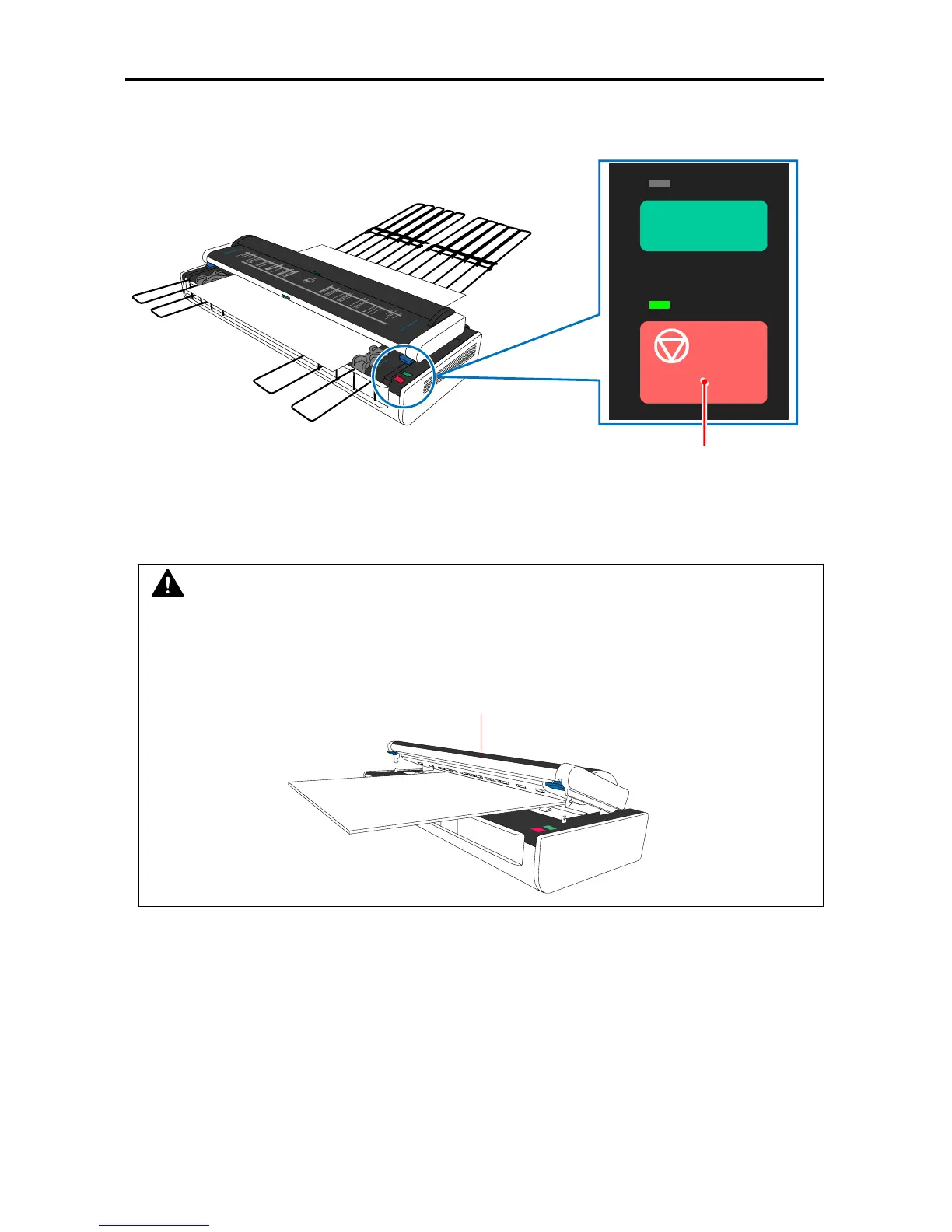
2. 3 Cancellation of Current Scan
1. Press of the Stop Button during scanning will cancel current scan, and the KIP2300 stops
original feeding.
Stop button
2. One more press of the Stop Button will eject the original to either front or rear accordingly to
the location of original.
BOARD
NOTE
When removing a very thick board type original, do not open the scanner upper unit as the
following example. Please eject it by pressing the Stop button as instructed in the above.
Scanner upper unit



 To Next Page