Chapter 2 Basic Operation 2-9
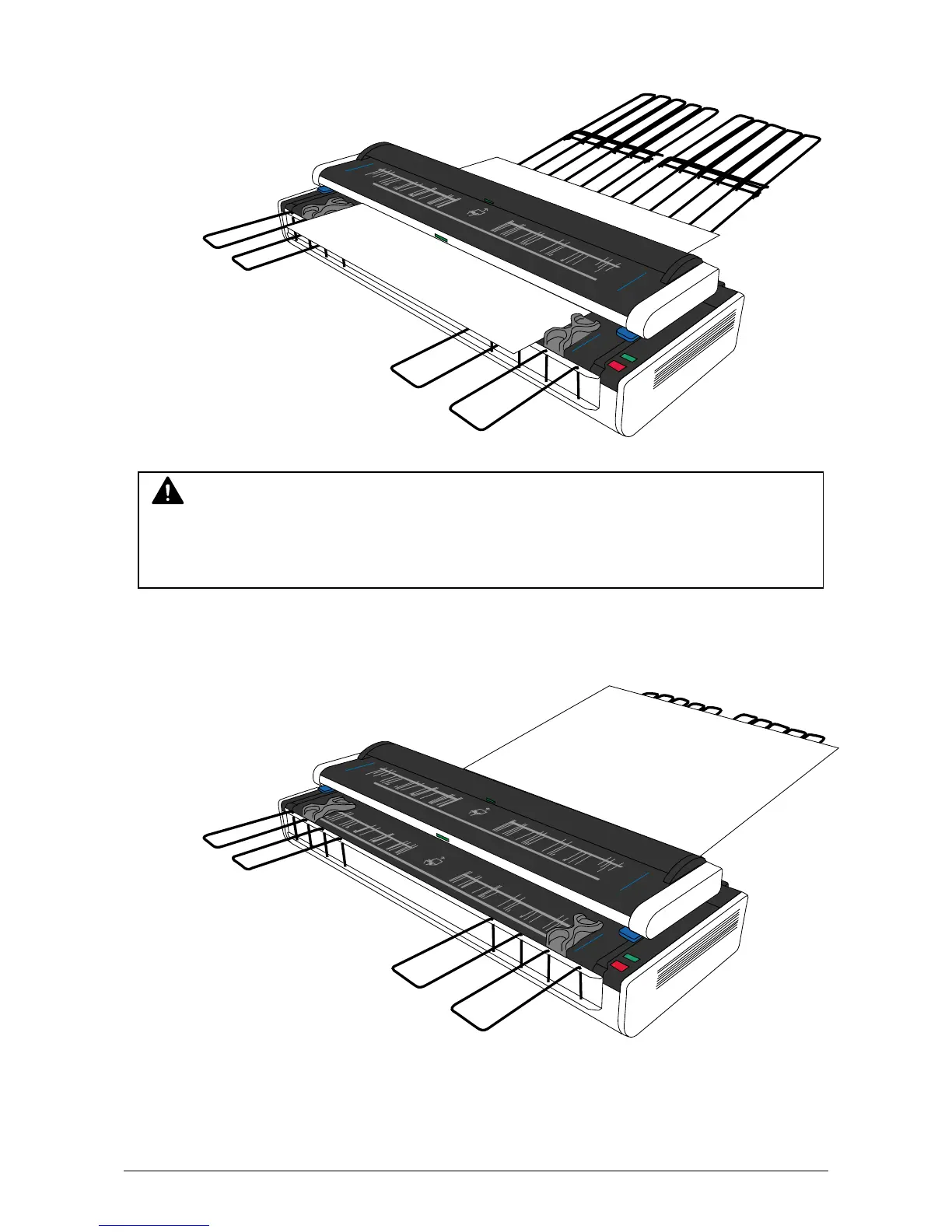
5. KIP2300 starts scanning automatically or manually according to the operation on the controller
software.
6. The original is ejected to the rear side and stacked on the Rear Steel Tray.
NOTE
The lower original feeder will transport the original very quickly especially when low scan
resolution is selected in the monochrome/gray mode. Be careful not to touch the edge of
original during transportation so as not to be harmed.



 To Next Page