Chapter 2 Basic Operation 2-16
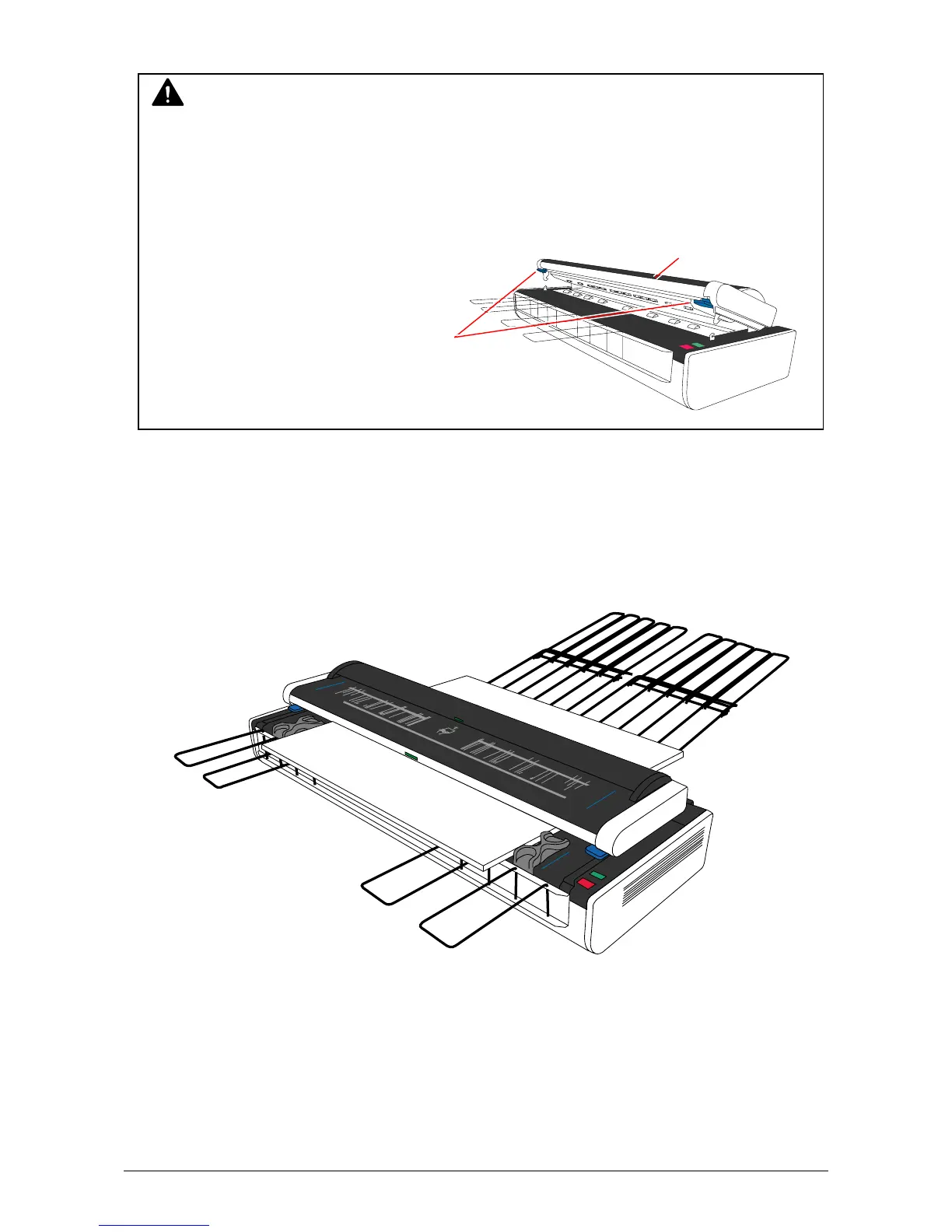
9. The scanner automatically detects the width of original then moves the original to the front side
for placing it at the start position.
10. KIP2300 starts scanning automatically or manually according to the operation on the controller
software.
CAUTION
Do not put the hand under the Document Press Unit when it is moving down as the hand will
be caught.
- Even if the hand is caught by the Document Press Unit accidentally, the scanner
automatically detects it and moves up the Document Press Unit within a few seconds
for relieving the hand.
- Or the operator can relieve his hand by Scanner upper unit
opening the scanner upper unit with
pulling either one of blue levers.
Blue levers



 To Next Page