Chapter 4 Maintenance 4-3
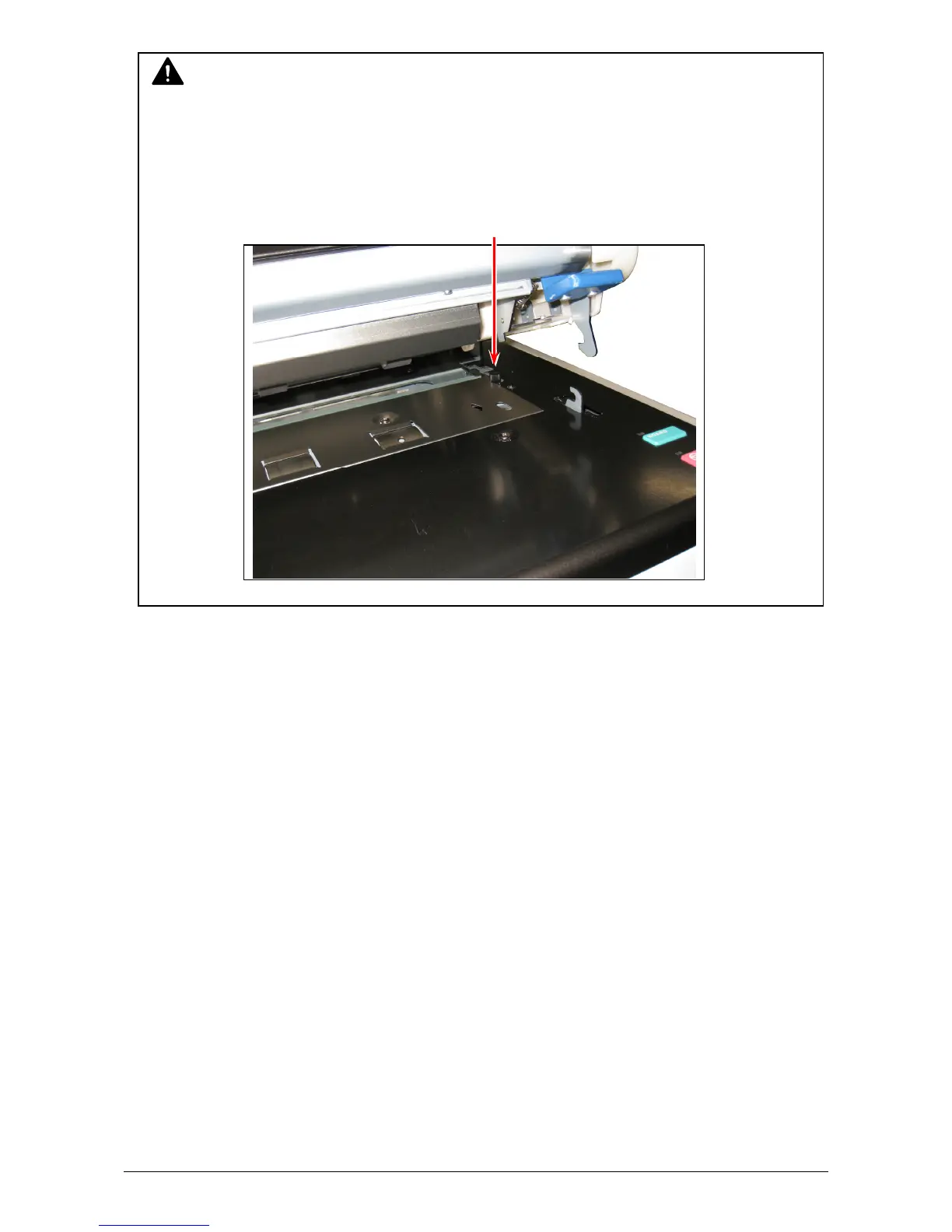
CAUTION
The Document Glass can be removed if the thumb screws on both sides (and the brackets)
are removed. But do not touch this screw as only the service technician is allowed for
removing the Document Glass. If the Document Glass is removed, some foreign substance
may drop into the machine, and may cause several troubles as short-circuit.
Do not touch this screw!



 To Next Page