Chapter 1 Before Use 1-9
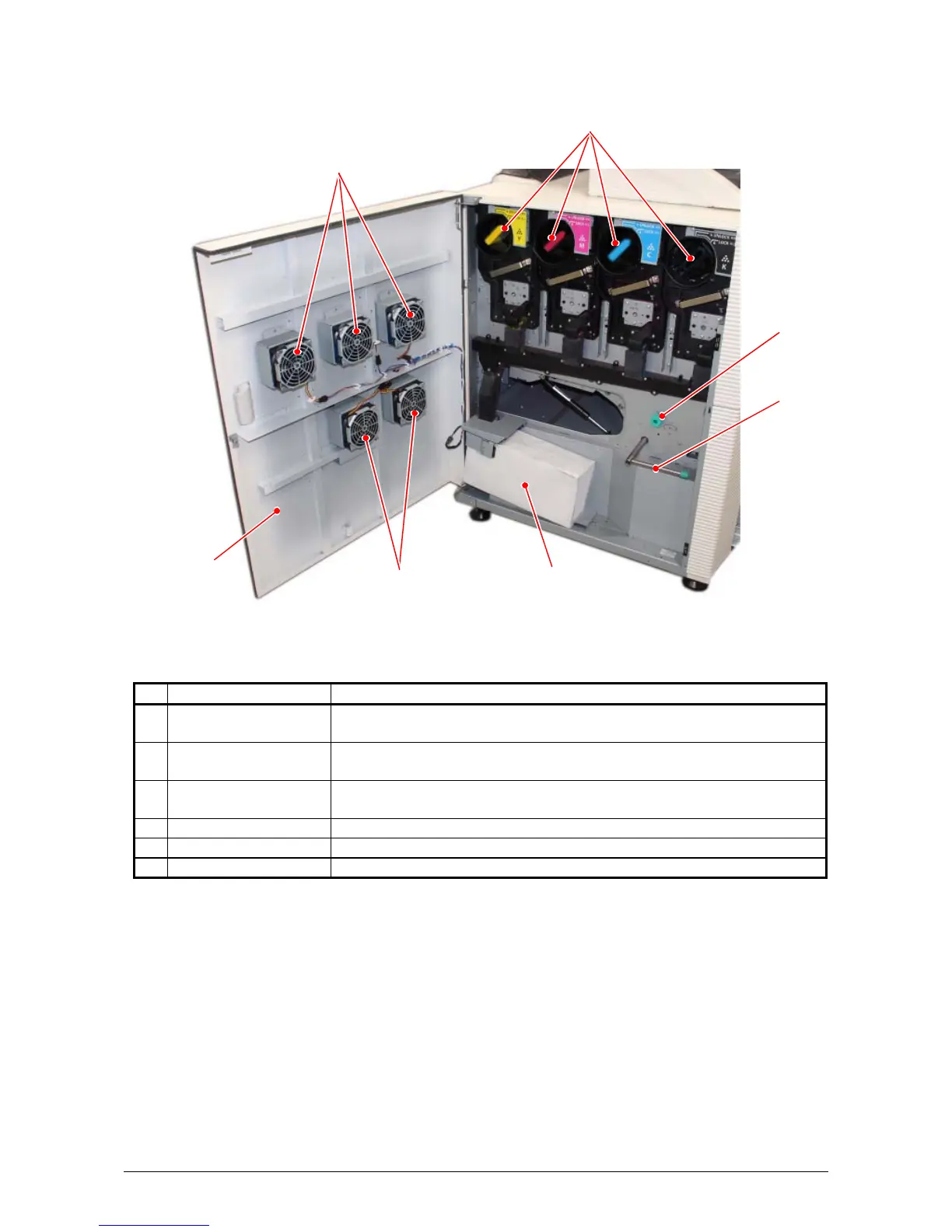
1. 5. 2 Left side view
Name of part Function
1 Toner Cartridge 4 Toner Cartridges (cyan, magenta, yellow and black) supplies the
toner little by little.
2 Media Feeding
Knob
When the paper jam occurs, the media is fed by rotating this knob.
3 Unlock Lever
(for the Feeder Unit)
When the paper jam occurs, the Feeder Unit is lowered by this
lever to remove the jammed media.
4 Left Side Cover Open here to replace the Toner Cartridge.
5 Exhaust Fan It is used for exhausting air inside the machine.
6 Waste Toner Box Collects the wasted toner.
1
2
3
5
6
4
5



 To Next Page