Chapter 1 Before Use 1-11
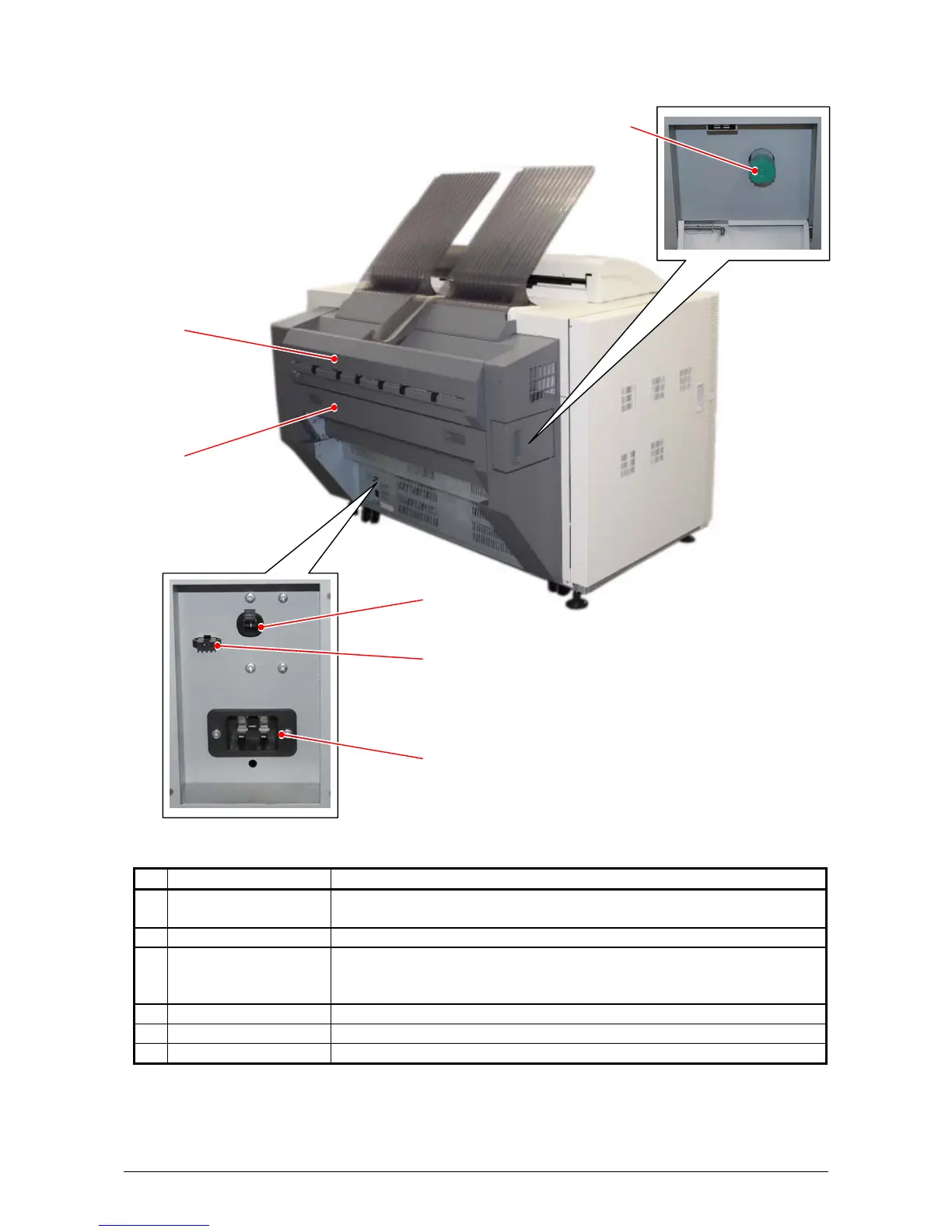
1. 5. 4 Rear view
Name of part Function
1 Fuser Knob Rotate this knob when removing the misfed paper in the Fuser
Unit.
2 Upper Exit Unit It ejects prints upward or backward.
3 Fuser Cover Prints come from the opening on this.
Open the Fuser Cover when you remove the paper misfed inside
the Fuser Unit.
4 Breaker It is possible to shut off supplying the AC power.
5 Stacker Port For a dedicated Auto Stacker for the Printer (DC24V 2A)
6 Inlet Socket Connect the Power Cord here.
1
3
2
6
4
5



 To Next Page