Chapter 3 Error Correction 3-16
3. 3. 3 Waste Cartridge full
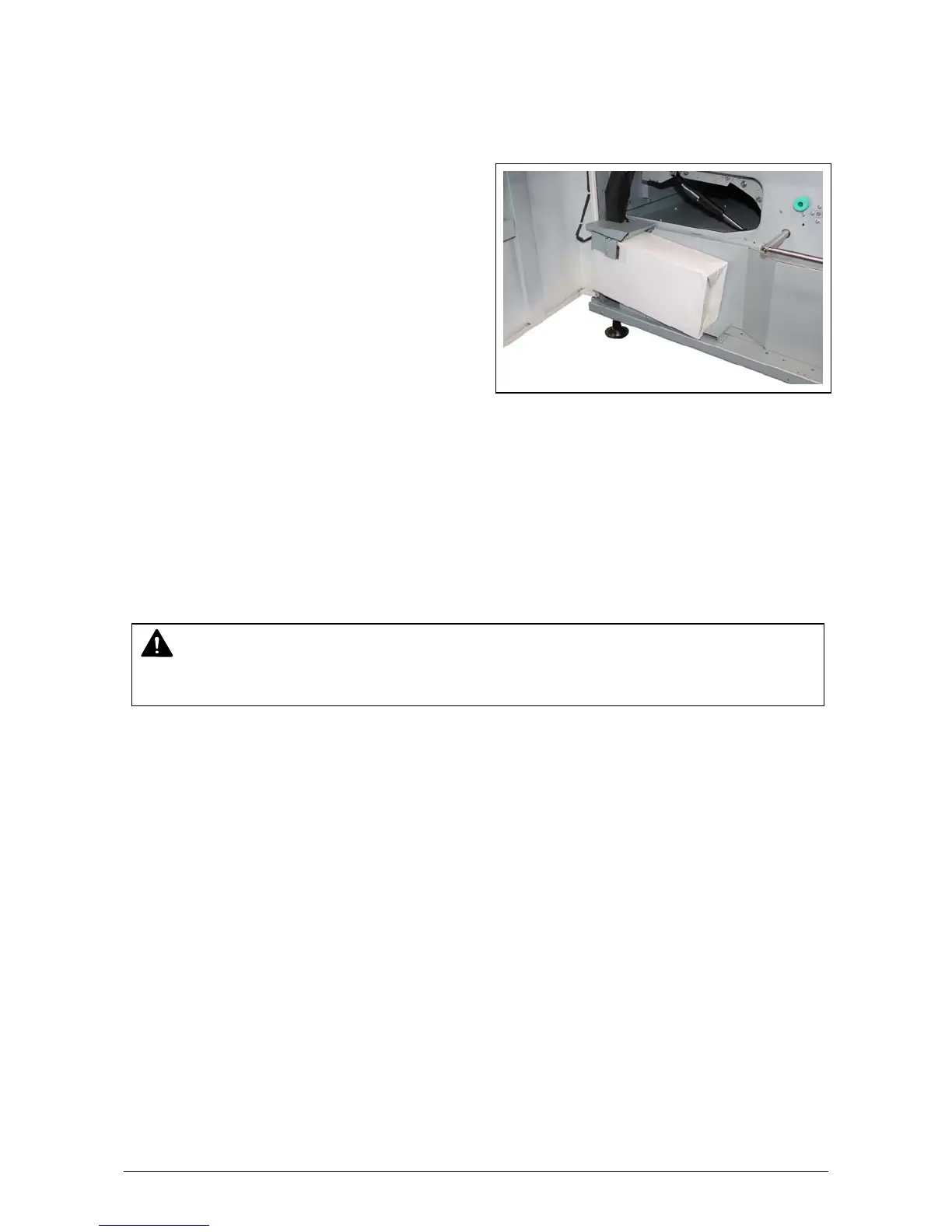
When the Waste Toner Box is full, the UI screen shows “Waste Cartridge full.”
The printer does not restart operation until the Waste Toner Box is properly replaced.
For replacement procedure, see [2.6 Replacing the Waste Toner Box].
3. 3. 4 Web Cleaner Empty
Web Cleaner is a component to clean Fuser Unit.
When the remaining Web Cleaner is low, the UI screen displays “Web Near End”. (The Printer is
still available)
“Out of Web” error will appear over a period of time, and the Printer becomes unavailable.
Please call your service representative to replace Web Cleaner early.
NOTE
Web Cleaner can be replaced by a well trained technician only.



 To Next Page