Chapter 3 Error Correction 3-12
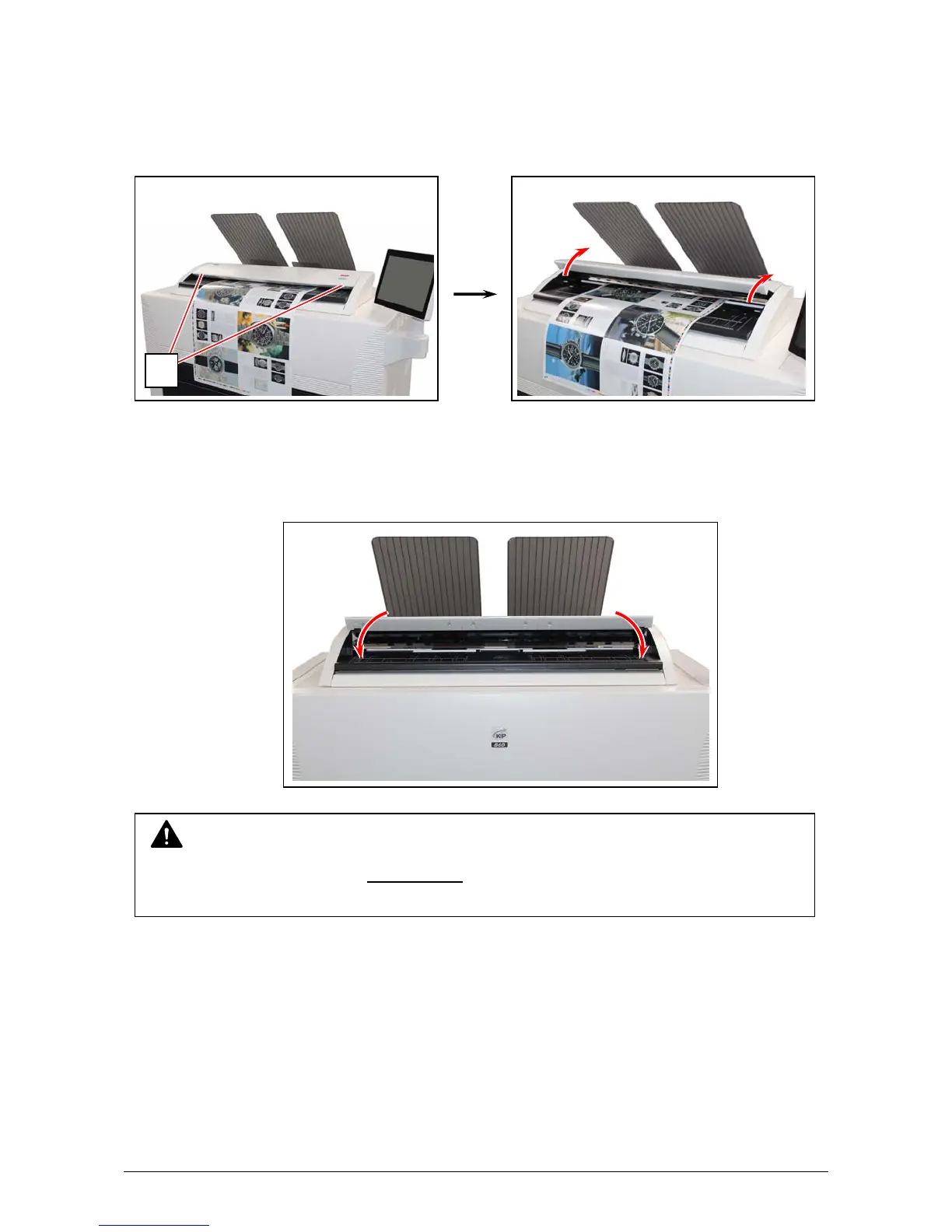
3. 1. 6 Original Jam (for KIP860)
If an original is mis-fed while scanning, the UI screen shows “Original Jam”.
Follow the instruction below to remove the mis-fed original.
1. Lift up both sides (1) of the Scanner Unit
2. Remove a mis-feed original.
3. Gently press the Scanner Unit down and
firmly close it.
NOTE
Press down the Scanner Unit on both sides to close it.
Do not close it by pressing only one side down.
1



 To Next Page