Chapter 2 Basic Operations 2-22
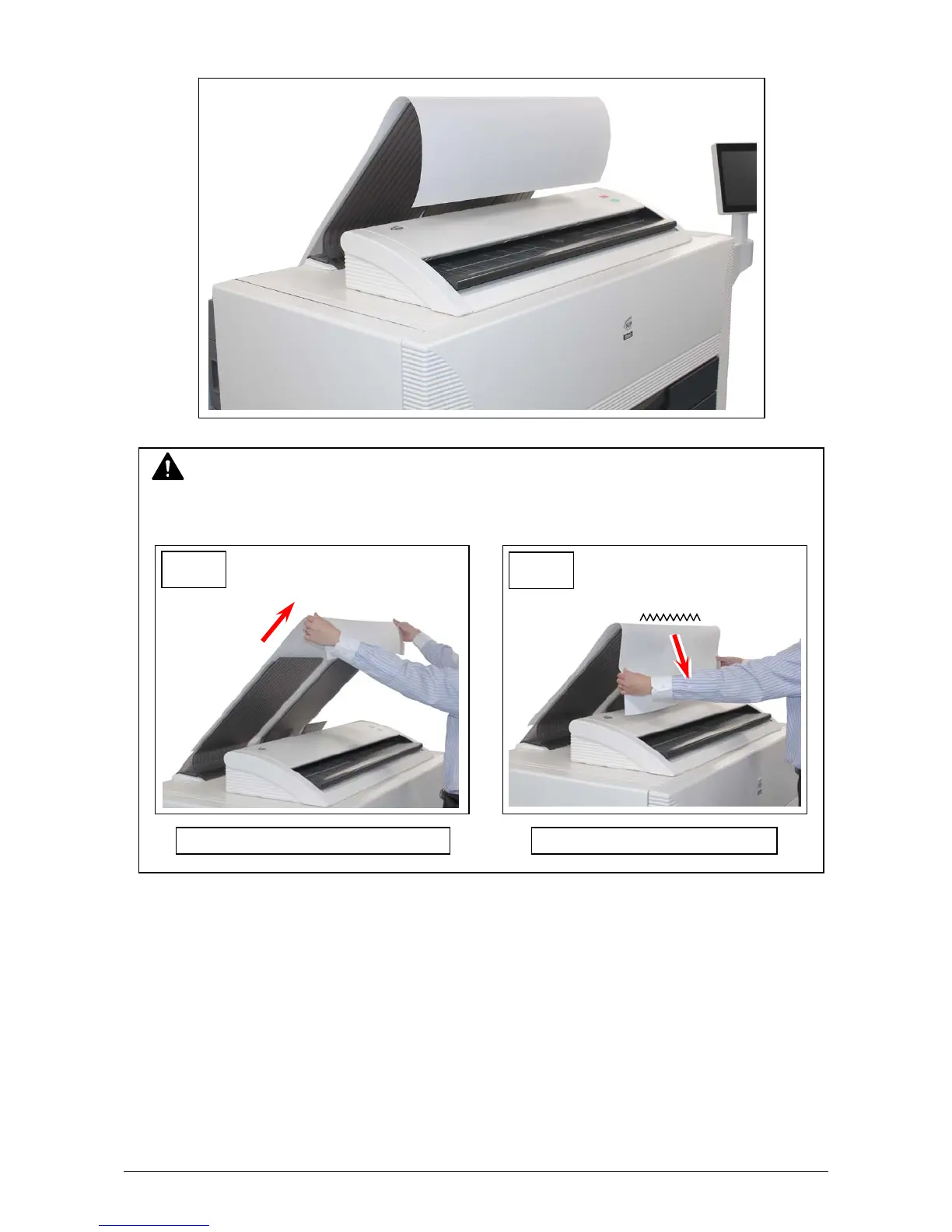
The KIP 800 Series has 2 print delivery system, the print tray / rear stacking equipment.
For the front stacking, the printer will inform you of “Upper Bin Full” on exceeding capacity of
stacking. If the UI screen shows “Upper Bin Full”, remove all the prints on the print tray.
For further information of switching front / back delivery, see KIP Multi-Touch User Guide.
NOTE
For the front stacking, gently lift up the prints on the print tray to the arrow direction to avoid
rubbing the print surface. A large number of prints should be removed in several sheets.
Correct: Gently lift up and remove Wrong: Do not pull downward
OK
NG



 To Next Page