Chapter 3 Error Correction 3-10
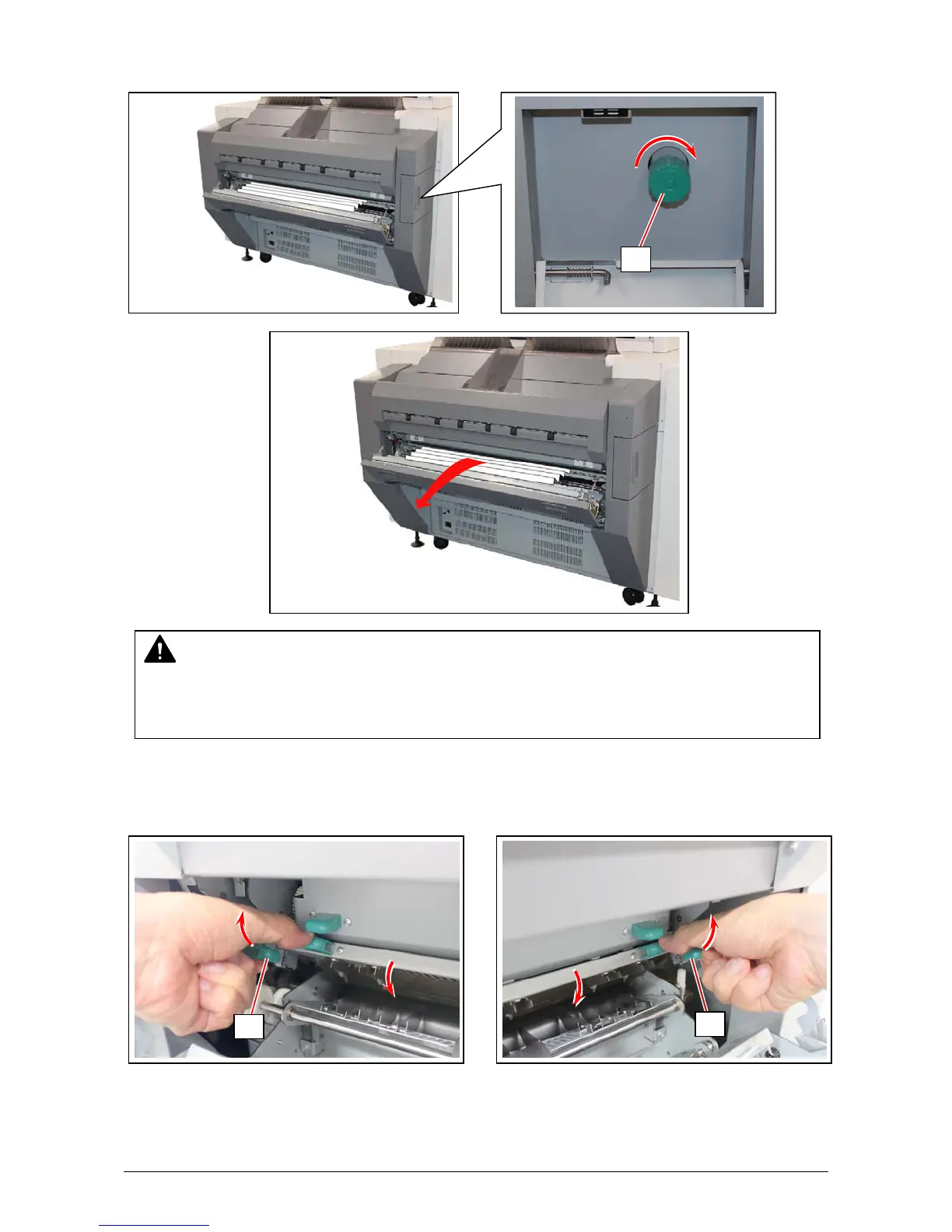
3. Rotate the Fuser Knob (6) to the arrow direction to feed the media to the exit direction, and then
remove it.
4. Pull up the knob (7) on the both sides to put back the Separation Finger Assy to the original
position.
WARNING
There are extremely hot parts inside the Fuser Unit. Do not touch any parts in the Fuser Unit,
or you will be burnt.
Also the mis-fed media can be very hot. Be careful not to get burnt when you remove it.
6
7
7



 To Next Page