EasyManua.ls Logo

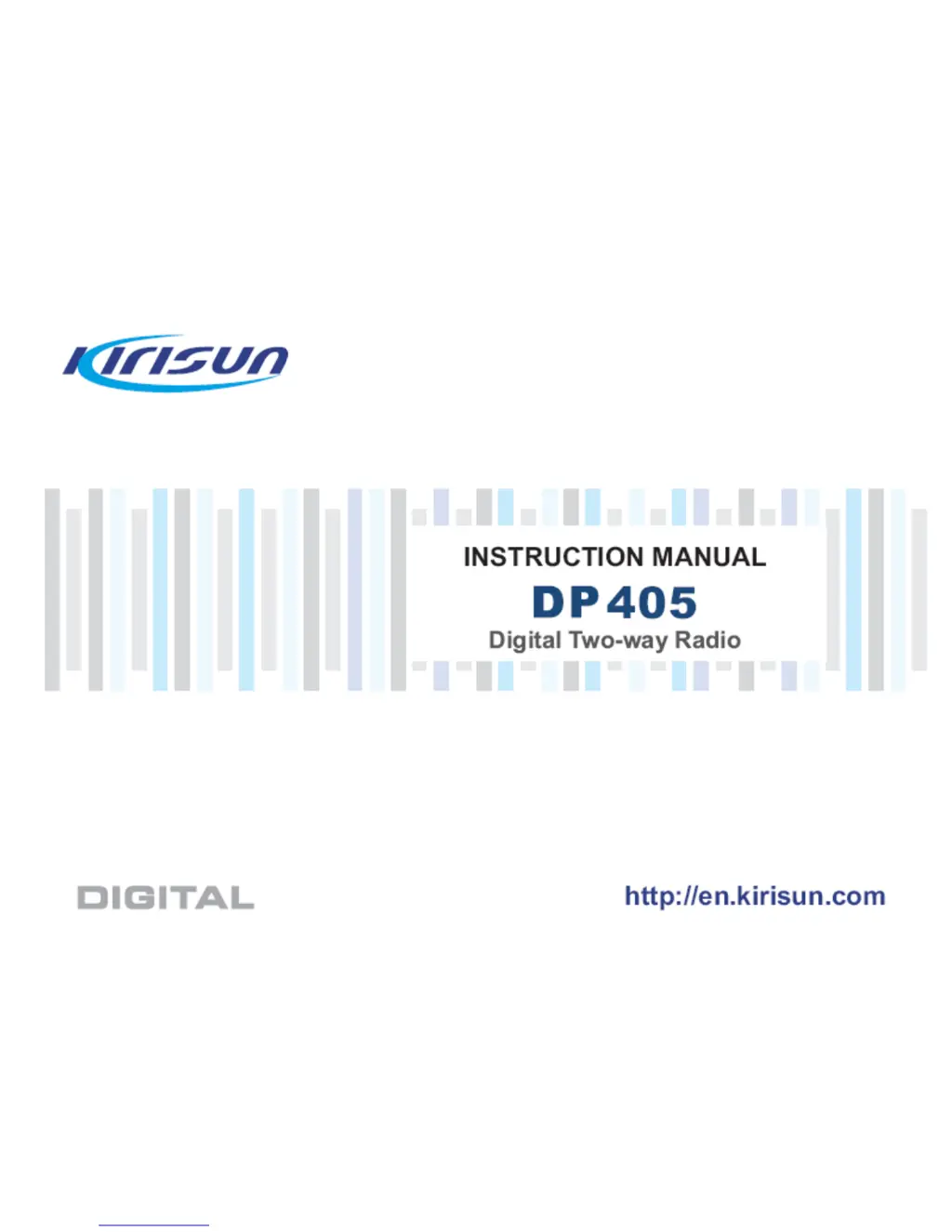
Kirisun DP405 - User Manual

Kirisun DP405
24 pages
Print Icon
To Next Page IconTo Next Page
Loading...
[键入公司名称]
使用说明书
[键入文档副标]
XT
[选取日期]

Other manuals for Kirisun DP405

Questions and Answers

  • M
    Megan SimmonsAug 14, 2025
    What to do if my Kirisun Radio cannot receive signals?
    • M
      mariarodriguezAug 14, 2025
      If your Kirisun Radio isn't receiving signals, check the antenna connection and ensure it's screwed in tightly. Also, the sensitivity might be too low, so fine-tune the tuning mode. Additionally, the squelch level might be too high; try setting a lower level via PC.
  • R
    robertsjasmineAug 17, 2025
    What to do if my Kirisun Radio has a green light but no voice?
    • I
      Isaiah WilliamsonAug 18, 2025
      If your Kirisun Radio shows a green light during receiving but you can't hear any voice, the speaker might not be working well, so consider replacing it. Alternatively, the audio amplifier U3 might be faulty and need replacement, or the PIN diode Q602 or Q603 could have failed, requiring replacement.
  • X
    xroseAug 21, 2025
    Why does communication fail on my Kirisun Radio?
    • K
      Kristin ClarkAug 21, 2025
      Communication can fail on your Kirisun Radio if the communicating parties are on different frequencies, so be sure to use the same frequency. Also, check that communicating parties use the same CTCSS/DCS signaling code, which can be set via PC. Finally, you might be out of communication range.
  • P
    Patricia SchroederAug 25, 2025
    What to do if my Kirisun Radio has a red light but receiver hears no voice?
    • P
      pagekristinaAug 25, 2025
      If the red light is on during transmitting on your Kirisun Radio, but the receiver hears no voice, the tube power amplifier might not be outputting any power, so replace it. Also, the mic might not be working well, so consider replacing it.
  • S
    Sarah SmithAug 27, 2025
    How to fix Kirisun Radio startup fails?
    • A
      amanda63Aug 27, 2025
      If your Kirisun Radio fails to start, first check the remaining battery capacity and charge or replace it if it's low. If the battery is not the issue, the power key might not be working correctly and may need replacement. Alternatively, the CPU might not be functioning well, requiring replacement.
  • C
    charlenemillerAug 30, 2025
    Why does my Kirisun Radio PLL lose lock?
    • L
      Larry MartinAug 30, 2025
      If your Kirisun Radio PLL loses lock and you hear a “di di” alert tone, the PLL crystal oscillator X500 might have failed and needs replacement. Alternatively, the RDA1846S might have failed and needs replacement as well.
  • N
    nwarrenSep 3, 2025
    Why is the voice so small during a call on my Kirisun DP405?
    • D
      Dr. Samantha BellSep 3, 2025
      If you're experiencing a small voice during a call on your Kirisun Two-Way Radio, it could be due to a couple of reasons. First, ensure you're speaking within 3-10cm of the microphone. Second, the volume might be set too low. Try turning the volume knob clockwise to increase it.
  • J
    John MartinezSep 6, 2025
    What to do if my Kirisun DP405 Two-Way Radio fails to transmit or receive?
    • R
      romerokimberlySep 6, 2025
      If your Kirisun Two-Way Radio fails to transmit or receive, there are a few potential causes. First, the channel parameters might be incorrect; try resetting them. Second, the group identity for the default contact could be wrong; ensure you select the correct group. Finally, you might be beyond the communication scope.
  • J
    Joel SmallSep 10, 2025
    How to fix a Kirisun DP405 Two-Way Radio that failed to power on?
    • L
      Lindsay SchultzSep 10, 2025
      If your Kirisun Two-Way Radio fails to power on, it could be due to the following reasons: * The battery may be completely drained. In this case, charge the battery or replace it with a new one. * There might be a fault with the volume switch. If this is the case, have it repaired at a specified service station.

Summary

RF Energy Exposure Information and Control

Unpacking and Checking

Battery Information

Battery Charging Procedure

Step-by-step instructions for charging the radio battery.

Programmable Keys

LED Indication

Explains the meaning of different LED states and colors.

Basic Operation

Powering the Radio On;Off

Steps to power the radio on and off using the power/volume knob.

Selecting the Channel

How to choose between different channels using the channel knob.

Adjusting Volume and Making Calls

How to control volume, initiate, receive, and reply to calls.

Features and Operation

Emergency Operation

How to send emergency alarms and configure alarm modes.

Troubleshooting

Common Problems and Solutions

Table of issues like failure to power on or transmit, with causes and solutions.

FCC Statement

Kirisun DP405 Specifications

General IconGeneral
BrandKirisun
ModelDP405
CategoryTwo-Way Radio
LanguageEnglish

Related product manuals