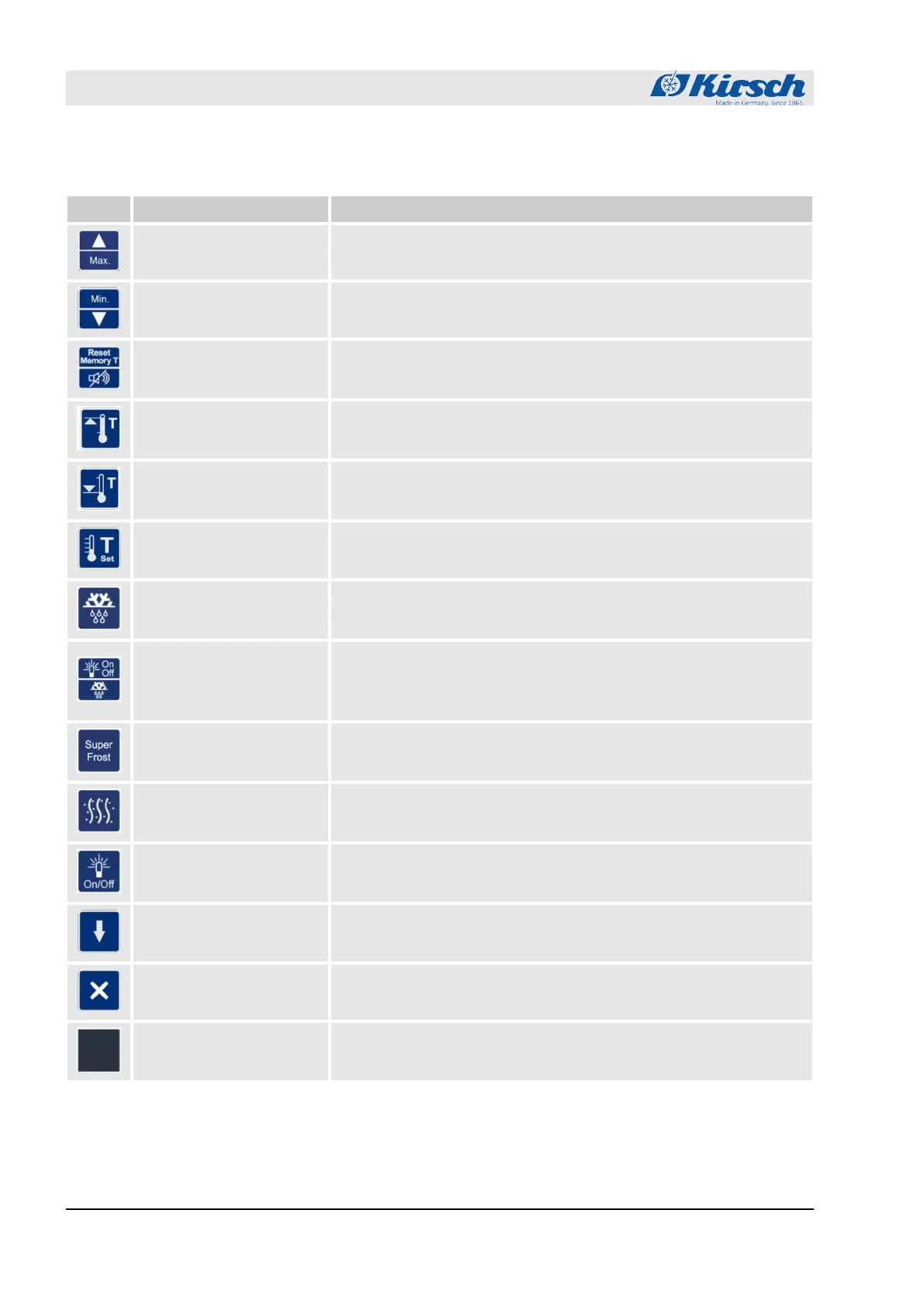
Tab. 2: Buttons
Button Description Function
[Max.] Display maximum value of temperature memory.
[Min.] Display minimum value of temperature memory.
[Reset]
Reset temperature memory.
Switch off buzzer.
[Temperature warning
max.]
Read upper temperature warning limit.
[Temperature warning
min.]
Read lower temperature warning limit.
[Target temperature] Read target temperature.
[Defrosting] Activate additional defrosting.
[Additional light / additional
defrosting]
Combination button:
Activate additional defrosting.
Switch interior lighting on/off permanently.
[SuperFrost] Activate SuperFrost function.
[Humidity] Adjust humidity.
[Light] Switch interior lighting on/off permanently.
[Start] Start data read-out via a PC-KIT-STICK.
[Cancel] Cancel data read-out via a PC-KIT-STICK.
[Unassigned button] Unassigned button without function.
Product description
Display and control elements > Function of buttons and displays
18.12.2018Refrigerator/freezer BL series12









 To Next Page