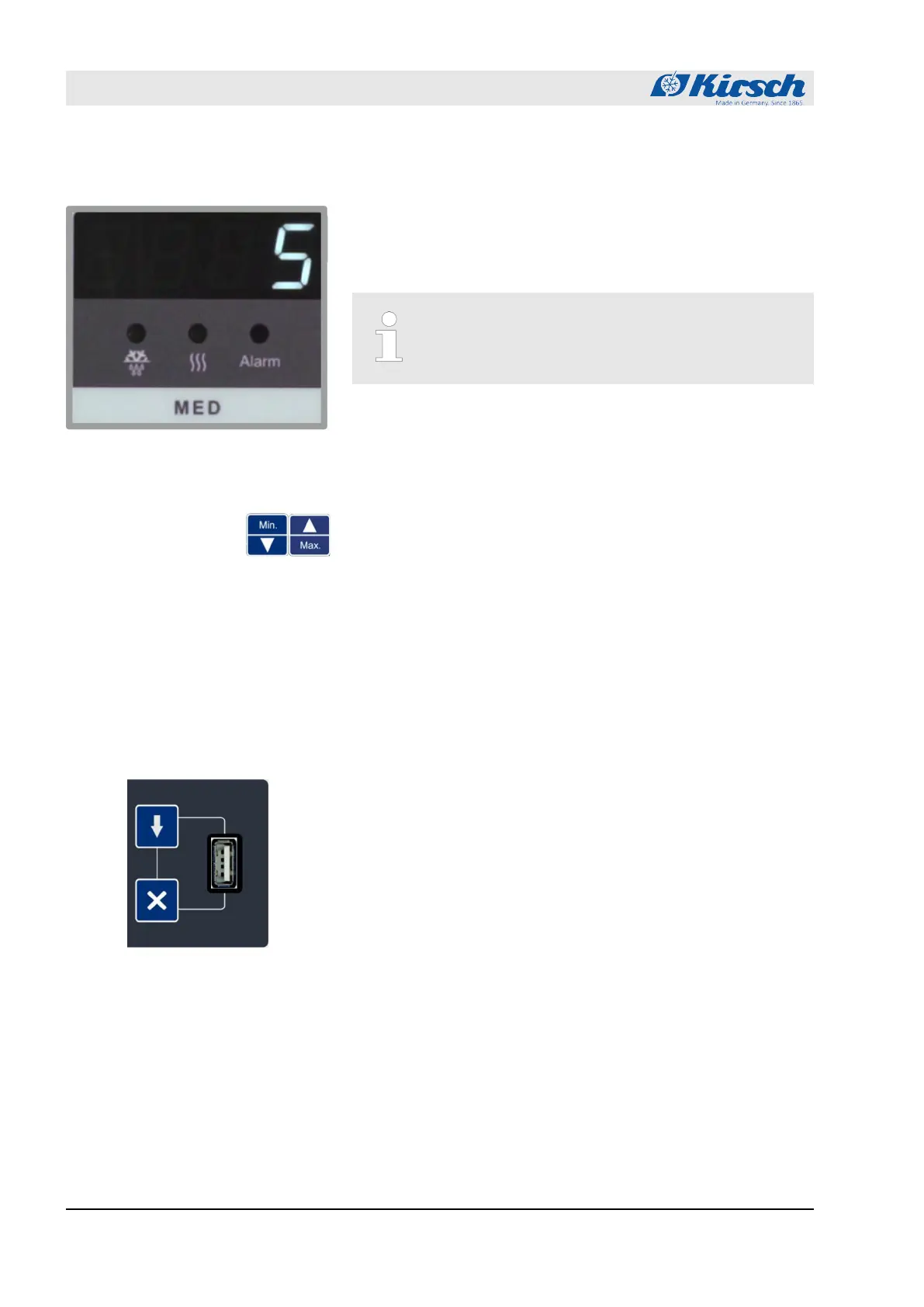
1.5.3 Temperature display
The temperature is shown on the Display of the unit’s display and
control unit
Ä
Chapter 1.2 “Display and control elements”
on page 11.
The Display indicates the temperature of the chilled goods.
The temperature display does not indicate the cur-
rent air temperature of the interior.
The alarm function and the temperature warning limits are based
on the temperature of the chilled goods as shown on the Display.
1.5.4 Temperature memory
The temperature memory records the maximum and minimum tem-
perature values reached during operation.
The temperature memory begins recording when the target tem-
perature is reached or, at the latest, after two hours of operation.
The temperature memory is reset automatically when the unit is
restarted or reset.
The temperature memory can be retrieved and erased manually
Ä
Chapter 7.3 “Retrieving/erasing the temperature memory”
on page 48.
1.5.5 Temperature monitoring with PC-KIT-STICK
The temperature memory of the unit documents the maximum and
minimum temperature values.
PC-KIT-STICK is the easiest method of automatic temperature
documentation.
The data transfer is performed via a USB flash drive. Even while
the data are read out, the temperatures is constantly documented.
An unlimited number of units can be incorporated
Ä
“Interfaces”
on page 14.
For constant temperature monitoring, the unit can be equipped with
temperature documentation via the network
Ä
Chapter 1.7.1 “Tem-
perature documentation” on page 18.
Fig. 7: Display
Product description
Unit functions > Temperature monitoring with PC-KIT-STICK
18.12.2018Refrigerator/freezer BL series16









 To Next Page