7.4 Setting up PC-KIT-NET (optional)
Tab. 7: Factory settings TCP/IP
IP address of unit 192.168.0.101
Subnet mask 255.255.255.0
IP address of standard gateway 192.168.0.200
If you want to commission more than one unit, the
following applies:
Always connect one unit after the other to the net-
work and complete the network connection on the
PC.
The IP address of the unit and the IP address of
the standard gateway must be configured in the
same address field:
IP address of unit (example) 180.160.15.1
IP address of standard gateway
(example)
180.160.15.2
For temperature monitoring via the network, the
KIRSCH-DATANET software (version 5.0 or
higher) must be installed (complete assembly and
connection manual is supplied with PC-KIT-NET).
Every unit needs its own IP address that is not yet
in use in your local network.
At the factory, the IP address is set to:
192.168.0.101
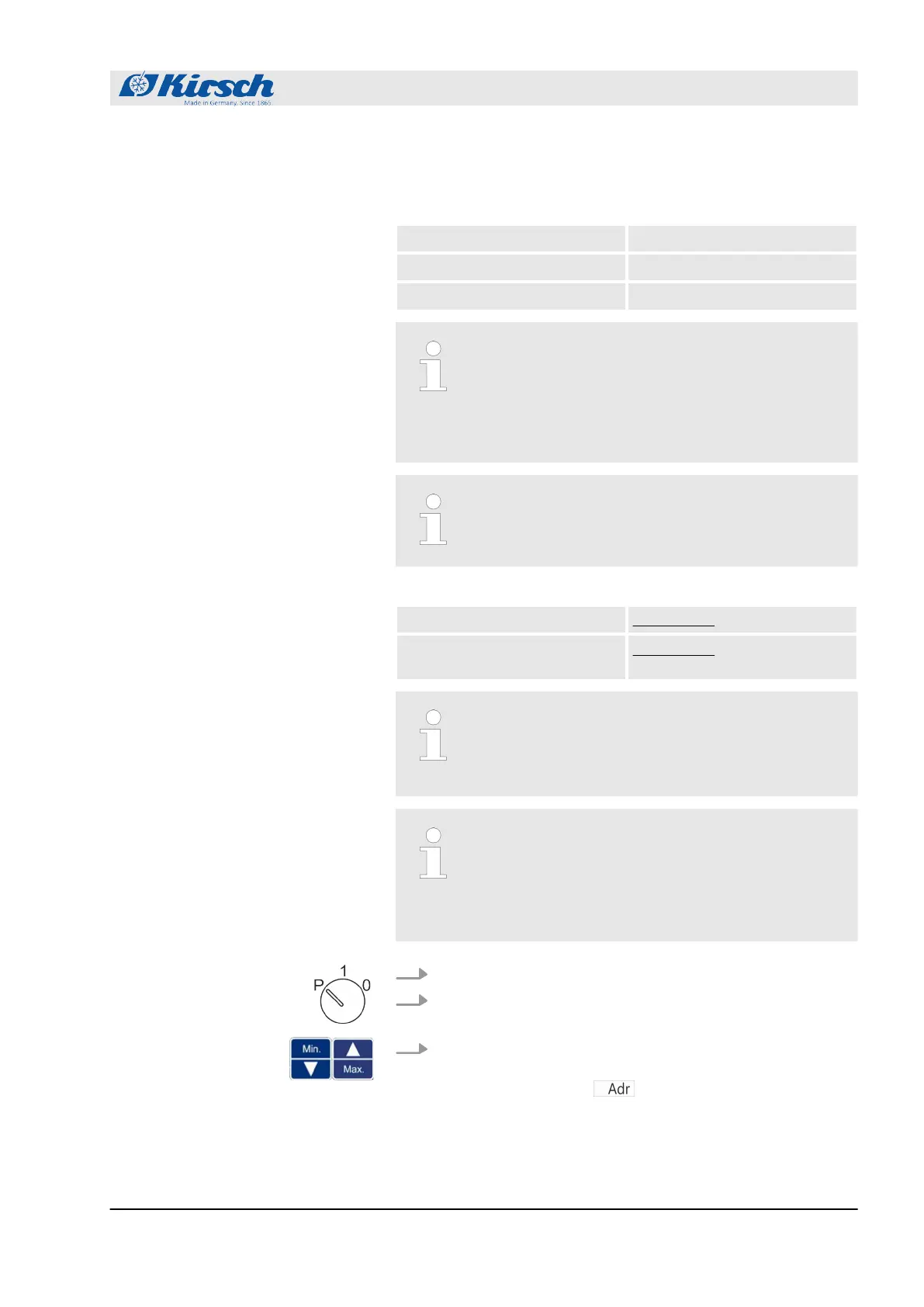
1. Insert unit key in key switch.
2. Set unit key to “P”.
3. Press and hold [Max.] and [Min.] simultaneously for four sec-
onds.
ð
The display shows
.
Setting up the IP address on the
unit
Operation
Setting up PC-KIT-NET (optional)
18.12.2018 Refrigerator/freezer BL series 49









 To Next Page