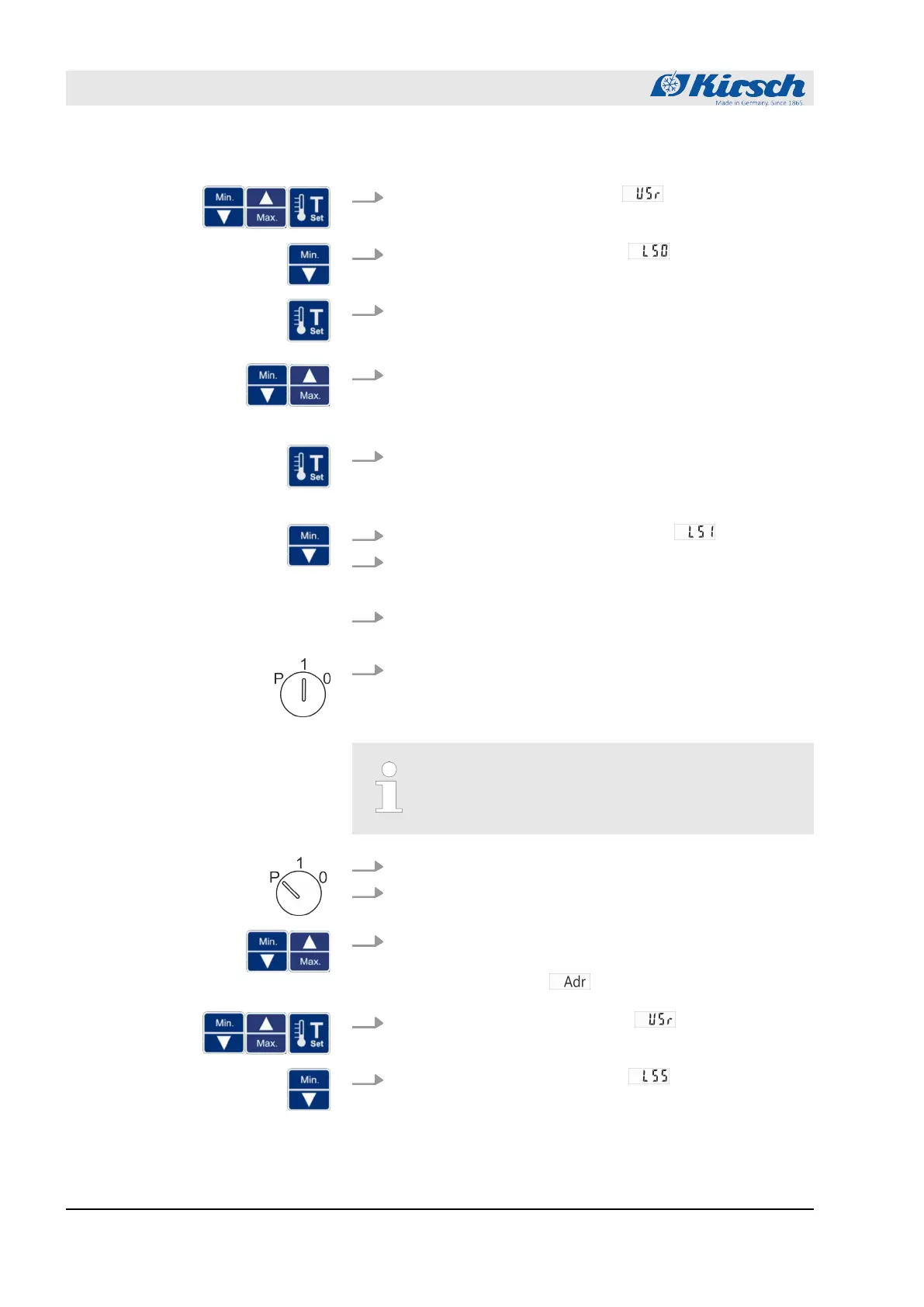
4.
Use [Max.] or [Min.] to go to level
and confirm with Set.
5.
Use [Min.] to select the parameter
.
6. Press and hold [Target temperature].
ð
The first three digits of the IP address are displayed.
7. Use [Max.] and [Min.] to set the selected digits of the required
IP address.
ð
The number changes on the display in steps of one.
8. Release [Target temperature].
ð
The first three digits of the IP address have been
entered.
9.
Press [Min.] to select the next parameter
.
10. Press and hold [Target temperature].
ð
The next digits of the IP address are displayed.
11. At levels L52 and L53 repeat steps 6 to 10 until the IP
address of the unit has been entered completely.
12. Set key switch to “1” to complete your input.
ð
The IP address of the unit has been set up.
At the factory, the subnet mask is: 255.255.255.0
1. Insert unit key in key switch.
2. Set unit key to “P”.
3. Press and hold [Max.] and [Min.] simultaneously for four sec-
onds.
ð
The display shows
.
4.
Use [Max.] and [Min.] to go to level
and confirm with
Set.
5.
Use [Min.] to select the parameter
.
Setting up the subnet mask on the
unit
Operation
Setting up PC-KIT-NET (optional)
18.12.2018Refrigerator/freezer BL series50









 To Next Page