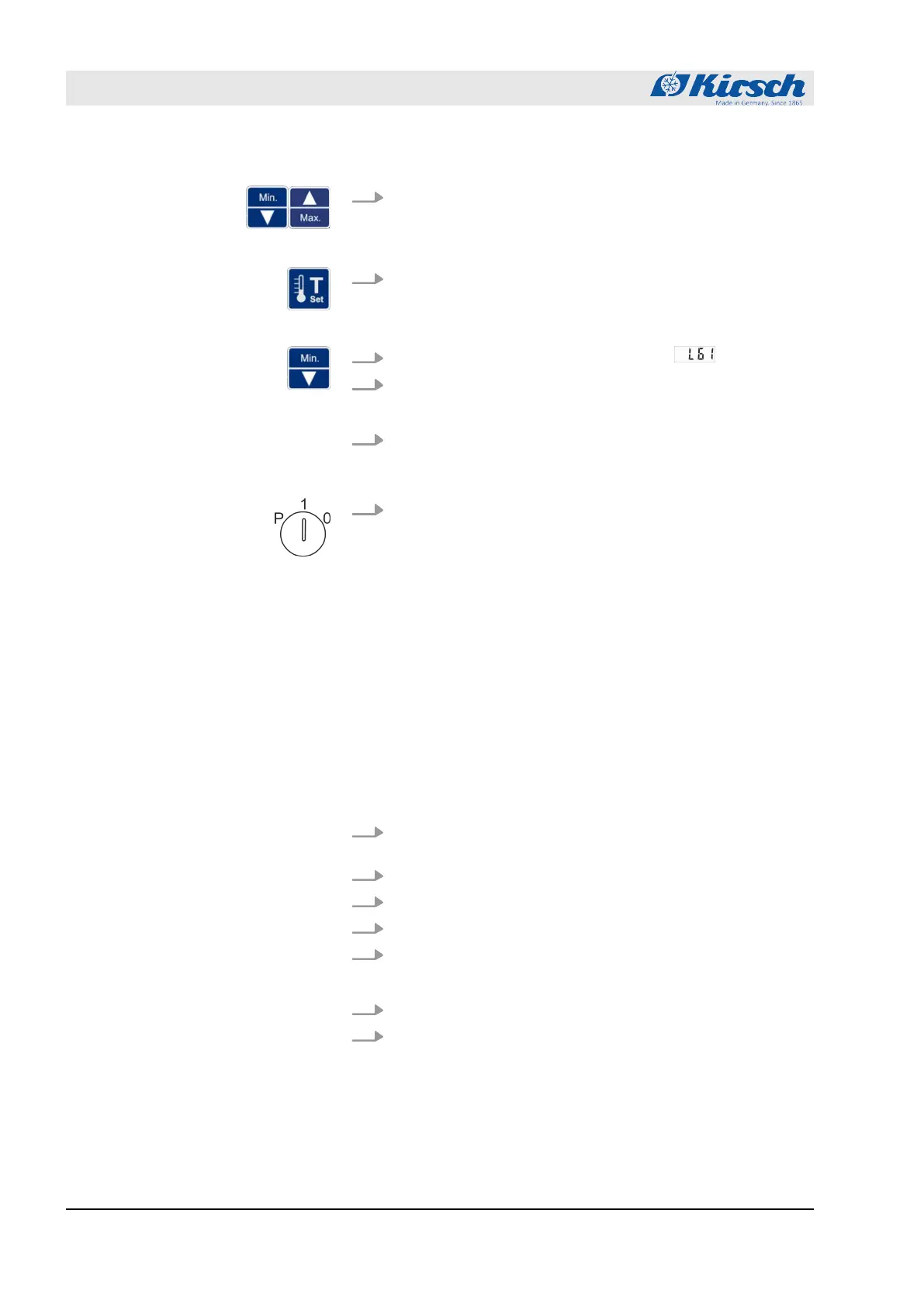
7. Use [Max.] and [Min.] to set the selected digits of the required
IP address.
ð
The number changes on the display in steps of one.
8. Release [Target temperature].
ð
The first three digits of the IP address have been
entered.
9.
Press [Min.] to select the next parameter .
10. Press and hold [Target temperature].
ð
The next digits of the IP address are displayed.
11. At levels L62 and L63 repeat steps 6 to 10 until the IP
address of the standard gateway has been entered com-
pletely.
12. Set key switch to “1” to complete your input.
ð
The IP address of the standard gateway has been set up.
Personnel:
n
System/network administrator (recom-
mended)
Materials:
n
Network cable (EIA/TIA-568 standard),
(included in the scope of delivery of PC-
KIT-NET)
Requirements:
n The TCP/IP module has been installed (
Ä
Chapter 1.7 “Addi-
tional unit components” on page 17 and
“Assembly and con-
nection manual – PC-KIT-STICK/PC-KIT-NET”).
n The KIRSCH-DATANET software (version 5.0 or higher) has
been installed on the local PC or local network.
1.
Switch off the unit
Ä
Chapter 7.2 “Switching off the unit”
on page 47.
2. Unplug the power plug.
3. Remove the dust cover from TCP/IP output.
4. Insert the network cable in the TCP/IP output.
5. Connect the network cable to the network socket.
ð
The unit has been connected to the network.
6. Insert the power plug in the socket.
7.
Switch on the unit
Ä
Chapter 7.1 “Switching on the unit”
on page 47.
Connecting the unit to the local
network
Operation
Setting up PC-KIT-NET (optional)
18.12.2018Refrigerator/freezer BL series52









 To Next Page