4-6
REMOVING THE AC TERMINAL BLOCK
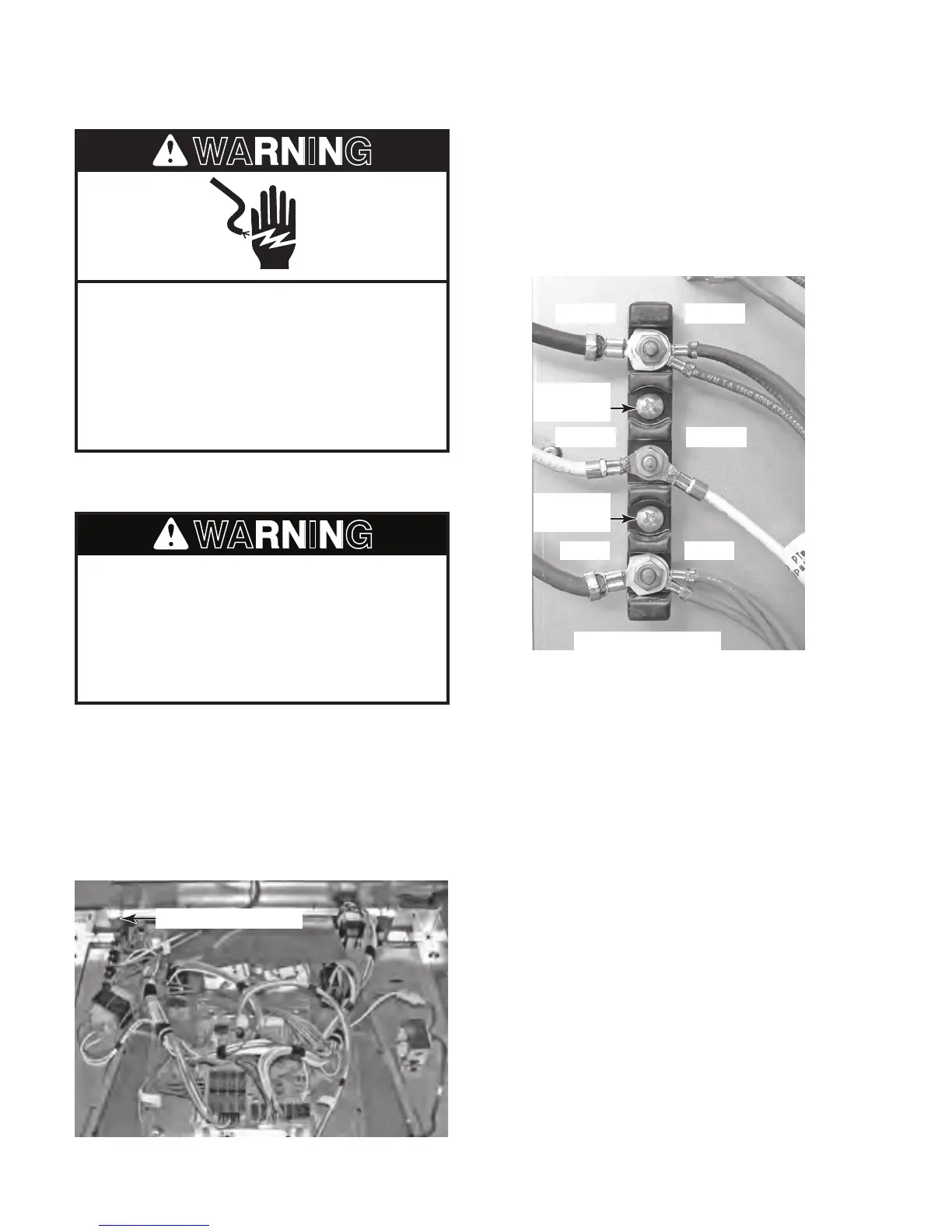
Electrical Shock Hazard
Disconnect power before servicing.
Replace all parts and panels before
operating.
Failure to do so can result in death or
electrical shock.
1. Unplug oven or disconnect power.
AC Terminal Block
AC Terminal Block
RED
WHITE
BLACK
AC PRIMARY WIRING
AC SECONDARY WIRING
BLACK
WHITE
RED
Mounting
Screw
Mounting
Screw
4. Remove the nuts from the black, white,
and red wires and remove the wires from
the terminal block studs.
5. Remove the two mounting screws from the
terminal block and remove it from the side
cover.
2. Remove the oven from its mounting location
(see “Installation Information” in Section 2)
and pull it forward so that you can access
the top cover.
3. Remove the top cover from the oven (see
page 4-3 for the procedure).
Excessive Weight Hazard
Use two or more people to move and
install oven.
Failure to do so can result in back or
other injury.



 To Next Page