EasyManua.ls Logo

KitchenAid KEBK171SSS - User Manual

KitchenAid KEBK171SSS
66 pages
Print Icon
To Next Page IconTo Next Page
Loading...
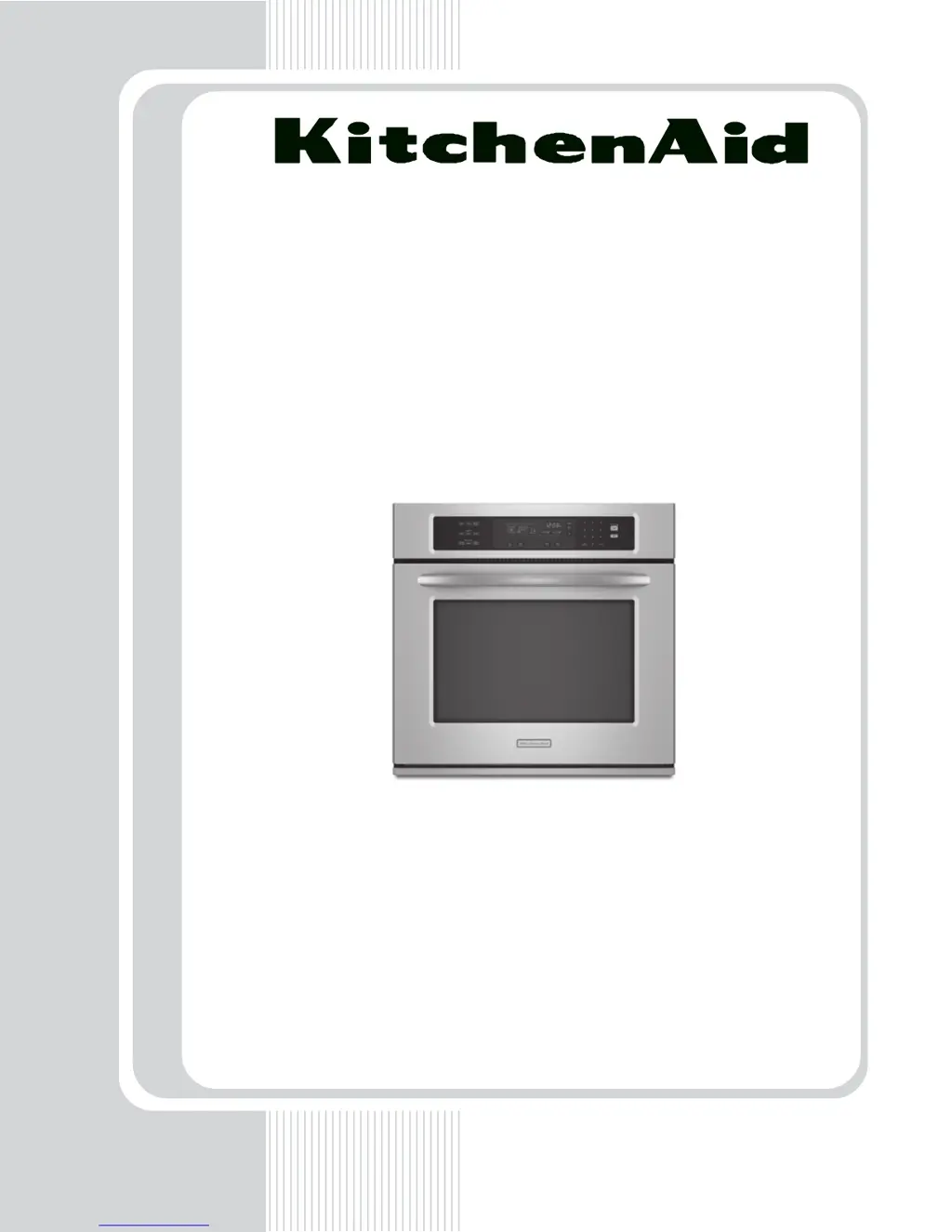
TECHNICAL EDUCATION
JOB AID 4317418
KAC-50
27˝ & 30˝ ELECTRIC
BUILT-IN
SINGLE OVEN
MODELS: KEBK171S*, KEBK101S*
KEBS177S*, KEBS107S*

Table of Contents

Questions and Answers

  • J
    Jason BartlettAug 8, 2025
    How to enter Diagnostics mode on KitchenAid Oven?
    • J
      joshua55Aug 8, 2025
      To enter Diagnostics mode on a KitchenAid oven, press the OFF key, then press the OFF key again, followed by the START key. If the control does not enter Diagnostics, repeat these steps.
  • C
    Christine NicholsAug 12, 2025
    What to do if the KitchenAid KEBK171SSS Oven sensor is shorted or open (E0 E3 error)?
    • S
      Scott MitchellAug 12, 2025
      If you're encountering an E0 E3 error, indicating that the main oven sensor is shorted or open, check the wiring between the appliance manager and electrical elements. Make sure all wiring and connections are intact and properly seated.
  • J
    Jonathan PottsAug 16, 2025
    Why is my KitchenAid KEBK171SSS overheating (E1 E2 error)?
    • F
      Frank ShortAug 16, 2025
      If your KitchenAid oven displays an E1 E2 error, indicating it's overheating, turn the oven on and inspect all elements, including the convection ring, bake, and broil elements. If any element doesn't cycle on and off, check the integrity of the wiring connections.
  • J
    James WalkerAug 20, 2025
    What to do if the KitchenAid Oven door and latch switch do not agree?
    • L
      Laura YoungAug 21, 2025
      If the door and latch switch don't agree, open the oven door and check if the second digit on the clock display toggles. If it doesn't, check and potentially replace the door switch or the door latch motor assembly.
  • T
    tfieldsAug 25, 2025
    How to fix a KitchenAid KEBK171SSS keypad with E0 E1 error?
    • D
      davismariaAug 26, 2025
      To fix a KitchenAid oven keypad displaying an E0 E1 error, indicating a disconnected or shorted key, unplug the oven or disconnect power. Check the keypad connector for a firm connection. If the connection is secure, consider replacing the keypad. Remember to replace all parts and panels before operating.
  • J
    Jerry CruzAug 29, 2025
    What does E4 error mean on a KitchenAid KEBK171SSS?
    • C
      Cynthia CameronAug 29, 2025
      The E4 error code on your KitchenAid oven indicates a user interface/appliance manager mismatch. To resolve this, unplug the oven or disconnect power. Then, replace the appliance manager, ensuring all connections are properly seated.
  • J
    Joseph ChaseSep 2, 2025
    What to do if KitchenAid Oven shows E5 error?
    • T
      Tiffany SanchezSep 2, 2025
      If your KitchenAid oven displays an E5 error, the control should immediately power up in cavity size select mode. Use key #6 and key #3 to locate and accept the corresponding cavity size.

KitchenAid KEBK171SSS Specifications

General IconGeneral
BrandKitchenAid
ModelKEBK171SSS
Oven Capacity4.3 cu. ft.
ConvectionYes
Even-Heat True ConvectionYes
Self-CleaningYes
Control TypeElectronic Touch
Precision Cooking SystemYes
Interior LightYes
ColorStainless Steel
Stainless Steel FinishYes
Voltage240 V
Wattage3600 W
Product TypeOven
Oven TypeElectric
Oven Cooking ModesBake, Broil
Width29.875 inches

Related product manuals